

Sage 50 Cloud Hosting | Secure & Fast Hosting - QBClouds

Sage 50 Cloud Hosting – Secure, Fast & Reliable Cloud Access

Sage 50 Cloud Hosting from QBClouds lets you securely access your Sage 50 desktop software from anywhere. Work with your team, manage accounting files, and enjoy reliable cloud performance without maintaining office servers.

sage 50 cloud hosting
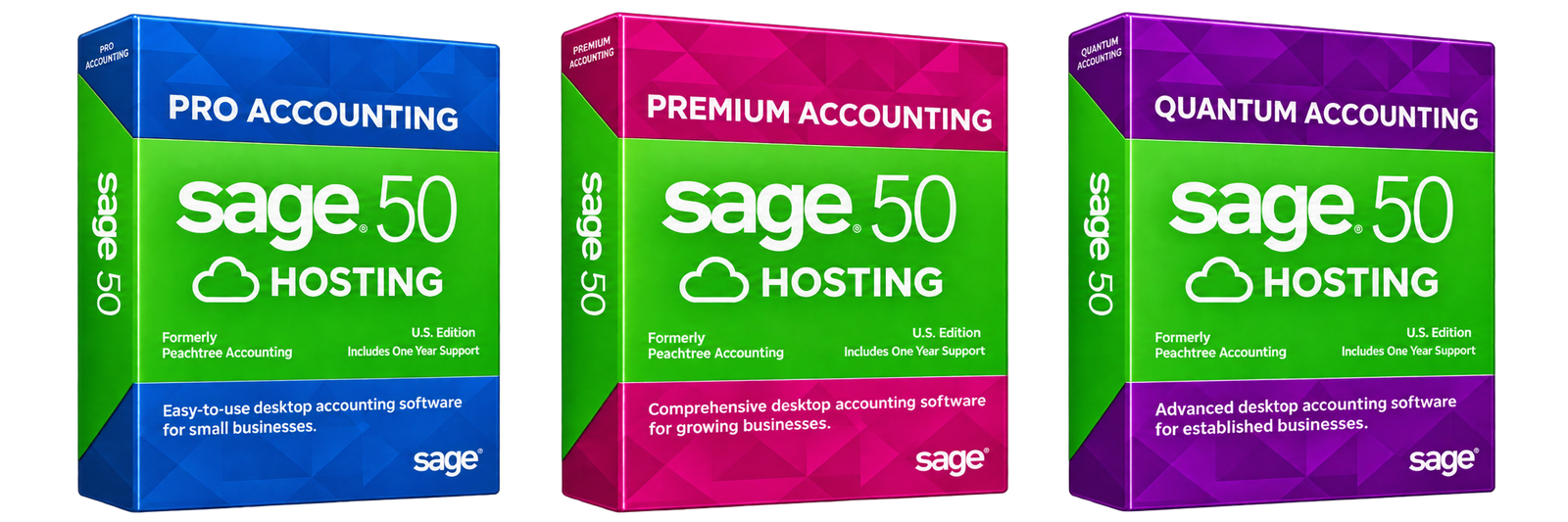
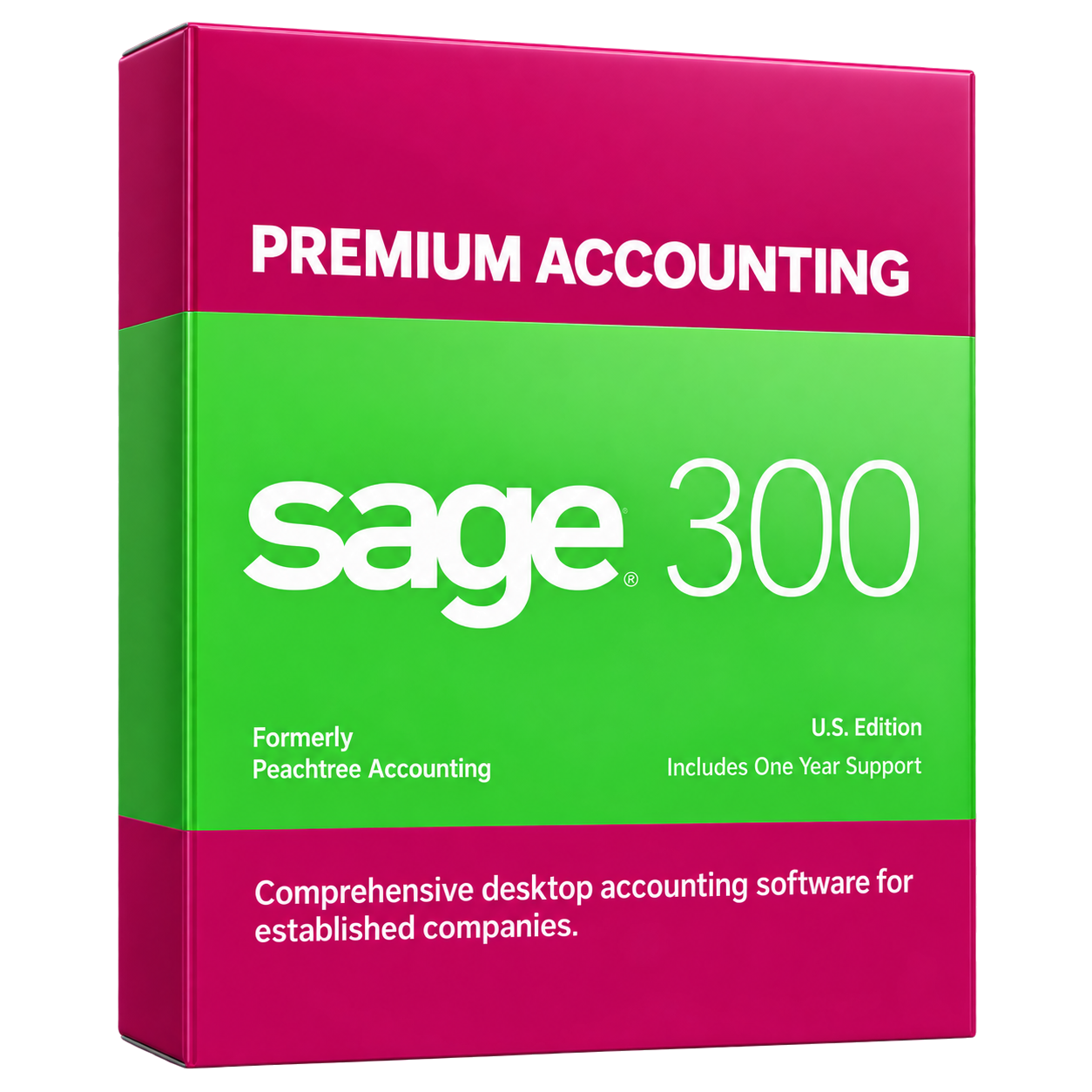
Sage 300 Premium Accounting
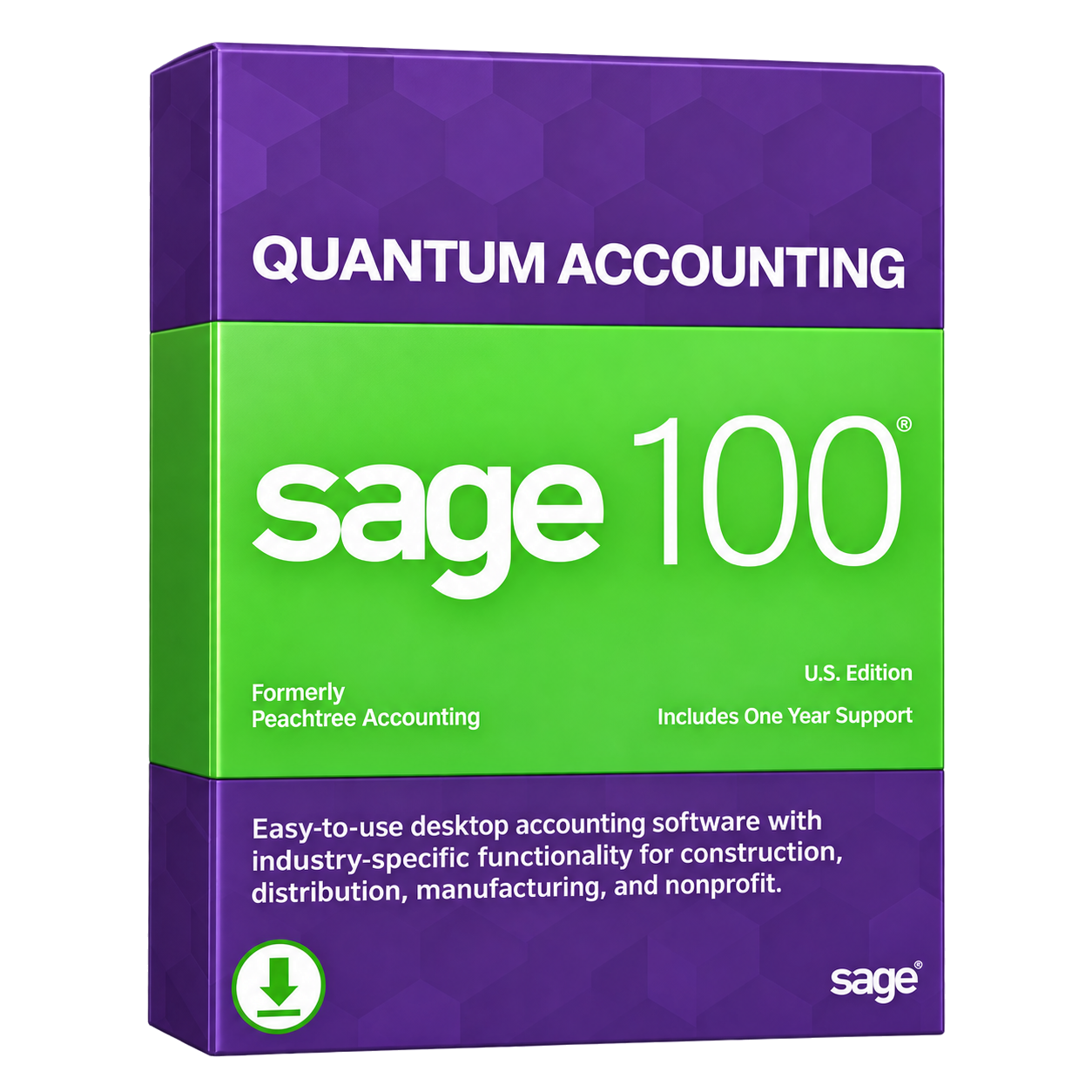
Sage 100 Quantum Accounting
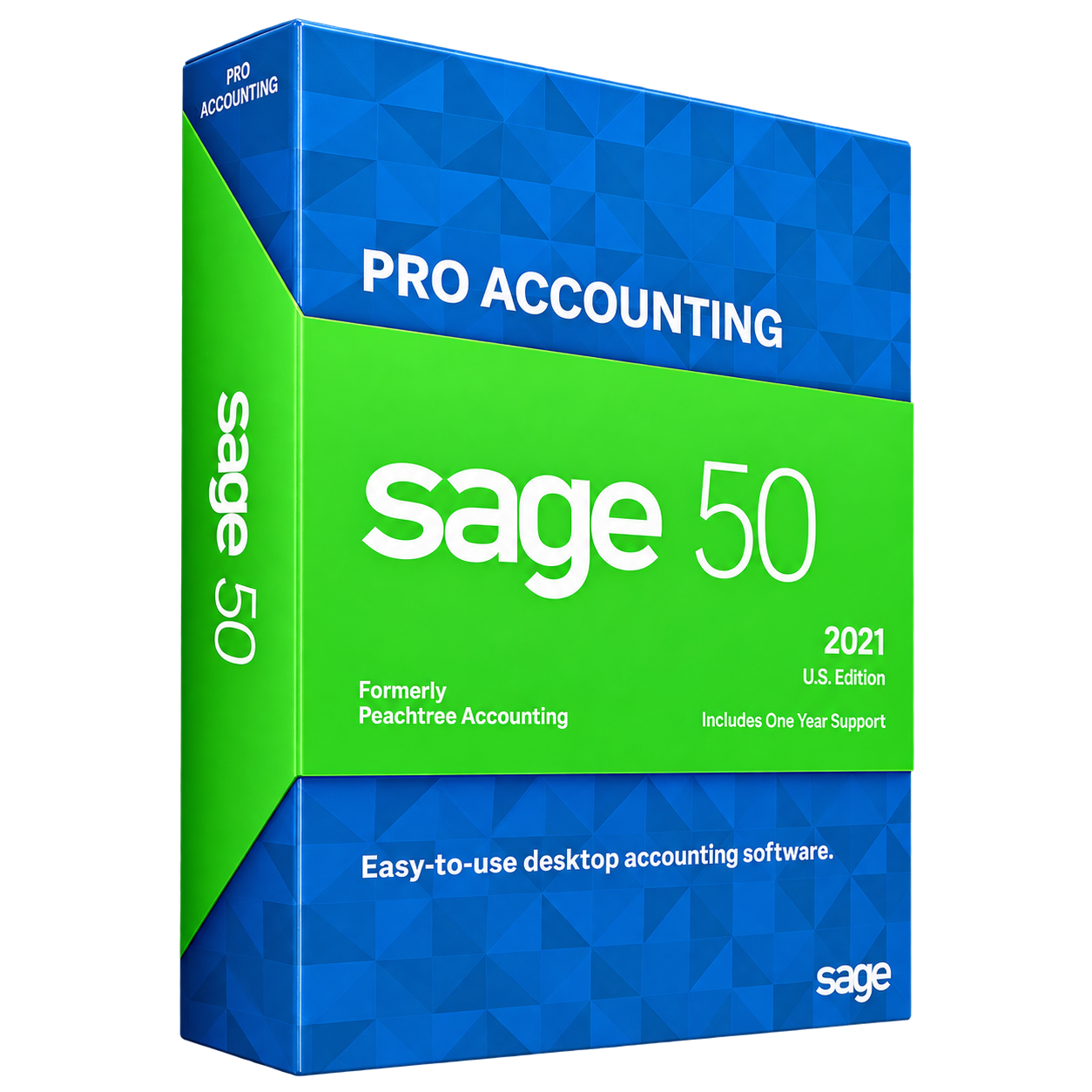
Sage 50 Pro Accounting
  • 99.99% Uptime
  • NVMe Storage
  • Free Migration
  • 24/7 Support
  • 7-Day Free Trial
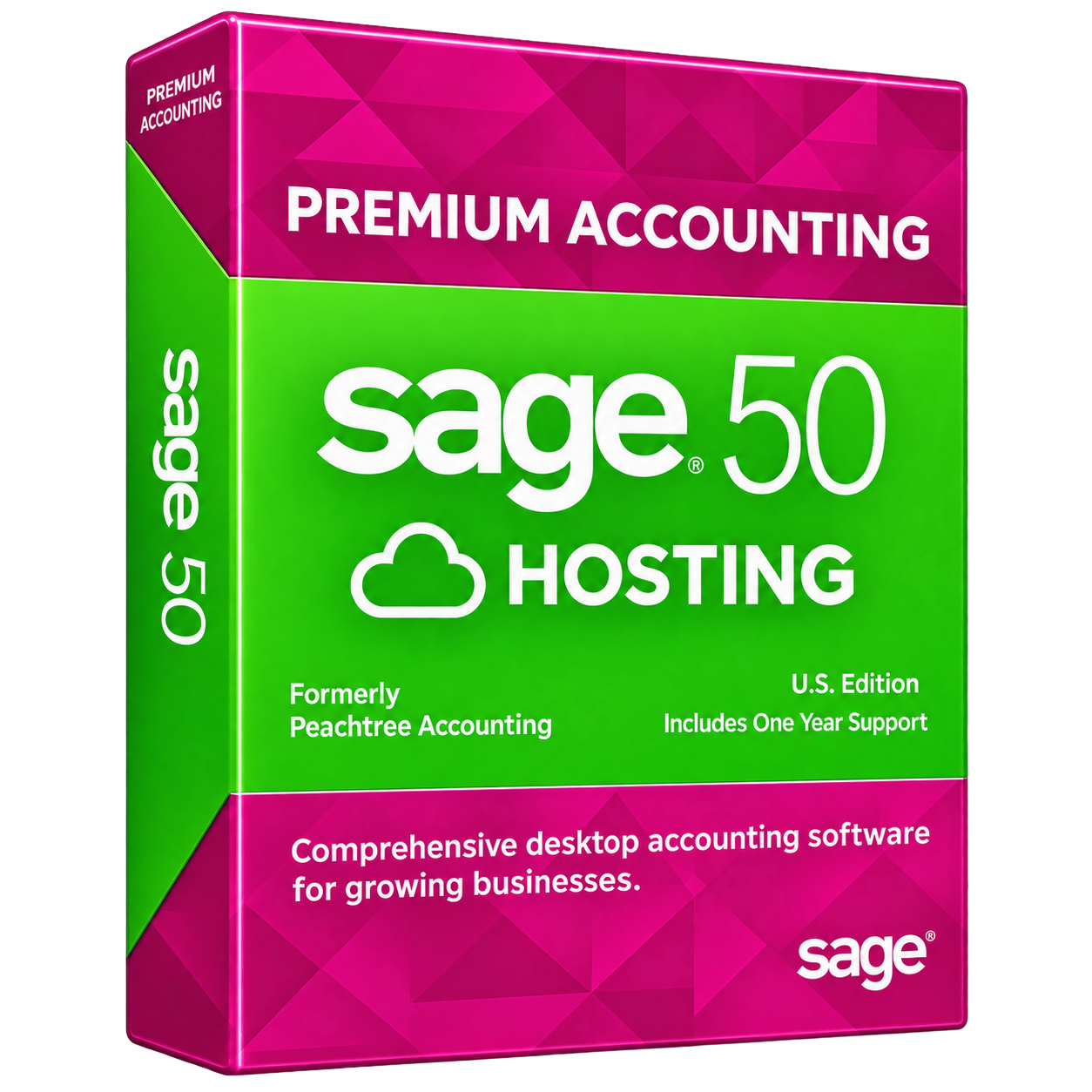
Existing Sage hosting overview artwork

What Is Sage 50 Cloud Hosting?

Sage 50 Cloud Hosting allows businesses to run their Sage 50 desktop accounting software on a secure cloud server instead of a local computer. Your application and company files are stored in a hosted environment, making them accessible from anywhere with an internet connection.

Unlike local installations that depend on office hardware, cloud hosting provides secure remote access without changing your familiar Sage 50 interface or accounting workflows. You can continue managing invoices, financial reports, inventory, and other accounting tasks while collaborating with authorized team members.

With QBClouds, businesses can reduce server maintenance responsibilities while keeping their accounting data protected. Our Sage Hosting solutions also support businesses looking for flexible cloud access to other Sage applications.

What Is Sage 50 Cloud Hosting?

Sage 50 Cloud Hosting lets businesses run their Sage 50 desktop application and company files on a secure cloud server instead of a local computer. Authorized users can access their accounting data remotely while continuing familiar tasks like invoicing, inventory management, and financial reporting.

With QBClouds, your team can work from different locations without depending on office hardware. Businesses using other Sage applications can also explore our Sage Hosting solutions.

How Is Hosted Sage 50 Different from Local Software?

Traditional Sage 50 installations depend on local computers or office servers for storage, maintenance, and access. Hosted Sage 50 runs on managed cloud infrastructure, reducing hardware responsibilities while providing secure remote access to your existing accounting environment.

How Does Sage 50 Cloud Hosting Work?

With QBClouds, Sage 50 runs on a secure cloud server instead of your office computer. Simply sign in through a remote connection to access your Sage 50 application and company files.

Secure Remote Desktop Access

Connect from a Windows PC, Mac, or supported mobile device using an internet connection. The remote desktop provides access to your familiar Sage 50 interface, although the experience may differ from a native mobile app.

Centralized Accounting Data and Multi-User Access

Your accounting files remain in one central location, allowing authorized team members to access shared data. Multiple users can collaborate based on their Sage 50 edition, licensing limits, and permissions, while following the software's file-locking rules.

Key Benefits of Sage 50 Cloud Hosting for Your Business

Sage 50 Cloud Hosting helps businesses improve accessibility, collaboration, and accounting efficiency while reducing dependence on local IT infrastructure.

Woman using a laptop for cloud-hosted Sage applications
Security
Backup
Technical
Support
Migration
Support

Access Sage 50 Anytime, Anywhere

Work from home, the office, or while traveling without being tied to one computer. Hosted Sage 50 lets you securely access financial records, invoices, and reports from different locations using an internet connection, helping your team stay productive wherever business takes them.

Improve Multi-User Collaboration

Allow accountants, bookkeepers, and business owners to work in a shared cloud environment. Authorized users can access company files, review financial information, and coordinate accounting tasks without manually transferring files. Multi-user access depends on your Sage 50 edition, licensing, and permissions.

Reduce IT Costs and Server Maintenance

Sage 50 hosting reduces the need for expensive office servers, frequent hardware upgrades, and ongoing infrastructure maintenance. QBClouds manages the underlying cloud infrastructure, helping your business reduce IT responsibilities and control operational expenses based on your hosting requirements.

Improve Performance with Cloud Infrastructure

Run Sage 50 on high-performance cloud servers equipped with fast NVMe storage and configurable resources. This setup supports responsive application access, larger company files, and multiple users. Actual performance depends on server resources, file size, software configuration, and internet connectivity.

Scale Resources as Your Business Grows

As your business expands, easily upgrade cloud storage, memory, processing power, and hosting user capacity without replacing physical hardware. QBClouds offers flexible resources to support changing accounting workloads while keeping Sage 50 user access within your software licensing limits.

Sage 50 Editions Supported by QBClouds

QBClouds supports Sage 50 Pro, Premium, and Quantum desktop editions, helping businesses choose a cloud hosting environment that matches their accounting needs.

Existing Sage application artwork
Existing Sage 50 application artwork

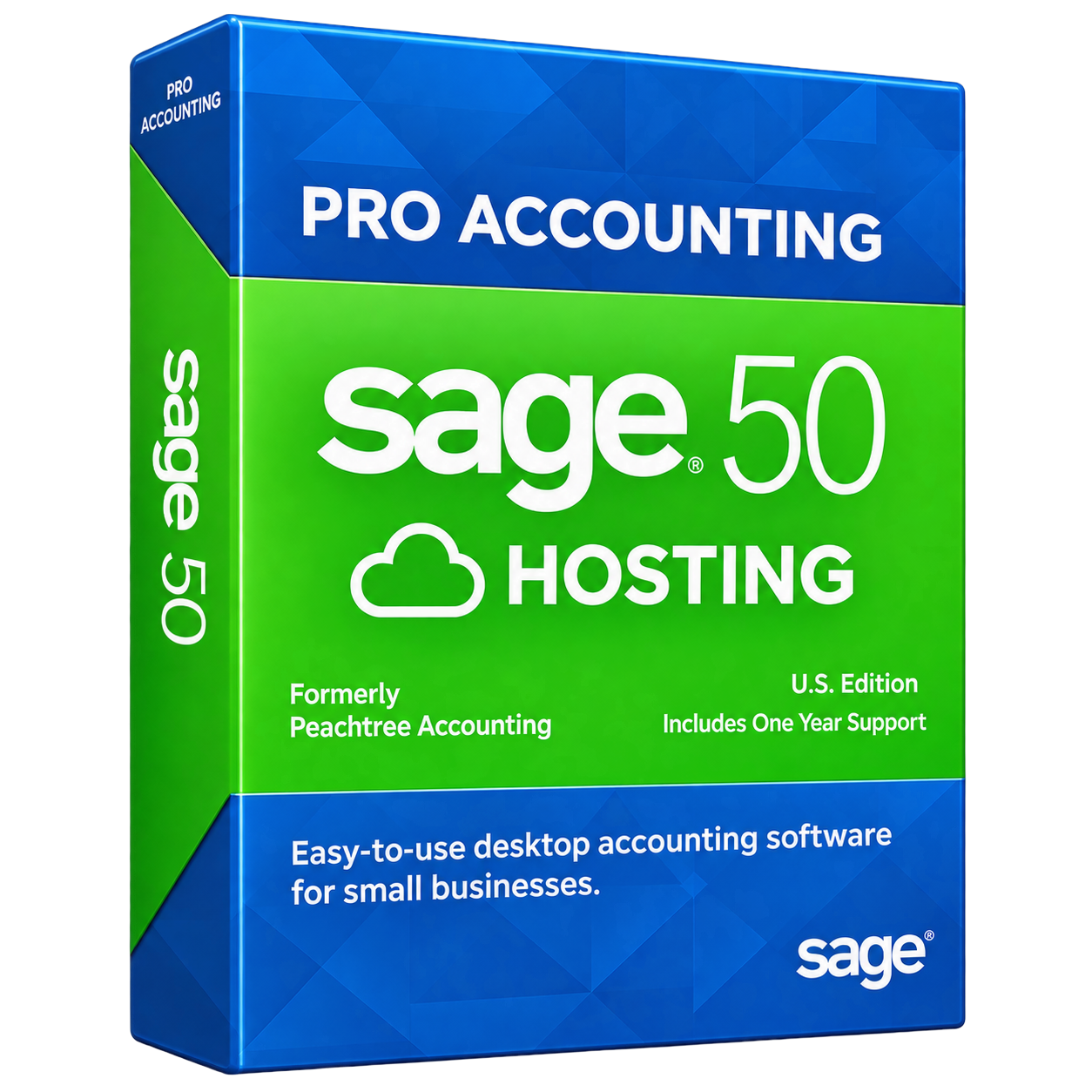
Sage 50 Pro Hosting

Ideal for small businesses and individual users, Sage 50 Pro Hosting supports everyday accounting tasks such as invoicing, expense tracking, and financial reporting. It is designed for single-user accounting, making it suitable for businesses with simpler financial operations.

Existing Sage 50 application artwork

Sage 50 Premium Hosting

Sage 50 Premium Hosting helps growing businesses manage advanced budgeting, inventory, job costing, and financial reporting. It also supports multi-user collaboration based on your software license, allowing accounting teams to work more efficiently.

Existing Sage 50 application artwork

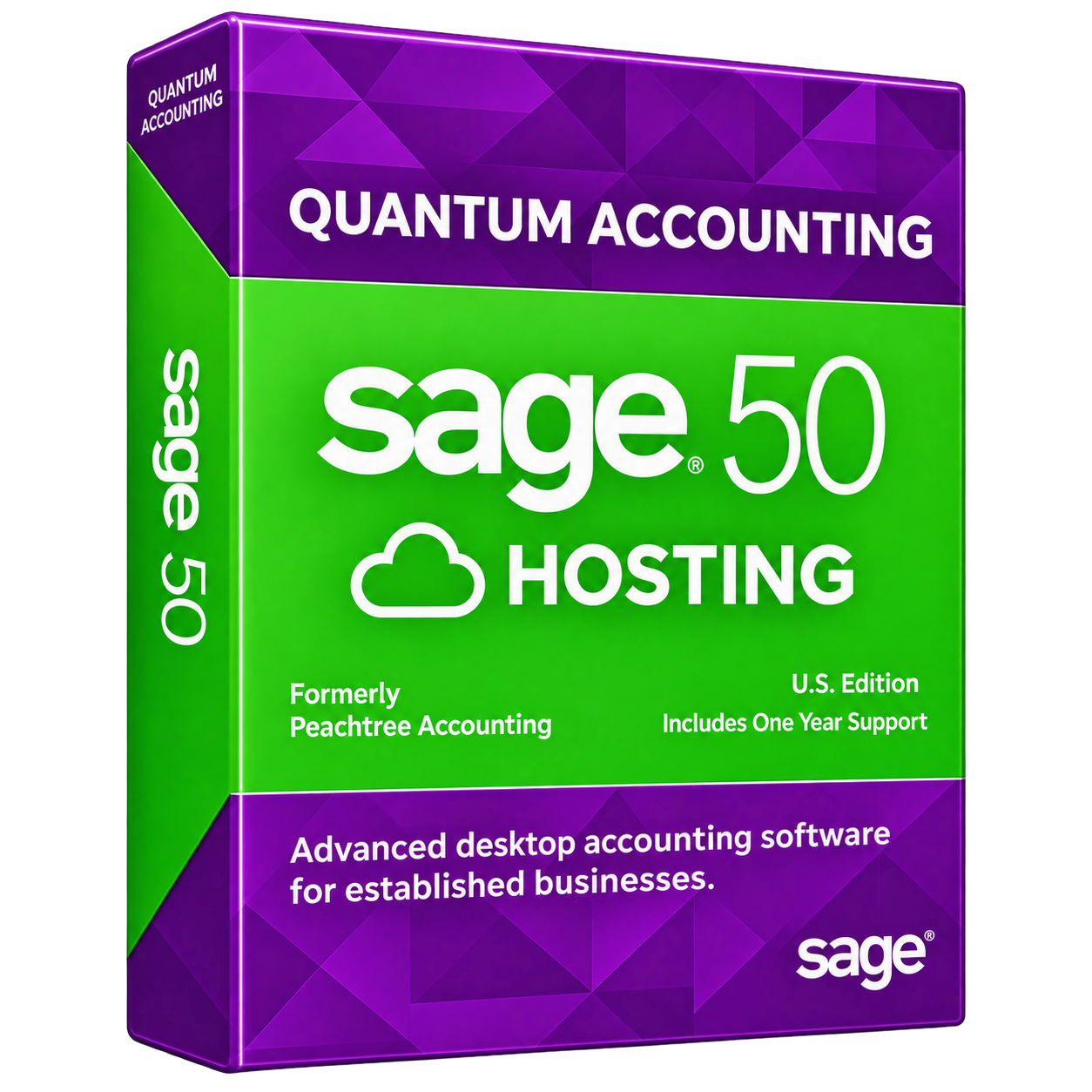
Sage 50 Quantum Hosting

Designed for larger businesses, Sage 50 Quantum Hosting supports complex accounting workflows, advanced user permissions, and greater multi-user capacity. It helps teams manage financial operations in a centralized cloud environment.

QBClouds can help verify your Sage 50 US edition, software version, and license compatibility before migration.

Run Your Essential Sage 50 Accounting Features in the Cloud

With Sage 50 Cloud Hosting, you can continue using your existing accounting features in a secure cloud environment without changing your familiar workflows.

Invoicing, Payments and Financial Reporting

Create invoices, record customer payments, manage accounts receivable and payable, and track daily financial transactions. Access financial statements, balance sheets, and other accounting reports remotely, helping you stay informed about your business finances from any location.

Inventory, Job Costing and Budgeting

Manage inventory levels, purchase orders, project expenses, and budgets using your Sage 50 desktop features. Depending on your software edition, you can track job costs, monitor stock movements, and review financial performance while keeping company data in one centralized environment.

Payroll and Business Accounting Workflows

Continue managing supported payroll activities, employee records, and financial reporting through your hosted Sage 50 application. Some payroll features may require an active subscription or compatible add-ons.

QBClouds preserves access to your existing licensed Sage 50 features, subject to software compatibility, without changing the application's core functionality.

Sage 50 Cloud Hosting vs Local Sage 50 vs Sage 50 Cloud

Choosing between hosted Sage 50, local installation, and Sage 50 Cloud depends on your business needs, remote access requirements, and IT resources. Each option offers different ways to manage your accounting software.

Hosted Sage 50 vs Local Installation

Sage 50 Cloud Hosting runs your desktop software on a managed cloud server, while local Sage 50 relies on your own computer or office infrastructure.

FeaturesHosted Sage 50Local Sage 50
Remote AccessSecure cloud connectionRequires separate remote access setup
Server ManagementManaged by hosting providerManaged by your IT team
CollaborationCentralized multi-user environmentDepends on local network
Data BackupsManaged cloud backupsRequires separate backup management
ScalabilityFlexible cloud resourcesMay require hardware upgrades

Is Sage 50 Cloud Hosting the Same as Sage 50 Cloud?

No. Third-party Sage 50 hosting runs your licensed desktop application on a provider's cloud infrastructure. Sage 50 Cloud is Sage's own cloud-based accounting offering with online access and managed updates.

Sage Remote Data Access is different because it shares company data between computers running Sage 50 rather than hosting the complete application.

How QBClouds Protects Your Sage 50 Accounting Data

QBClouds provides multiple layers of security to help protect your sensitive financial information. Our Sage 50 Cloud Hosting environment combines secure infrastructure, advanced protection, and reliable data backups.

Professional using a laptop

SOC 2 Type II–Audited Infrastructure and MFA

Your Sage 50 application runs on SOC 2 Type II–audited hosting infrastructure designed to support strong security controls. Multi-factor authentication (MFA) adds another layer of protection by requiring additional identity verification before accessing your cloud environment.
Encryption, Firewalls and Threat Monitoring

QBClouds uses encrypted connections, firewalls, and antivirus and anti-malware protection to help safeguard your accounting data. Continuous server monitoring helps identify suspicious activities and potential security threats before they disrupt your operations.

Daily Automated Backups and Disaster Recovery

Your Sage 50 company files are protected through daily automated backups with 60-day backup retention. These backups support data recovery in situations involving accidental deletion, hardware failures, or unexpected disruptions. Disaster recovery measures help minimize downtime and restore business operations when needed.

User Permissions and Controlled Access

Control who can access your hosted Sage 50 environment through authorized user accounts and access permissions. Role-based controls, where supported, help restrict sensitive financial information to appropriate team members, reducing unauthorized access risks.

Professional using a laptop in a shared cloud workspace PDF reader Microsoft Word Microsoft Excel Adobe Acrobat Reader

Sage 50 Integrations and Additional Application Hosting

QBClouds supports 200+ add-on applications, helping businesses run compatible accounting and productivity tools alongside Sage 50 in a centralized cloud environment.
Microsoft Excel, Word and Business Productivity Tools

Use compatible Microsoft Office applications, including Excel and Word, within your hosted environment. Prepare financial reports, manage spreadsheets, and organize business documents without switching between separate systems.
Compatible Sage 50 Add-Ons

Extend your accounting workflows with supported add-ons for payroll, tax calculations, inventory management, and payment processing. QBClouds helps configure compatible applications based on your Sage 50 edition, software version, and integration requirements.

Host Multiple Business Applications Together

Run Sage 50 alongside compatible accounting, tax preparation, and document management software on the same cloud server. Centralized application hosting simplifies access and supports smoother workflows, while direct data integration depends on each application's compatibility.

Why Choose QBClouds as Your Sage 50 Hosting Provider?

QBClouds delivers secure, reliable Sage 50 Hosting services with high-performance infrastructure, flexible resources, and dedicated technical support to keep your accounting operations running smoothly.

Man using a laptop to access cloud-hosted Sage applications

High-Performance NVMe Cloud Servers

Run Sage 50 on powerful cloud servers equipped with high-speed NVMe storage. Our optimized infrastructure supports faster file access, responsive performance, and smooth accounting workflows. Server resources can be configured according to your business needs.

99.99% Uptime Commitment and Reliable Infrastructure

QBClouds offers a 99.99% uptime commitment to help keep your Sage 50 application accessible. Continuous infrastructure monitoring, reliable data centers, and business continuity measures help minimize service disruptions and support daily accounting operations.

24/7 Expert Support for Your Hosting Environment

Our technical support team is available 24/7 through phone, live chat, and email. Get prompt assistance with remote access, server performance, and hosting-related issues. When needed, our experts can troubleshoot problems through secure, permission-based remote sessions.

Free Setup, Migration and a 7-Day Trial

Move your existing Sage 50 setup to QBClouds with free installation and migration assistance. Straightforward setups can be migrated in as little as 45 minutes, depending on data size and configuration. Our team helps with setup, testing, and onboarding. Start with a 7-day free hosting trial, subject to applicable Sage software licensing requirements.

Migrate Sage 50 to the Cloud in 4 Simple Steps

QBClouds makes Sage 50 cloud migration simple with free setup, secure data transfer, and expert assistance to minimize business disruption.

  1. Step 1 – Review Your Sage 50 Setup

    Read moreRead less

    Our team checks your Sage 50 edition, software license, company files, add-ons, user count, and system requirements to plan a smooth migration.

  2. Step 2 – Configure Your Cloud Server

    Read moreRead less

    We set up your cloud server with suitable storage, memory, processing resources, and secure user access based on your accounting needs.

  3. Step 3 – Transfer Sage 50 Data Securely

    Read moreRead less

    Our experts securely migrate your Sage 50 company files, supporting data, and compatible applications to your new cloud environment.
  4. Step 4 – Test and Start Working

    Read moreRead less

    We verify your data, test application functionality, configure user permissions, and help your team get started.

Migration can take as little as 45 minutes for straightforward setups. Actual time depends on data size, software version, integrations, and testing requirements.

Who Should Use Sage 50 Cloud Hosting?

Sage 50 Cloud Hosting is ideal for businesses and accounting professionals who need secure remote access, better collaboration, and reliable accounting performance.

Accountants, Bookkeepers and CPA Firms

Access financial reports, manage company records, and collaborate with clients from different locations. Hosted Sage 50 helps accounting professionals maintain organized workflows without relying on office computers.

Small Businesses and Growing Companies

Reduce dependence on physical servers while supporting remote and hybrid teams. Sage 50 hosting provides flexible cloud resources to help businesses manage daily accounting operations as their needs grow.

Construction, Retail and Distribution Businesses

Manage job costing, inventory tracking, purchase orders, and financial reporting from a centralized environment. Available features depend on your Sage 50 edition and licensing.

Sage 50 Cloud Hosting Pricing and Plans

QBClouds offers affordable Sage 50 Cloud Hosting plans with flexible billing options. Choose a plan based on your team size, budget, and accounting requirements without unnecessary infrastructure expenses.

Flexible Sage 50 Hosting Plans

Billing Plan Hosting Price

Monthly

$32.99/user/month

Half-Yearly

$189/user/6 months

Annually

$299/user/year

Explore our Hosting Pricing page for complete plan details.

What Is Included in Your Hosting Plan?

Every plan includes secure remote access, managed cloud infrastructure, daily automated backups, free setup, migration assistance, and 24/7 technical support.

Your Sage 50 software license may be purchased separately. Additional storage, server resources, security features, or specialized integrations may involve extra charges. Contact QBClouds for a customized hosting quote based on your business needs.

Frequently Asked Questions About Sage 50 Cloud Hosting

Can I Access Hosted Sage 50 from a Mac or Mobile Device?

Yes. You can access hosted Sage 50 from a Mac or supported mobile device using a compatible remote desktop application and an internet connection. Since Sage 50 runs in a Windows environment, the experience may differ from a native mobile application.

Can Multiple Users Work in Sage 50 at the Same Time?

Yes. Supported multi-user Sage 50 editions allow authorized team members to access shared company files simultaneously. The number of users depends on your software edition, licensing, and permissions. Certain accounting tasks may still be subject to Sage 50's file-locking restrictions.

Do I Need a Separate Sage 50 License for Cloud Hosting?

Yes. You generally need a valid Sage 50 license or subscription alongside your cloud hosting plan. If you already have a compatible license, QBClouds can help verify its eligibility. Sage software licensing costs are typically separate from hosting charges.

Is Sage 50 Cloud Hosting Secure for Financial Data?

Yes. QBClouds protects hosted accounting environments with encrypted connections, multi-factor authentication, firewalls, and controlled user access. Daily automated backups with 60-day retention provide additional recovery protection. Users should also maintain strong passwords and follow appropriate security practices.

How Long Does It Take to Migrate Sage 50 to QBClouds?

QBClouds can complete straightforward Sage 50 cloud migrations in as little as 45 minutes. The process includes server configuration, secure data transfer, and testing. Actual migration time depends on your company file size, software version, add-ons, and setup complexity.

Can I Host Sage 50 with Other Business Applications?

Yes. QBClouds supports 200+ add-on applications, including compatible accounting, tax, and productivity tools. You can host supported applications alongside Sage 50 in one cloud environment. Direct software integration depends on application compatibility and may require additional configuration.

Ready to Move Your Sage 50 to the Cloud?

Move your Sage 50 desktop software to a secure cloud environment with QBClouds. Access accounting files remotely, continue familiar workflows, and get expert assistance with setup and migration.

Whether you manage a small business or a growing accounting team, our flexible hosting solutions can support your needs. Get started with a 7-day free hosting trial or request a customized quote today.

  • IDrive
  • Quickbase Authorized Partner
  • Sage 50 Solution Provider
  • Veeam
  • Duo
  • Avalara
  • Oracle NetSuite
  • Wasabi
  • Comm100

Copyright © 2026 QBclouds|