





QuickBooks Enterprise Hosting | Starting at $15.99/User

QuickBooks Enterprise Cloud Hosting with QBClouds

QuickBooks Enterprise Hosting for Secure and Reliable Cloud Access $15.99/user/month - Free Trial

Run QuickBooks Desktop Enterprise securely in the cloud with anywhere access, multi-user collaboration, 99.99% uptime, 60-day backups, and 24/7 support.

For businesses, CPAs & accounting teams.

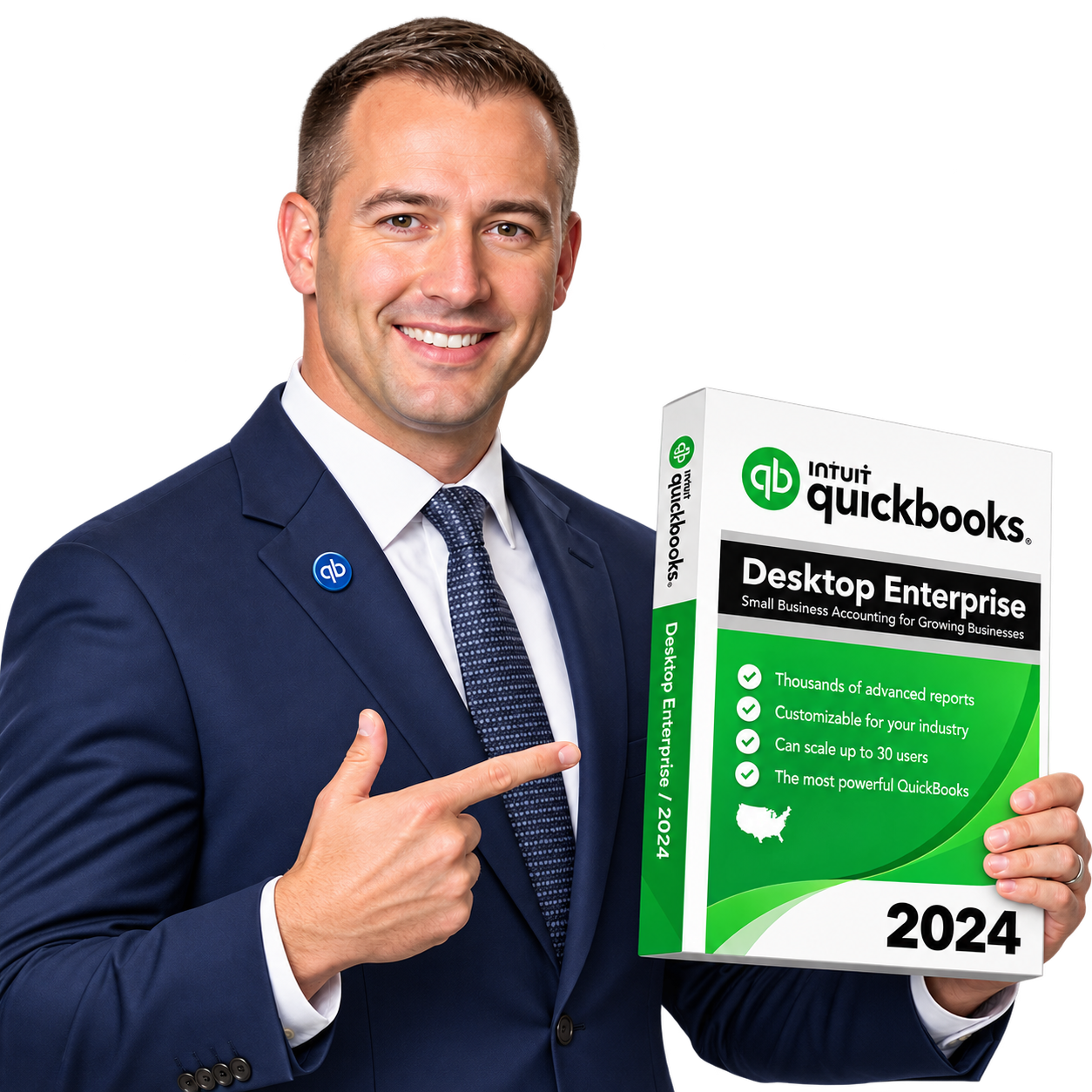
Business professional holding a laptop
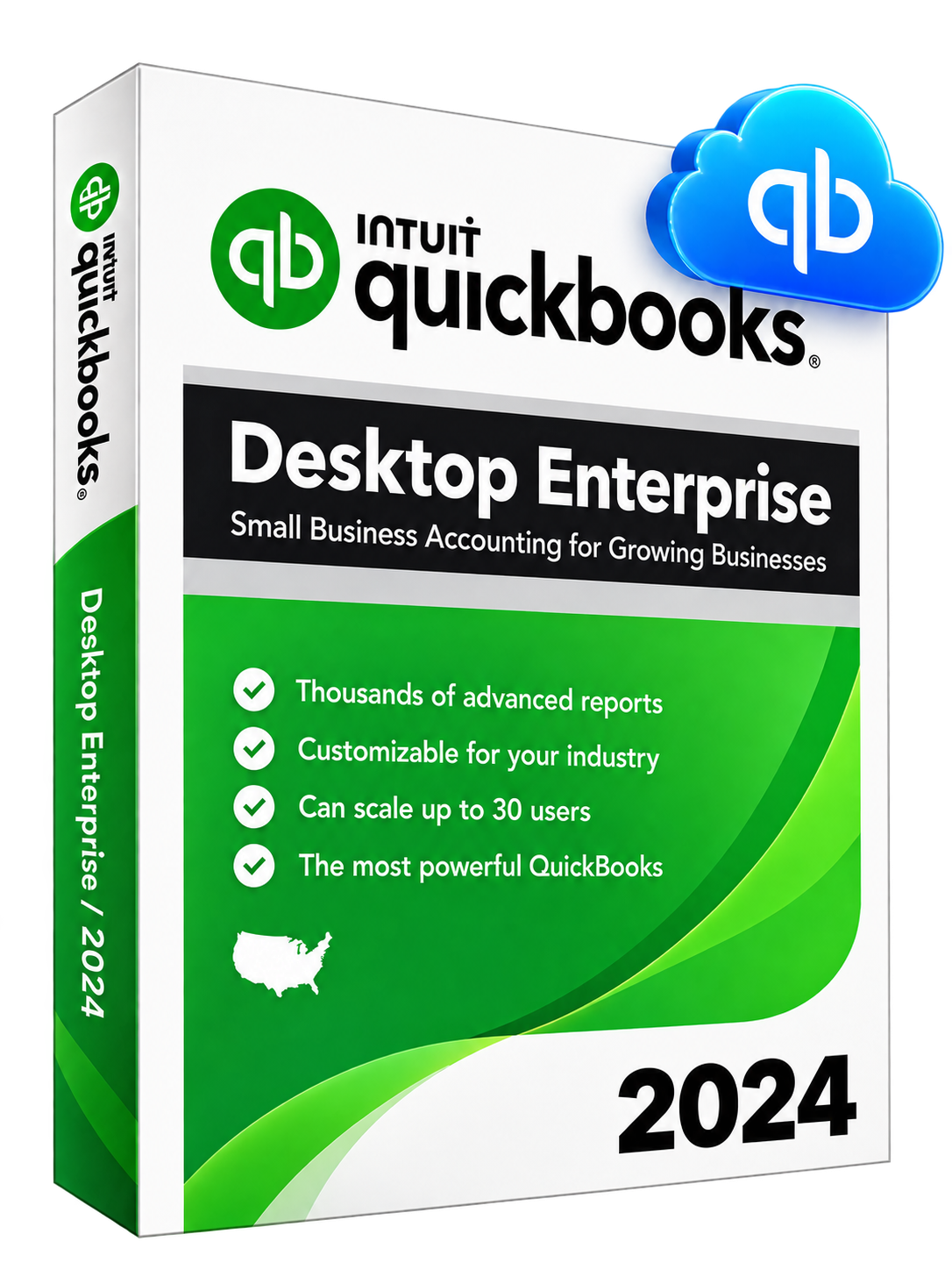
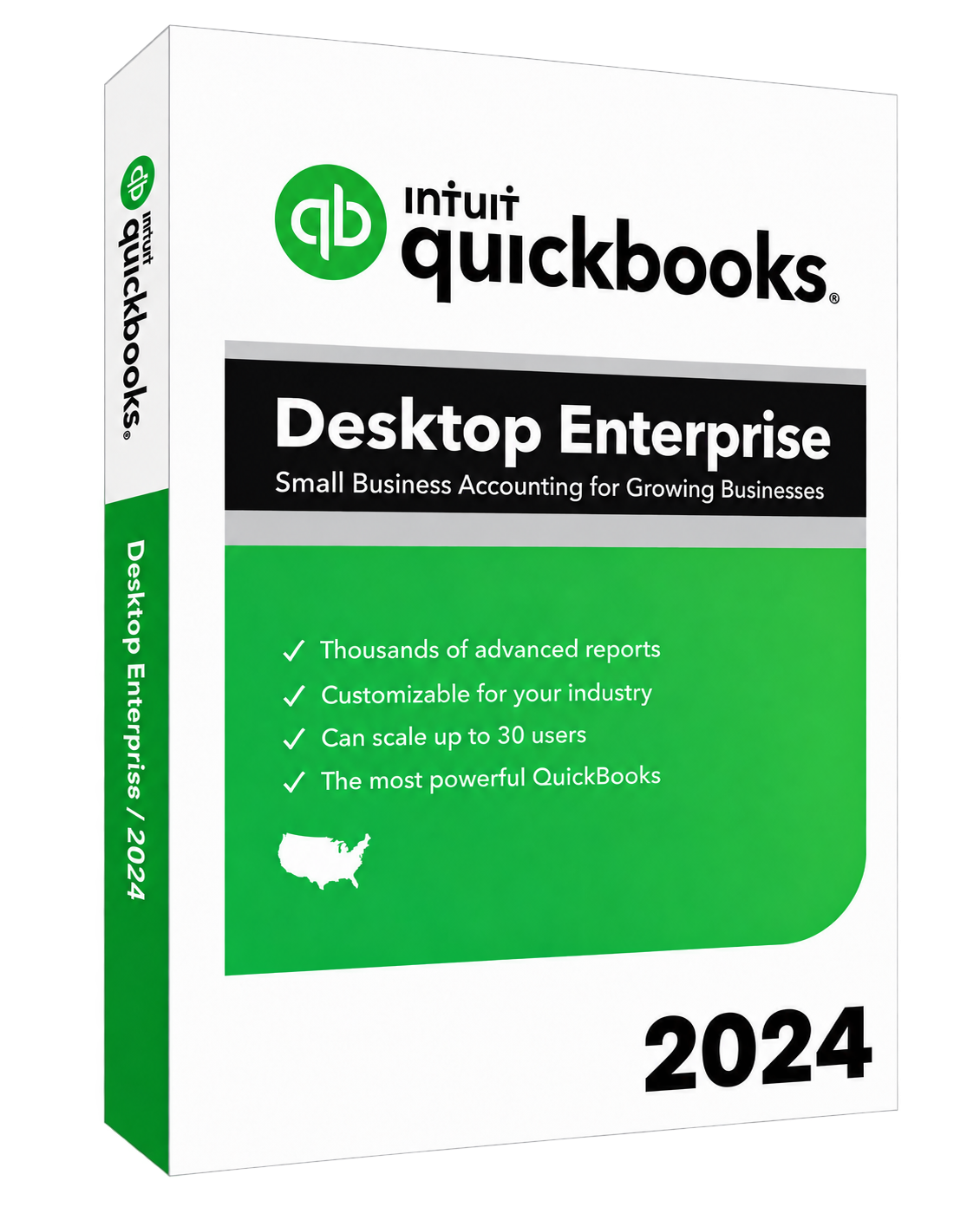
QuickBooks Desktop Enterprise 2024
SOC 2 Type II security

5,000+ Customers

60-Minute Migration

60-Day Backups

99.99% Uptime

24/7 Support

What Is QuickBooks Enterprise Hosting?

QuickBooks hosting allows businesses to run QuickBooks Desktop Enterprise on a secure cloud server instead of depending on a local office computer or in-house server. Users can connect to the hosted environment through the internet and work with their accounting files, reports, inventory data, and other business information from different locations.

With QuickBooks Enterprise cloud hosting, businesses can keep using familiar desktop software while gaining the flexibility of remote access, centralized data, and easier collaboration.

Use QuickBooks Desktop Enterprise in the Cloud

With hosted QuickBooks Enterprise, the software is installed and managed on a cloud server. Authorized users connect to the server remotely and work inside QuickBooks much like they would on an office desktop.

Read moreRead less about using QuickBooks Desktop Enterprise in the cloud

This setup can reduce the need to maintain local servers while making it easier for employees, accountants, and other approved users to work from different locations.
Keep the Same QuickBooks Features and Desktop Experience

Moving QuickBooks Enterprise to the cloud does not mean switching to a different accounting application. Users can continue working with the familiar QuickBooks Desktop Enterprise interface and the features available with their licensed edition.

Read moreRead less about keeping the same QuickBooks features

This makes the transition easier for teams that already use QuickBooks Enterprise for accounting, reporting, inventory management, payroll integrations, or other daily business tasks.

Learn more about the accounting tools in QuickBooks Desktop Enterprise and how their availability depends on your edition.

Access Your Company Files from Anywhere

QuickBooks Enterprise Hosting gives authorized users remote access to their company files through an internet connection. Team members can work from the office, home, or another location without keeping the company file on a single physical computer.

Read moreRead less about accessing company files from anywhere

Centralized access also helps businesses keep employees working with the same company data while maintaining controlled user permissions and a consistent working environment.

Why Move QuickBooks Enterprise to the Cloud?

Moving QuickBooks Enterprise to the cloud gives businesses more flexibility in how and where their teams work. Instead of depending on a specific office computer or local server, authorized users can connect to a centrally managed cloud environment whenever they need to work in QuickBooks.

Read moreRead less: Why Move QuickBooks Enterprise to the Cloud?

QuickBooks Enterprise cloud hosting can also reduce local IT responsibilities while making it easier to support remote employees, multiple offices, and growing teams.

QuickBooks Enterprise cloud access illustration

Work Securely from Anywhere

Employees and approved users can connect to hosted QuickBooks Enterprise from different locations through a secure remote connection. This helps accountants, managers, and other team members stay productive without needing direct access to an office computer.

Collaborate with Multiple Users in Real Time

Cloud hosting makes it easier for multiple authorized users to work within the same QuickBooks Enterprise environment. Teams can access current company information without repeatedly transferring files between computers or locations.

Read moreRead less: Collaborate with Multiple Users in Real Time

This can improve coordination between accounting staff, bookkeepers, business owners, and other departments.

Access QuickBooks from Windows, Mac, and Mobile Devices

A cloud-hosted environment gives users more flexibility in the devices they use to connect. QuickBooks Enterprise can be accessed remotely from compatible Windows computers, Macs, tablets, and mobile devices while the application continues to run on the hosted server.

Reduce the Need for an In-House Server

Running QuickBooks Enterprise locally may require businesses to purchase, maintain, update, and protect their own server infrastructure.

Read moreRead less: Reduce the Need for an In-House Server

With cloud hosting, much of the server management, maintenance, backups, and monitoring can be handled by the hosting provider. This reduces the day-to-day IT work associated with maintaining an office server.

Support Remote and Multi-Location Teams

Businesses with employees in different offices or working remotely can provide controlled access to the same hosted QuickBooks environment. This keeps accounting operations centralized while allowing teams to work from the locations that suit their roles.

Scale Users and Resources as Your Business Grows

As your business adds employees or requires more computing resources, the hosting environment can be adjusted without replacing an entire local server.

Read moreRead less: Scale Users and Resources as Your Business Grows

This flexibility makes cloud hosting for QuickBooks Enterprise suitable for businesses that expect their users, locations, storage needs, or workloads to grow over time.

Explore more benefits of QuickBooks Enterprise hosting in our detailed guide.

Want a closer look at what cloud hosting can offer? Explore more benefits of QuickBooks Enterprise Hosting in our detailed guide.

Why Choose QBClouds for QuickBooks Enterprise Hosting?

QBClouds combines secure cloud infrastructure, reliable performance, fast migration, and ongoing technical support to make QuickBooks Enterprise Hosting easier to manage. Businesses can move their existing QuickBooks environment to the cloud without changing the way their teams work.

Read moreRead less: Why Choose QBClouds for QuickBooks Enterprise Hosting?

With fast onboarding, extended backup retention, 99.99% uptime, and scalable resources, we provide a managed hosting environment designed for businesses that depend on QuickBooks Enterprise every day.

QBClouds QuickBooks Enterprise Hosting illustration

Move to the Cloud in as Little as 60 Minutes

Moving QuickBooks Enterprise to the cloud does not have to involve a long setup process. We can complete eligible migrations in as little as 60 minutes, helping businesses start using their hosted environment with minimal disruption.

Read moreRead less: Move to the Cloud in as Little as 60 Minutes

Our team assists with application setup, company file migration, user configuration, and initial access so your team can get started quickly.

Restore Your Data with Up to 60 Days of Backup History

We maintain backups for up to 60 days, giving businesses additional protection against accidental deletion, file problems, or unexpected data loss.

Read moreRead less: Restore Your Data with Up to 60 Days of Backup History

Having an extended backup history provides more flexibility when an earlier version of a file needs to be recovered.

Get 99.99% Uptime for Reliable Access

Reliable access is important when QuickBooks supports daily accounting and business operations. QBClouds provides 99.99% uptime, helping users access their hosted QuickBooks Enterprise environment when they need it.

Get Help Anytime with 24/7 Technical Support

Technical issues should not bring accounting work to a stop. We provide 24/7 technical support to help with login problems, hosted environment issues, application access, and other hosting-related concerns.

Add Users and Resources Without Buying New Hardware

As your business grows, you can add users or increase cloud resources without purchasing and maintaining another physical server.

Read moreRead less: Add Users and Resources Without Buying New Hardware

This makes the hosted environment easier to scale as your team, workload, or storage requirements change.

Trusted by 5,000+ Customers

More than 5,000 customers use QBClouds for cloud hosting services. Our focus is to provide secure access, dependable performance, responsive support, and a simple hosting experience for businesses using QuickBooks Enterprise and other business applications.

QuickBooks Enterprise Hosting Pricing & Plans

Choose Monthly, Half-Yearly, or Annual Billing

Read moreRead less

QBClouds offers flexible QuickBooks Enterprise Hosting pricing for businesses with different team sizes and billing preferences. You can choose a monthly, half-yearly, or annual plan based on how you want to manage your hosting costs.

Our plans are priced per user, making it easier to add or remove users as your business requirements change.

With annual billing, new customers can get QuickBooks Enterprise Hosting for $15.99 per user/month for the first three months. After the introductory period, the hosting rate is $24.99 per user/month for the remaining nine months. This brings the promotional annual hosting cost to $272.88 per user.

We provide multiple billing options so businesses can choose the plan that works best for their budget and hosting needs.

QuickBooks Desktop Enterprise hosted in the QBClouds cloud

Monthly

$32.99per user/month

Half-Yearly

$189per user for 6 months

Know What Is Included in Your Hosting Plan

Your hosting plan includes a managed cloud environment for QuickBooks Enterprise, secure remote access, daily backups, server monitoring, technical support, setup assistance, migration support, and Microsoft Office 2024.

We also provide 24/7 technical support to help with hosting-related issues whenever assistance is needed.

Understand QuickBooks Licensing and Hosting Costs

QuickBooks Enterprise Hosting and the QuickBooks Enterprise software license are separate costs. The hosting fee covers the cloud infrastructure and managed hosting services, while customers need a valid QuickBooks Enterprise license for the software they use.

Read moreRead less

If you already have an eligible QuickBooks Enterprise license, we can help move your existing software and company files to the hosted environment.

For details about software subscriptions, explore our guide to QuickBooks Enterprise software pricing and plans.

Protect Your Financial Data with Multiple Security Layers

Secure QuickBooks Enterprise Hosting for Your Financial Data

Financial information needs strong protection, especially when multiple users access QuickBooks from different locations. QBClouds uses multiple layers of security to protect hosted applications, company files, and user access.

Read moreRead less about QuickBooks Enterprise Hosting security

Our QuickBooks Enterprise Hosting environment combines compliant infrastructure, encryption, authentication, monitoring, backups, and access controls to help keep business data secure.

Secure cloud hosting for QuickBooks Enterprise financial data

SSAE-18 and SOC 2 Compliant Infrastructure

Read moreRead less about SSAE-18 and SOC 2 compliant infrastructure

QBClouds uses SSAE-18 and SOC 2 compliant infrastructure designed to meet established standards for security, availability, and data protection. This provides businesses with a professionally managed environment for hosting QuickBooks Enterprise and other important applications.

Protect Data with 256-Bit Encryption

Read moreRead less about 256-bit encryption

We use 256-bit encryption to help protect sensitive business information. Encryption adds an additional layer of protection when data is transmitted between users and the hosted environment.

Secure Accounts with Two-Factor Authentication

Read moreRead less about two-factor authentication

Two-factor authentication (2FA) helps reduce the risk of unauthorized account access. In addition to a password, users must complete an additional verification step before accessing the hosted environment.

Block Threats with Firewalls and Antivirus Protection

Read moreRead less about firewalls and antivirus protection

Advanced firewalls and antivirus protection help identify and block potential threats before they can affect hosted systems. These security layers work together to protect applications, files, and server resources from unwanted access and malicious activity.

Keep Systems Protected with 24/7 Monitoring

Read moreRead less about 24/7 monitoring

Our systems are monitored 24/7 to identify unusual activity, performance issues, and potential security concerns. Continuous monitoring allows our team to respond quickly when an issue requires attention.

Recover Files with 60-Day Backup Retention

Read moreRead less about 60-day backup retention

We maintain backup history for up to 60 days, giving businesses more flexibility when they need to restore an earlier version of their data. Regular backups also provide an additional layer of protection against accidental deletion, file corruption, and unexpected data loss.

Control Access with User Permissions

Read moreRead less about user permissions

Businesses can control who has access to the hosted QuickBooks environment and what individual users are allowed to work with. User permissions help limit access to authorized team members while supporting secure collaboration across departments, offices, and remote locations.

Get More from QuickBooks Desktop Enterprise in the Cloud

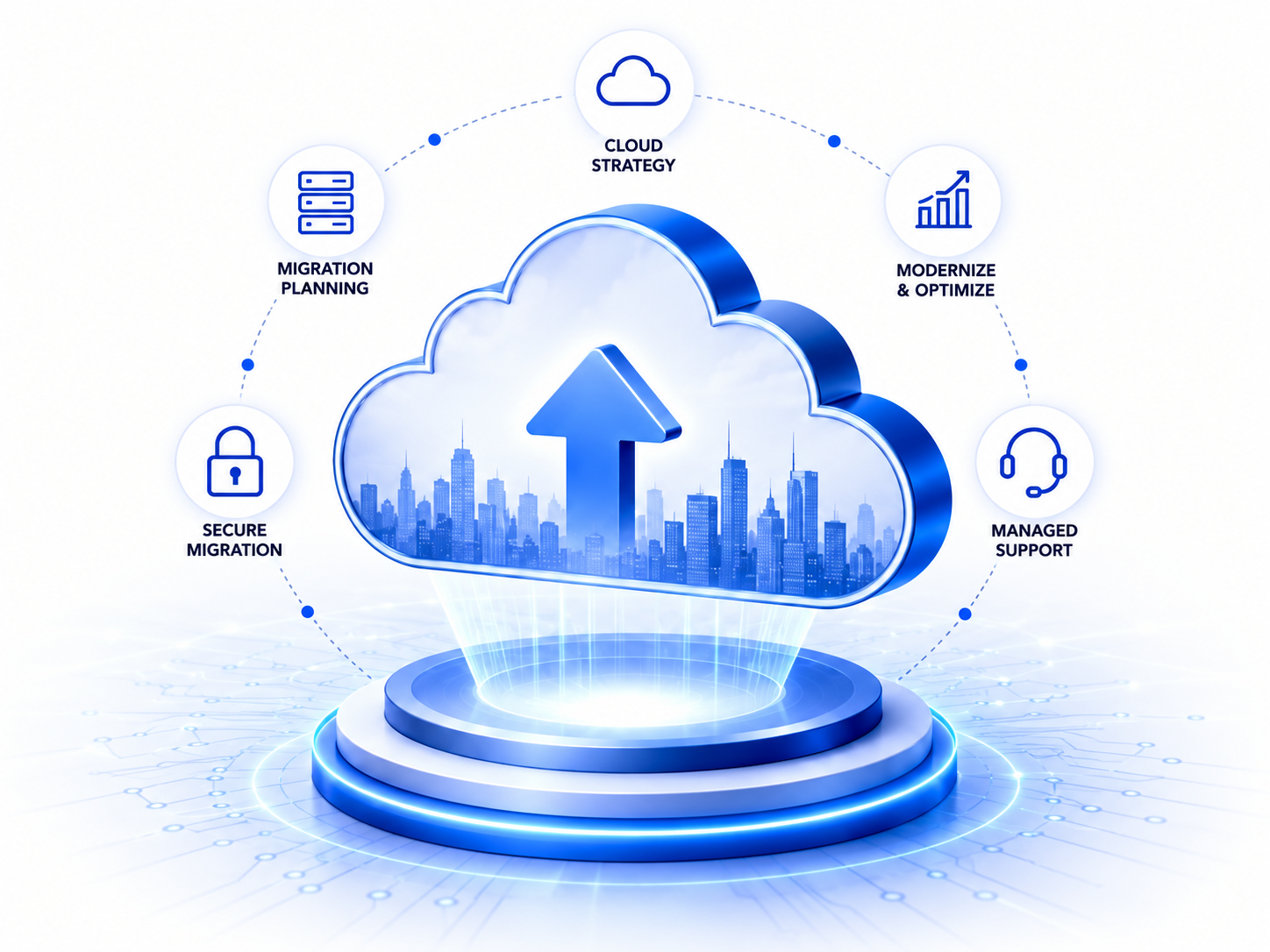
Moving QuickBooks Desktop Enterprise to the cloud gives businesses remote access without taking away the tools they already depend on. Teams can continue using familiar Enterprise features while gaining the flexibility to work from different locations.
Read moreRead less about QuickBooks Desktop Enterprise features in the cloud

With QuickBooks Desktop Enterprise hosting, businesses can manage accounting, inventory, reporting, and user access in a centralized cloud environment.

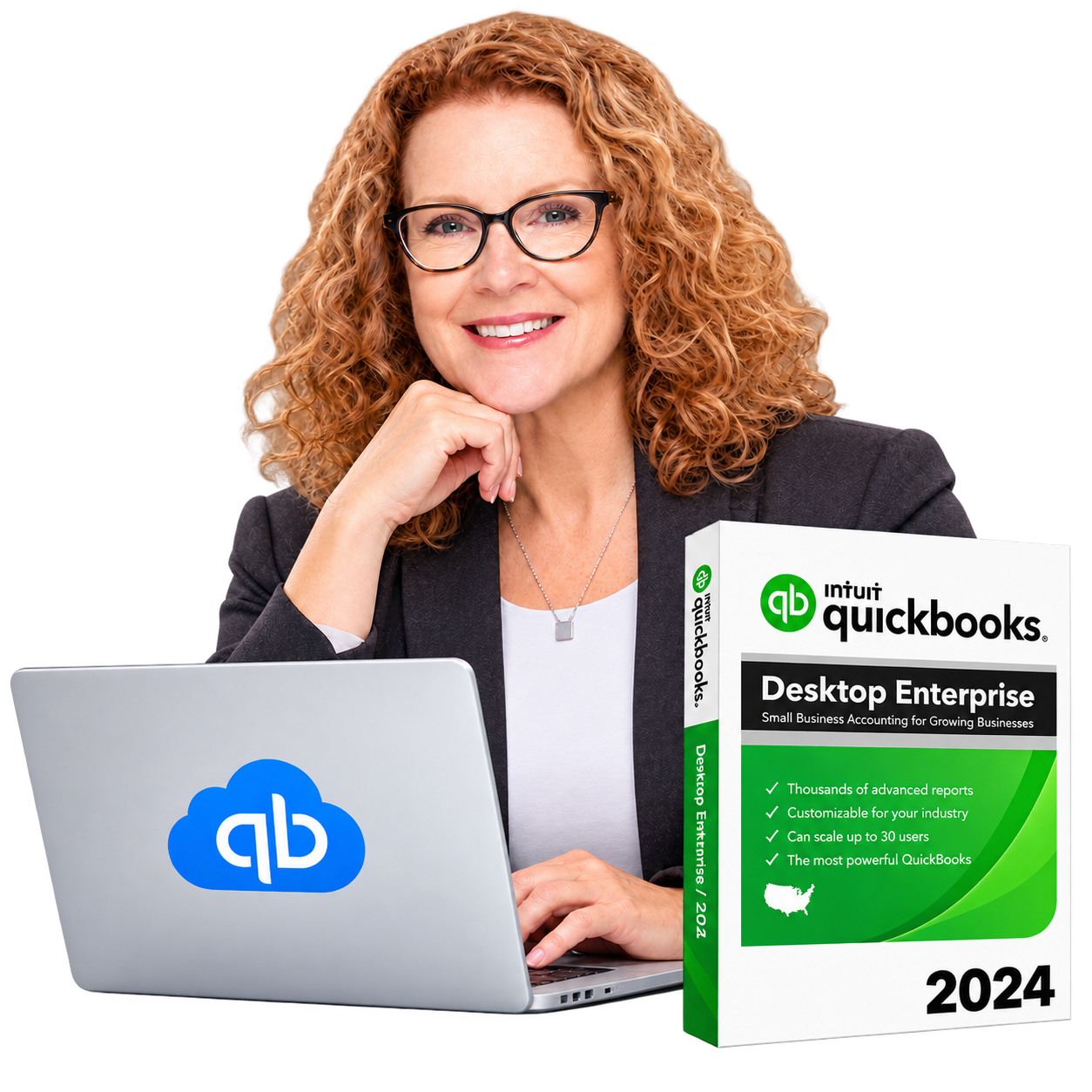
Woman using a laptop to work with QuickBooks Desktop Enterprise in the cloud

Use Industry-Specific QuickBooks Enterprise Editions

QuickBooks Enterprise offers editions designed for different types of businesses, including manufacturing, wholesale, retail, construction, nonprofit, and professional services.

Read moreRead less about industry-specific QuickBooks Enterprise editions

We can host the eligible QuickBooks Enterprise edition your business already uses, allowing your team to continue working with industry-specific tools and workflows in the cloud.

Manage Inventory Across Locations

Businesses that manage products across multiple locations can continue using QuickBooks Enterprise inventory tools from the hosted environment.

Read moreRead less about managing inventory across locations

Authorized users can review inventory levels, track items, manage purchase activity, and work with current company data without depending on one office computer.

Run Advanced Financial and Business Reports

QuickBooks Enterprise includes advanced reporting tools that help businesses review financial performance, sales, expenses, inventory, and other important information.

Read moreRead less about advanced financial and business reports

Cloud access makes these reports available to authorized users wherever they are working, helping managers and accounting teams make informed decisions.

Keep User Roles and Permissions in Place

Businesses can continue using user roles and permissions to control access within QuickBooks Enterprise.

Read moreRead less about user roles and permissions

This helps ensure that employees can access the areas they need while sensitive accounting or business information remains limited to authorized users.

Work Across Offices, Job Sites, and Remote Locations

Hosted QuickBooks Enterprise makes it easier for teams in different locations to work within the same environment.

Read moreRead less about working across offices and job sites

Employees can connect from offices, job sites, home, or other approved locations without moving company files between computers.

Continue Using Your Existing QuickBooks Workflow

Moving to the cloud does not require your team to learn a completely different accounting system.

Read moreRead less about your existing QuickBooks workflow

You can continue using your existing QuickBooks Enterprise workflows, company files, reports, and supported business processes while gaining the added flexibility of cloud access.

QuickBooks Enterprise Hosting vs Local Server

Businesses can run QuickBooks Enterprise on a local office server or move it to a managed cloud environment. Both options can support day-to-day accounting work, but they differ in how users access the software, how the infrastructure is managed, and how easily the environment can grow.

Learn moreShow less about QuickBooks Enterprise Hosting and local servers

The table below shows the practical differences between QuickBooks Enterprise Hosting and a traditional local server.

QuickBooks Enterprise Hosting and local server feature comparison
Feature QuickBooks Enterprise Hosting Local Server
Access Access QuickBooks remotely through an internet connection Usually limited to the office network unless remote access is set up separately
Server Management Server infrastructure is managed by the hosting provider Business is responsible for managing its own server
Backups Automated backups can be managed as part of the hosting service Backups must be configured and monitored internally
Security Managed security can include encryption, firewalls, 2FA, antivirus, and monitoring Security depends on the systems and controls maintained by the business
Remote Work Designed to support remote and distributed users May require additional tools, VPNs, or remote-access configuration
Scalability Users, storage, and resources can be adjusted as needs change Expanding capacity may require new hardware or server upgrades
IT Maintenance Hosting provider handles much of the server maintenance Internal IT staff or outside support must maintain the server
Business Continuity Cloud access and managed backups can help reduce dependence on one physical location Hardware failure or office disruption can affect access unless recovery systems are already in place

For businesses that need remote access, easier scaling, and less responsibility for maintaining physical servers, cloud hosting for QuickBooks Enterprise can provide a more flexible setup.

QuickBooks Enterprise Hosting vs QuickBooks Online

QuickBooks Enterprise Hosting and QuickBooks Online both allow businesses to work remotely, but they are different products. Hosted QuickBooks Enterprise keeps the desktop software and its advanced capabilities while making it accessible through the cloud. QuickBooks Online is a browser-based accounting platform designed to work directly over the internet.

The right option depends on the features, workflows, integrations, and level of control your business needs.

Desktop Features and Familiar Interface

With QuickBooks Enterprise Hosting, businesses can continue using the familiar QuickBooks Desktop Enterprise interface instead of moving to a different accounting platform.

Read moreRead less about desktop features and the familiar interface

This can make the transition easier for teams that already rely on Desktop Enterprise and want remote access without changing their existing workflow.

Advanced Inventory and Reporting

QuickBooks Desktop Enterprise is designed for businesses with more complex accounting and operational needs. It supports advanced inventory management and provides more than 200 built-in customizable reports.

Read moreRead less about advanced inventory and reporting

QuickBooks Online also provides inventory and reporting features, but the available tools depend on the selected plan.

Multi-User Access

Both options support multiple users. QuickBooks Desktop Enterprise can support up to 40 users, depending on the subscription, while QuickBooks Online Advanced supports up to 25 users.

Read moreRead less about multi-user access

With hosting, Enterprise users can work from different locations while accessing the same company environment.

Application and Add-On Compatibility

Businesses that already use desktop applications, industry-specific tools, or existing QuickBooks Enterprise integrations may prefer hosting because they can continue working within their established software environment.

Read moreRead less about application and add-on compatibility

QuickBooks Enterprise also supports a broad ecosystem of integrations and applications.

Which Option Is Better for Your Business?

QuickBooks Online can be a good choice for businesses that want a fully browser-based accounting platform with simple online access.

Read moreRead less about which option is better for your business

Hosted QuickBooks Enterprise may be a better fit for businesses that need advanced inventory, detailed reporting, higher user capacity, industry-specific features, or want to keep their existing Desktop Enterprise workflow while gaining cloud access.

Move QuickBooks Enterprise to the Cloud in as Little as 60 Minutes

Read moreRead less about the QuickBooks Enterprise cloud migration process

Moving QuickBooks Enterprise to the cloud should be simple and well planned. Our migration process helps businesses move their software, company files, and user environment with minimal disruption.

For eligible setups, migration can be completed in as little as 60 minutes, depending on your data, applications, and configuration requirements.

  1. Review Your QuickBooks Environment

    Read moreRead less about reviewing your QuickBooks environment

    We first review your current QuickBooks Enterprise setup, company files, number of users, required applications, and any important integrations.

    This helps us understand your existing environment and prepare the right cloud configuration before the migration begins.

  2. Securely Transfer Your Files and Applications

    Read moreRead less about securely transferring files and applications

    Our team securely transfers your QuickBooks company files and required applications to the hosted environment.

    We take care to keep your data organized and ensure the necessary files are available in the new setup.

  3. Configure Users and Cloud Resources

    Read moreRead less about configuring users and cloud resources

    We configure user accounts, access permissions, storage, and server resources based on your business requirements.

    This helps provide each authorized user with the access they need to work in the hosted QuickBooks environment.

  4. Test QuickBooks and User Access

    Read moreRead less about testing QuickBooks and user access

    Before going live, we test QuickBooks Enterprise, company files, user access, and the hosted environment to confirm everything is working as expected.

    Any setup issue found during testing can be addressed before your team starts using the system.

  5. Go Live with Ongoing Support

    Read moreRead less about going live with ongoing support

    Once testing is complete, your team can begin working in the cloud.

    Our support team remains available 24/7 to help with access, hosting-related issues, or technical assistance after migration.

QuickBooks Enterprise cloud migration process

200+ Compatible Applications

Connect QuickBooks Enterprise with the Apps Your Business Uses

QuickBooks Enterprise often works alongside other applications used for documents, payments, customer management, inventory, and daily business operations. With QuickBooks Enterprise Hosting, businesses can keep compatible applications in the same cloud environment to make everyday work easier.

Read moreRead less

QBClouds supports 200+ compatible applications, helping businesses bring QuickBooks Enterprise and other important tools into one managed cloud workspace.

This helps reduce the need to switch between different computers or manage separate systems for commonly used business tools.

One cloud workspace QuickBooks
Enterprise
200+ apps
  • Bill & Pay
  • Autofy
  • Fishbowl
  • Qvinci
  • SmartVault
  • TSheets by QuickBooks
  • Bill.com

Microsoft Excel, Word, and Outlook

QBClouds includes Microsoft Office 2024, allowing users to work with applications such as Excel, Word, and Outlook in the hosted environment.

This can make it easier to export reports, work with spreadsheets, create documents, and manage business communication alongside QuickBooks Enterprise.

Document Management Applications

Compatible document management applications can be hosted with QuickBooks to help businesses organize invoices, reports, receipts, and other important files.

Keeping documents in the same cloud environment can also make them easier for authorized users to access when needed.

Bill Pay and Accounts Payable Tools

Businesses can use compatible bill payment and accounts payable applications alongside QuickBooks Enterprise.

This helps accounting teams manage payment-related workflows without depending on separate office computers.

E-Commerce and Inventory Applications

Compatible e-commerce and inventory tools can be added to the hosted environment based on your business requirements.

This can help businesses manage sales, products, inventory, and accounting activities from a more connected workspace.

CRM and Business Applications

CRM and other supported business applications can also be hosted alongside QuickBooks Enterprise, helping teams keep important tools available within the same cloud environment.

Host Multiple Business Applications in One Cloud Workspace

Instead of managing important applications across different devices or servers, businesses can host multiple compatible applications in one managed cloud workspace.

With support for 200+ applications, authorized users can access QuickBooks Enterprise and many of the other tools they use for daily business operations from the same hosted environment.

Who Can Benefit from QuickBooks Enterprise Hosting?

QuickBooks Enterprise Hosting can support businesses that need secure remote access, multi-user collaboration, centralized company data, and reliable performance. It can be especially useful for organizations that already depend on QuickBooks Desktop Enterprise but want more flexibility in how their teams work.

Accounting Firms, CPAs, and Bookkeepers

Accounting professionals can access client files remotely, work with authorized team members, and manage accounting tasks without depending on one office computer.

Read moreRead less about accounting firms, CPAs, and bookkeepers

Hosted access can also make it easier to support clients and employees working from different locations.
Manufacturing and Wholesale Businesses

Manufacturers and wholesalers can use QuickBooks Enterprise for inventory, purchasing, sales, and financial reporting while accessing the software from multiple locations.

Read moreRead less about manufacturing and wholesale businesses

Cloud hosting can help teams in offices, warehouses, and other facilities work within the same environment.

Construction Companies

Construction businesses often have employees working between offices and job sites. Hosted QuickBooks Enterprise allows authorized users to access accounting and project-related information without returning to one physical office.

Retail Businesses

Retail businesses can use hosted QuickBooks Enterprise to manage accounting, sales information, inventory, and reporting while supporting users across different locations.

Multi-Location Organizations

Businesses operating from multiple offices, branches, or facilities can provide users with access to the same hosted QuickBooks environment.

Read moreRead less about multi-location organizations

This helps keep company data centralized instead of maintaining separate local systems.

Remote and Hybrid Teams

Remote and hybrid teams can access QuickBooks Enterprise from approved locations through a secure internet connection.

Read moreRead less about remote and hybrid teams

This gives employees more flexibility while helping businesses maintain controlled access to financial data.

Growing Small and Mid-Sized Businesses

Growing businesses often need to add users, storage, or computing resources over time.

Read moreRead less about growing small and mid-sized businesses

With QuickBooks Enterprise cloud hosting, businesses can scale their environment as requirements change without investing in new physical servers or rebuilding their entire IT setup.

Why Businesses Trust QBClouds

Businesses rely on QBClouds for secure access, reliable performance, fast migration, and ongoing support. Our hosting environment is designed to make it easier for teams to use QuickBooks Enterprise without managing complex server infrastructure on their own.

5,000+ Customers

Businesses use QBClouds to host QuickBooks and other important business applications.

99.99% Uptime

Reliable cloud availability helps teams access their hosted applications when they need them.

60-Day Backup Retention

Backup history is maintained for up to 60 days to support data recovery when needed.

Migration in as Little as 60 Minutes

Eligible QuickBooks Enterprise environments can be moved to the cloud with minimal disruption.

24/7 Technical Support

Our support team is available around the clock to help with hosting-related questions and technical issues.

Secure Cloud Infrastructure

The hosting environment includes multiple layers of security, monitoring, encryption, authentication, and access controls to help protect business data.

"QBClouds made our transition to the cloud seamless. The performance is excellent, and our team can access QuickBooks securely from anywhere."
Michael Anderson, CPA — Dallas, Texas

QuickBooks Enterprise Hosting FAQ’s

Get 7 days free trial
What Is QuickBooks Enterprise Hosting?

QuickBooks Enterprise Hosting allows you to run QuickBooks Desktop Enterprise on a secure cloud server instead of relying on an office computer or local server. Authorized users can remotely access their QuickBooks environment, company files, reports, and other business data through an internet connection while continuing to use the familiar desktop software.

How Much Does QuickBooks Enterprise Hosting Cost?

QBClouds offers QuickBooks Enterprise Hosting starting at $15.99 per user/month for the first three months with annual billing. The rate is $24.99 per user/month for the remaining nine months. Monthly hosting is available at $32.99 per user/month, while the half-yearly plan costs $189 per user for six months. Hosting fees are separate from the QuickBooks software license.

Do I Need a QuickBooks Enterprise License for Hosting?

Yes. You need a valid QuickBooks Enterprise license to use the software in a hosted environment. If you already have an eligible license, we can help move your existing QuickBooks application and company files to the cloud. The hosting plan covers the cloud infrastructure and hosting services rather than the QuickBooks software license itself.

How Long Does It Take to Move QuickBooks Enterprise to the Cloud?

Eligible QuickBooks Enterprise environments can be migrated to QBClouds in as little as 60 minutes. The exact time depends on factors such as company file size, number of applications, users, integrations, and configuration requirements. Our team assists with file transfer, application setup, user configuration, testing, and initial access.

How Many Users Can Access Hosted QuickBooks Enterprise at the Same Time?

The number of users depends on your QuickBooks Enterprise license and hosting configuration. We can configure the hosted environment according to the number of authorized users your business needs and adjust cloud resources as your team grows.

Is QuickBooks Enterprise Hosting Secure?

Yes. QBClouds uses multiple security layers, including 256-bit encryption, two-factor authentication, firewalls, antivirus protection, 24/7 monitoring, and controlled user access. QuickBooks Enterprise is hosted on SSAE-18 and SOC 2 compliant infrastructure to provide a secure environment for financial and business data.

How Often Is QuickBooks Enterprise Data Backed Up?

We perform regular backups and maintain backup history for up to 60 days. This gives businesses additional recovery options if they need an earlier version of their data because of accidental deletion, file corruption, or another unexpected issue.

Can I Access Hosted QuickBooks Enterprise on a Mac?

Yes. Mac users can remotely connect to the hosted QuickBooks Enterprise environment through a compatible remote-access application. QuickBooks Enterprise continues to run on the hosted Windows server while users access it remotely from their Mac.

Can I Access QuickBooks Enterprise from a Mobile Device?

Yes. Authorized users can connect to the hosted environment from compatible tablets and mobile devices with an internet connection and a supported remote-access application. The experience may vary depending on the device and screen size, so a desktop or laptop may be more convenient for detailed accounting work.

Will My QuickBooks Add-Ons Work in the Cloud?

Many QuickBooks add-ons and compatible business applications can work in the hosted environment. Compatibility can depend on the specific application, version, licensing, and technical requirements. Our team can review your existing add-ons before migration to determine how they can be configured with hosted QuickBooks Enterprise.

Can I Host Other Applications Alongside QuickBooks Enterprise?

Yes. QBClouds supports 200+ compatible applications that can be hosted alongside QuickBooks Enterprise. Depending on your requirements, you can work with Microsoft Office 2024, document management applications, bill payment tools, CRM software, inventory applications, and other supported business tools within the same cloud environment.

What Is the Difference Between QuickBooks Enterprise Hosting and QuickBooks Online?

QuickBooks Enterprise Hosting keeps the desktop version of QuickBooks Enterprise and makes it remotely accessible through the cloud. QuickBooks Online is a separate browser-based accounting platform. Hosting may be better suited for businesses that want to keep their existing Desktop Enterprise features, workflows, integrations, and company files while gaining remote access.

Can I Move from Another Hosting Provider to QBClouds?

Yes. Businesses can move their existing hosted QuickBooks Enterprise environment from another provider to QBClouds. Our migration team can assist with transferring company files, configuring applications and users, testing access, and preparing the new environment while helping minimize disruption to daily operations.

Will I Lose Any QuickBooks Features After Moving to the Cloud?

Moving QuickBooks Enterprise to the cloud does not change it into a different accounting product. You continue using your licensed QuickBooks Desktop Enterprise software and its available features within the hosted environment. Your existing company files, familiar interface, supported workflows, and compatible applications can continue to be used while your team gains the flexibility of secure cloud access.

Ready to Move QuickBooks Enterprise to the Cloud?

Move your QuickBooks Enterprise environment to a secure and reliable cloud setup with fast migration, extended backups, and 24/7 support.

Get started with QuickBooks Enterprise Hosting from $15.99 per user/month with annual billing. Eligible migrations can be completed in as little as 60 minutes, and your data is backed up with up to 60 days of backup history.

Start your free trial with no credit card required, or speak with our team to find the right hosting setup for your business.

No credit card required for the free trial

Copyright © 2026 QBclouds|