





QuickBooks Accountant Hosting with QBClouds

QuickBooks Accountant Hosting $15.99/user/month - Free Trial

Host QuickBooks Accountant securely in the cloud with anytime, anywhere access, seamless multi-user collaboration, daily backups, enterprise-grade security, and 24/7 expert support for CPAs and accounting firms.

For businesses, CPAs & accounting teams.

QuickBooks Accountant Hosting
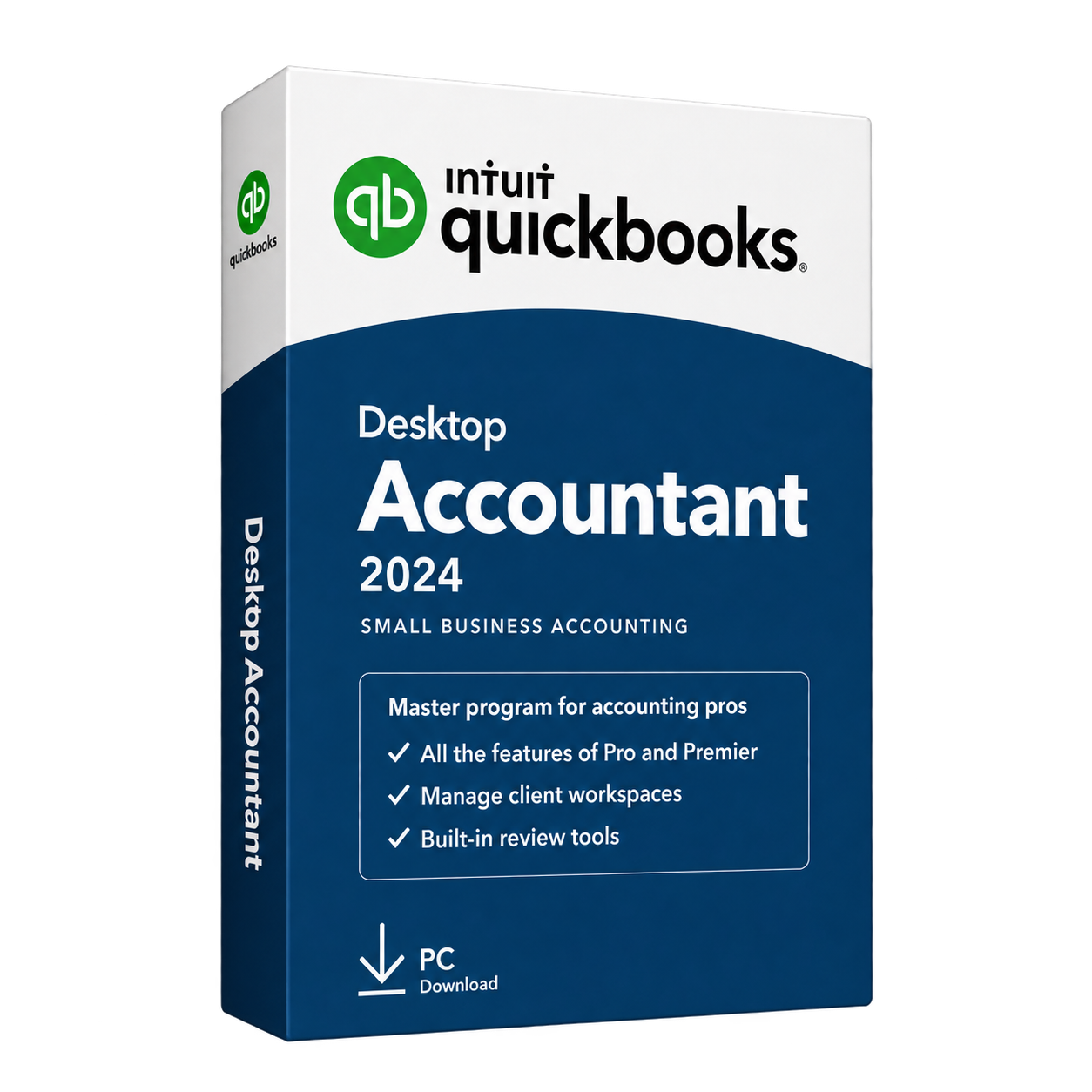
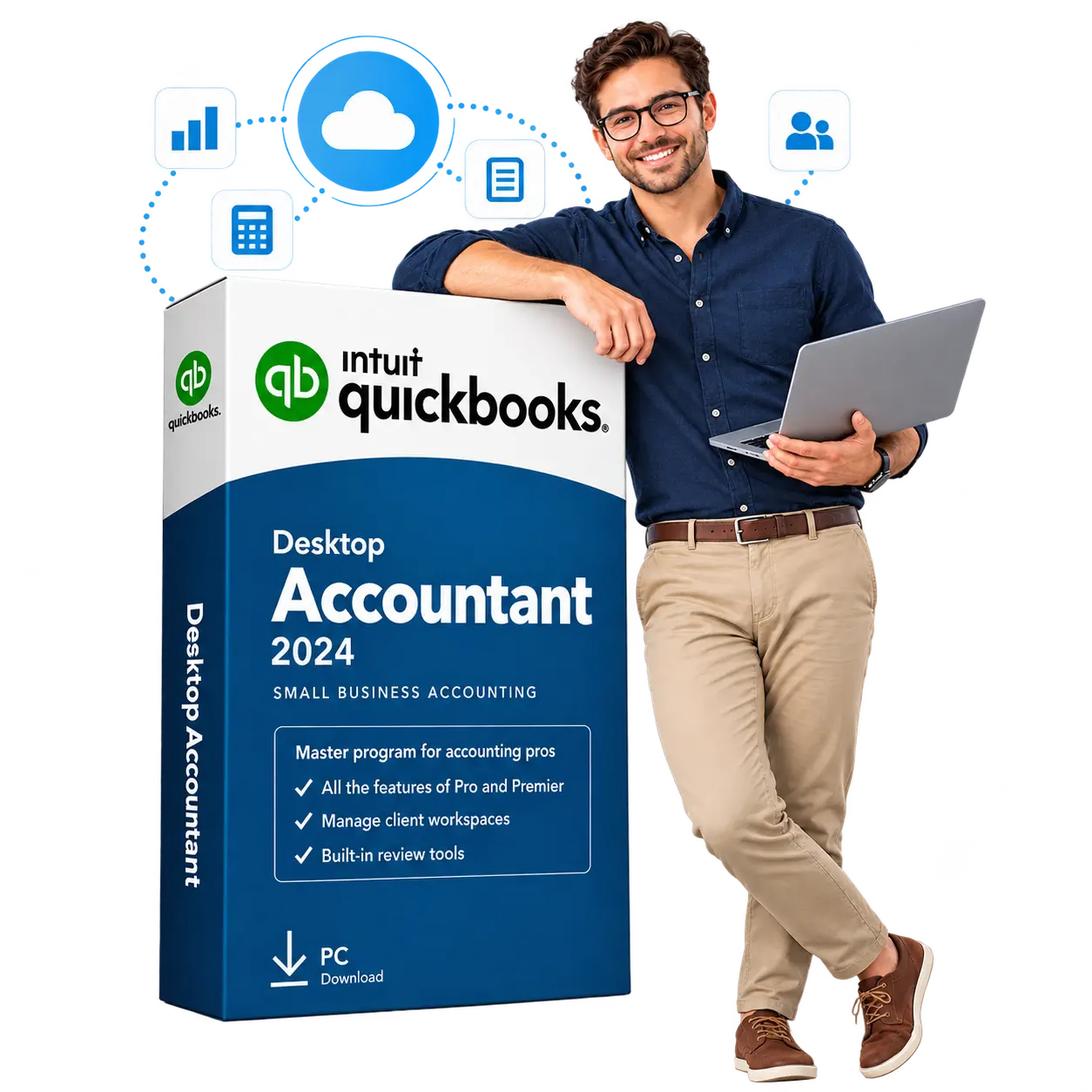
QuickBooks Desktop Accountant edition
SOC 2 Type II security

5,000+ Customers

60-Minute Migration

60-Day Backups

99.99% Uptime

24/7 Support

Bring QuickBooks Accountant Desktop to the Cloud

QuickBooks Accountant Desktop Hosting lets you use your desktop accounting software through a secure remote connection. Your software and company files run on a managed cloud server, and you sign in from a compatible device with an internet connection. You can review client accounts, make adjustments, and prepare reports using the familiar QuickBooks interface. The features available depend on your licensed edition. QBClouds manages the hosting environment, while your firm stays in control of its accounting work and client records.
Explore our QuickBooks hosting options if your firm also works with clients using Pro, Premier, or Enterprise.

Keep QuickBooks and Your Everyday Apps Together
Client work often involves spreadsheets, supporting documents, and other business tools. Keep these applications alongside QuickBooks in your hosted workspace, so the files you need are easier to find and use.

Read moreRead less Keep QuickBooks and Your Everyday Apps Together

QBClouds hosting plans include Microsoft Office 2024, allowing your team to work with Excel, Word, and Outlook. You can export a report to Excel or prepare a client document without moving between separate computers. We also check compatibility for any third-party applications you want to add. Some applications require their own licenses or subscriptions.

Control Access to Each Client’s Files

Give staff and approved clients access to the records they need for their work. Individual user accounts and folder permissions help keep one client’s files separate from another’s.

Read moreRead less Control Access to Each Client’s Files

Inside QuickBooks, the user permissions supported by your edition provide additional control over what each person can view or change. We help configure the hosted access around your requirements. As your team changes, permissions can be updated to reflect new responsibilities or remove access for people who no longer need it.

Recover Files with Up to 60 Days of Backups

A deleted file or an incorrect change may not be noticed straight away. QBClouds performs daily backups and keeps backup history for up to 60 days, giving you more recovery points to choose from.

Read moreRead less Recover Files with Up to 60 Days of Backups

Our support team can help locate an available backup and assist with restoring the required data. A restored copy reflects the information saved at that backup point; later changes will not be included.

Make Everyday Accounting Work Easier

Handling several clients means balancing questions, reviews, and deadlines throughout the day. QuickBooks Accountant Hosting helps your team move between these tasks with less time spent finding files or coordinating file transfers. Here is how a hosted setup supports your daily work.

QuickBooks Accountant cloud access illustration

Work from the Office, Home, or a Client’s Location

Reach your accounting workspace from a compatible device with a reliable internet connection. You can check a transaction during a client meeting or finish a report from home without returning to your office computer.

Read moreRead less

Having the relevant books available also makes conversations more useful. When a client asks about a balance or expense, you can review the details together and decide what needs attention instead of leaving every question for a later follow-up.

Collaborate Without Sending File Copies

Sending company files between colleagues can create confusion about which copy contains the latest changes. With a hosted setup, approved users work with the same centrally stored file, reducing duplicate copies and unnecessary transfers.

Read moreRead less: Collaborate Without Sending File Copies

A suitable QuickBooks license and multi-user setup allow colleagues to perform supported tasks at the same time. Your bookkeeper can enter transactions while another team member reviews reports. Tasks that require single-user mode still need coordination, but routine work involves fewer file handoffs.

Keep Multiple Clients’ Books Organized

A consistent folder structure helps your team find the right company file for each assignment. You can organize separate client files in your hosted workspace and use clear names to distinguish businesses and reporting periods.

Read more Read less : Keep Multiple Clients’ Books Organized

This makes it easier to move from one client’s monthly bookkeeping to another’s account review. New staff can also follow the same filing process. Each client’s company file remains separate, and the QuickBooks version used must be compatible with that file.

Reduce the Work of Managing an Office Server

An office server needs maintenance, storage planning, and attention when hardware fails. For a small accounting firm, these tasks can interrupt client work or create extra coordination with outside IT providers.

Read more Read less : Reduce the Work of Managing an Office Server

QBClouds manages the hosted server environment, reducing the infrastructure work your firm handles internally. Your team can give more attention to account reviews and client deadlines while continuing to manage its own computers, internet connection, and everyday device care.

Choose a Hosting Plan That Fits Your Firm

Read moreRead less

Choose a QuickBooks Accountant Hosting plan based on your team size and preferred billing schedule. QBClouds offers monthly, half-yearly, and annual options with clear hosting charges. Before setup, we review your requirements and confirm the total cost, including any requested extras.

Compare Monthly, Half-Yearly, and Annual Plans

QuickBooks Desktop Accountant hosted in the QBClouds cloud

Plan

Monthly

Hosting Rate

$32.99per user/month

Total and Billing Terms

$32.99 per user, billed monthly

Plan

Half-Yearly

Hosting Rate

$189per user for six months

Total and Billing Terms

$189 per user, billed every six months

The annual offer does not provide a full year at $15.99 per month. Its total combines the introductory rate for three months with the rate for the following nine months. Your quote will confirm eligibility, payment terms, and renewal pricing before you subscribe.

See What Your Hosting Plan Includes

Your plan includes a managed cloud environment, secure remote access, daily backups, server monitoring, and 24/7 hosting support. Setup and migration assistance help your team get started.

Read moreRead less

Microsoft Office 2024 is also included, so you can work with Excel, Word, and Outlook alongside QuickBooks. If you need additional server resources or third-party applications, we explain any extra costs before adding them. Separate application licenses or subscriptions may be required.

Understand Your QuickBooks License Requirements

Hosting and QuickBooks licensing are separate. Your hosting payment covers the server environment and related services; it does not include a QuickBooks Accountant software license.

Read moreRead less

You need a valid, eligible license for your edition and intended users. Share your existing version and licensing details so we can review the setup before migration. Adding a hosting account does not automatically increase your QuickBooks licensed user limit.

Client Experiences

Real Experiences from QBClouds Clients

Clients highlight the parts of cloud hosting that matter during everyday work: responsive support, smooth collaboration, secure access, and dependable performance.

Jennifer Miller

Migration Support

“responsive and knowledgeable”

Jennifer described a smooth migration supported by helpful experts throughout the process.

Jennifer Miller Phoenix, Arizona
Robert Wilson

Team Collaboration

“improved collaboration within our firm”

Robert’s firm gained simultaneous multi-user access without workflow interruptions.

Robert Wilson Chicago, Illinois
David Martinez

Reliable Hosting

“Fast setup, excellent uptime, and great support.”

David found the dependable hosting provider his team had been looking for.

David Martinez Houston, Texas

Resource Center

Helpful Guides for Your Accounting Firm

Explore practical resources to help your firm plan remote access, prepare for cloud migration, and compare the two main ways to use QuickBooks in the cloud.

Remote Access

Explore QuickBooks Remote Access Options

Review the available ways to reach QuickBooks Desktop from outside the office and choose an access method that fits your firm’s workflow.

How to Access QuickBooks Desktop Remotely

Migration Planning

Prepare Your Accounting Files for Cloud Migration

Get your company files, users, applications, backups, and licensing details ready before moving your QuickBooks Accountant workspace.

Review the QuickBooks Cloud Migration Steps

Platform Comparison

Compare Hosted QuickBooks Desktop and QuickBooks Online

Compare access, features, workflows, add-ons, and typical use cases before deciding which cloud accounting approach suits your firm.

QuickBooks Hosting vs QuickBooks Online

Move QuickBooks Accountant to the Cloud in 5 Simple Steps

Read moreRead less Move QuickBooks Accountant to the Cloud

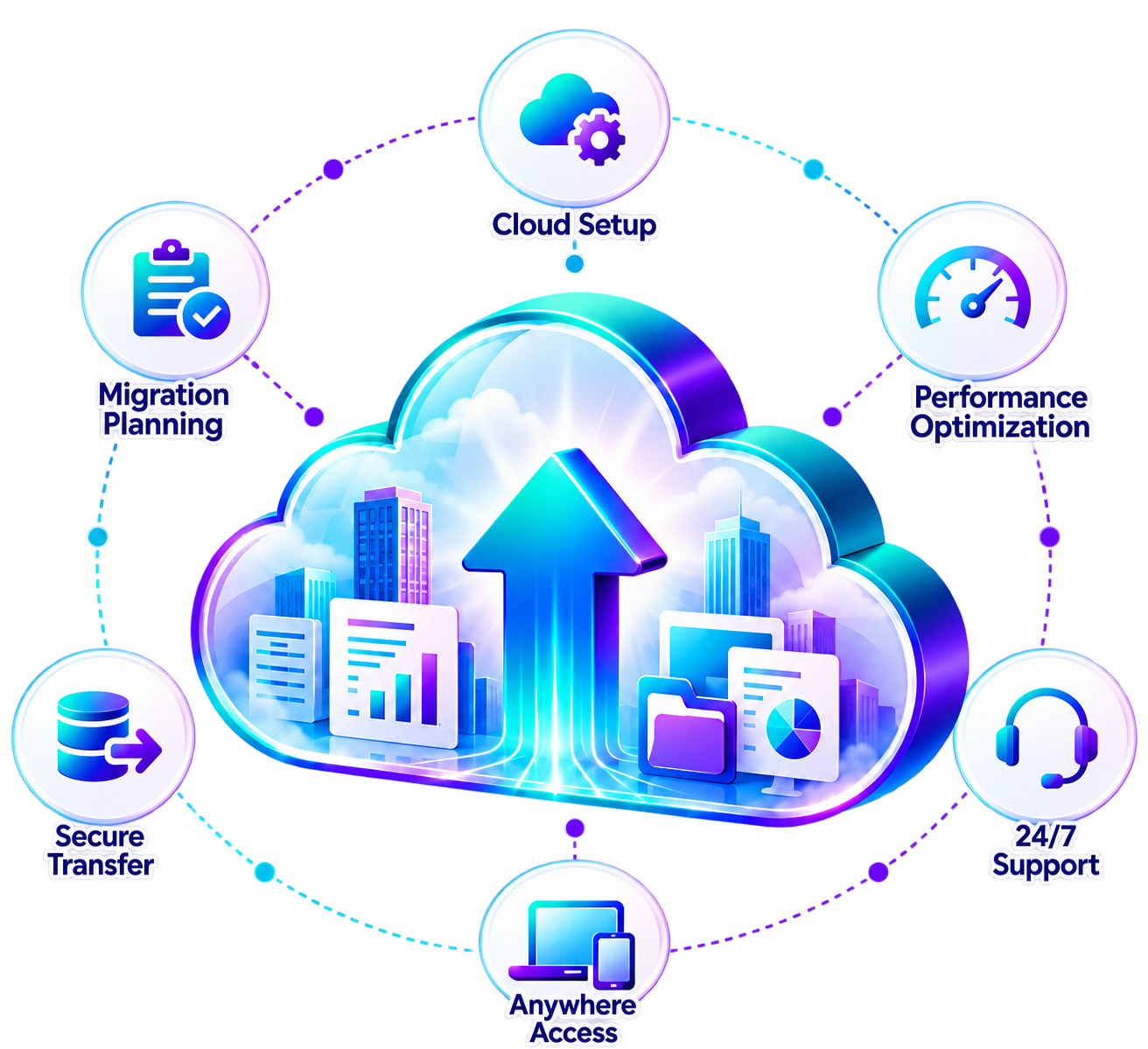
QBClouds can move eligible QuickBooks Accountant setups to the cloud in as little as 60 minutes. The time depends on your file sizes, applications, and setup requirements. Our team guides you through these five steps and coordinates the move around your accounting work.

  1. Step 1: Tell Us About Your Current Setup

    Read more Read less about reviewing your current QuickBooks Accountant setup

    Share your QuickBooks edition, version, user count, and the applications your firm needs. We review your company files and license requirements, then agree on a suitable migration time. This helps us prepare for your move before transferring any data.

  2. Step 2: Prepare Your Cloud Workspace

    Read more Read less about preparing your cloud workspace

    We prepare the server environment, install eligible software, and configure user accounts. Your workspace is set up around your firm’s requirements, including the resources needed to run QuickBooks and any compatible applications you use alongside it.

  3. Step 3: Move Your Applications and Client Files

    Read more Read less about migrating applications and client files

    Our team transfers your client files and configures the required applications in the hosted environment. We coordinate when users should stop making changes to the original files, helping ensure that the transferred copies include their latest work.

  4. Step 4: Check QuickBooks and User Access

    Read more Read less about testing QuickBooks and user access

    Before your team begins, we check that QuickBooks opens, company files load, and users can reach the correct folders. We also test required applications and help you review the setup so any issues can be addressed before handover.

  5. Step 5: Start Working with Ongoing Support

    Read more Read less about starting work with ongoing technical support

    Once the checks are complete, your team can sign in and begin working in the cloud. We explain how to connect and provide 24/7 technical support for hosting-related questions, access problems, or issues that arise after the move.

QuickBooks Accountant cloud migration process

QuickBooks Accountant Hosting FAQ’s

Get 7 days free trial
How Is Hosted QuickBooks Accountant Different from QuickBooks Online Accountant?

Hosted QuickBooks Accountant runs your licensed desktop software on a cloud server. You connect remotely and use its desktop tools and company files. QuickBooks Online Accountant is Intuit’s web-based platform for managing your practice and working with clients who use QuickBooks Online. Hosting your desktop software does not convert it into QuickBooks Online or change your files into Online subscriptions.

Which QuickBooks Accountant Editions and Versions Can You Host?

Compatibility depends on your exact edition, version year, license, and required applications. Share these details with QBClouds before ordering so we can confirm whether your setup can be hosted. We also review the versions your clients use, since file compatibility matters when exchanging accounting data. Older software may have support or connected-service limitations that hosting does not remove.

Can I Use My Existing QuickBooks Accountant License?

You may be able to use your existing license if it permits your intended hosted use and remains valid for the software being installed. We review your licensing details before setup. Hosting charges cover the server environment and related services, while QuickBooks licensing remains separate. Your license must also cover the people who will use the software.

Can I Manage Multiple Clients’ Company Files?

Yes. Your hosted workspace can hold separate company files for different clients, subject to available storage, software compatibility, and licensing. You can organize them by client name and open each file in the appropriate QuickBooks version. Keeping several files in the workspace does not mean they can all be open at once; that depends on your edition’s capabilities.

Can My Staff and Clients Work in the Same File at the Same Time?

Yes, when your QuickBooks license, user permissions, and multi-user configuration support it. Each person should have an individual account and the required software access. The number of simultaneous users depends on your edition and license. Some activities require single-user mode, so your team may need to coordinate those tasks even when the file is hosted.

Can Each Client Access Only Their Own Files?

Yes. The environment can be configured so a client can reach their own folders and company files without accessing another client’s records. This requires appropriate folder permissions and QuickBooks user settings. Tell us who needs access and what they should be allowed to do. Permissions should be reviewed whenever staff responsibilities or client access requirements change.

Can I Access Hosted QuickBooks Accountant on a Mac?

Yes. You can connect from a compatible Mac using a supported remote desktop application and an internet connection. QuickBooks runs on the hosted Windows server, while your Mac displays the remote session. You are using the hosted Windows application, rather than installing QuickBooks Accountant directly on macOS. Printing, keyboard shortcuts, and local file access may need initial configuration.

Can I Use Accountant’s Copy and My Existing Add-Ons?

Accountant’s Copy can be used when your QuickBooks edition and the client’s file version support that workflow. Its normal restrictions still apply in a hosted environment. Existing add-ons need a separate compatibility review, including their version, license, and server requirements. Share your application list before migration so we can check the tools your firm depends on.

What Happens If My Internet Connection Drops?

You will lose access to the remote session until your connection returns. The software and saved company data remain on the hosted server, but unsaved work and session behavior depend on the application and server settings. Reconnect and check your last transaction before entering it again. Contact support if your session does not resume or you are unsure whether a change was saved.

How Do I Get My Files Back If I Cancel Hosting?

Contact QBClouds before your service ends to arrange the return of your company files and any other required data. Confirm the transfer method, deadline, and applicable retention terms during cancellation. Download your files and test them in a compatible, licensed QuickBooks installation before access closes. Do not assume backups will remain available after your hosting service has ended.

Ready to Move Your Accounting Firm to the Cloud?

Bring your desktop software and client files to QBClouds with QuickBooks Accountant Hosting. Tell us your QuickBooks version, number of users, and the applications you need. Our team will review your requirements, explain the costs, and help plan your move.

Try the hosted workspace or speak with us about the right setup for your firm.

Ready to Move Your Accounting Firm to the Cloud?

Bring your desktop software and client files to QBClouds with QuickBooks Accountant Hosting. Tell us your QuickBooks version, number of users, and the applications you need. Our team will review your requirements, explain the costs, and help plan your move.

Try the hosted workspace or speak with us about the right setup for your firm.

Copyright © 2026 QBclouds|