





QuickBooks Cloud Hosting with QBClouds

QuickBooks Hosting | $15/month - Free Trial

Move your QuickBooks Desktop to a secure cloud with QuickBooks Hosting and access your accounting data anytime, anywhere.

QBClouds offers fast, secure QuickBooks Hosting with remote access, multi-user collaboration, and reliable performance.

For businesses, CPAs & accounting teams.

Woman holding a laptop and a QBClouds mug
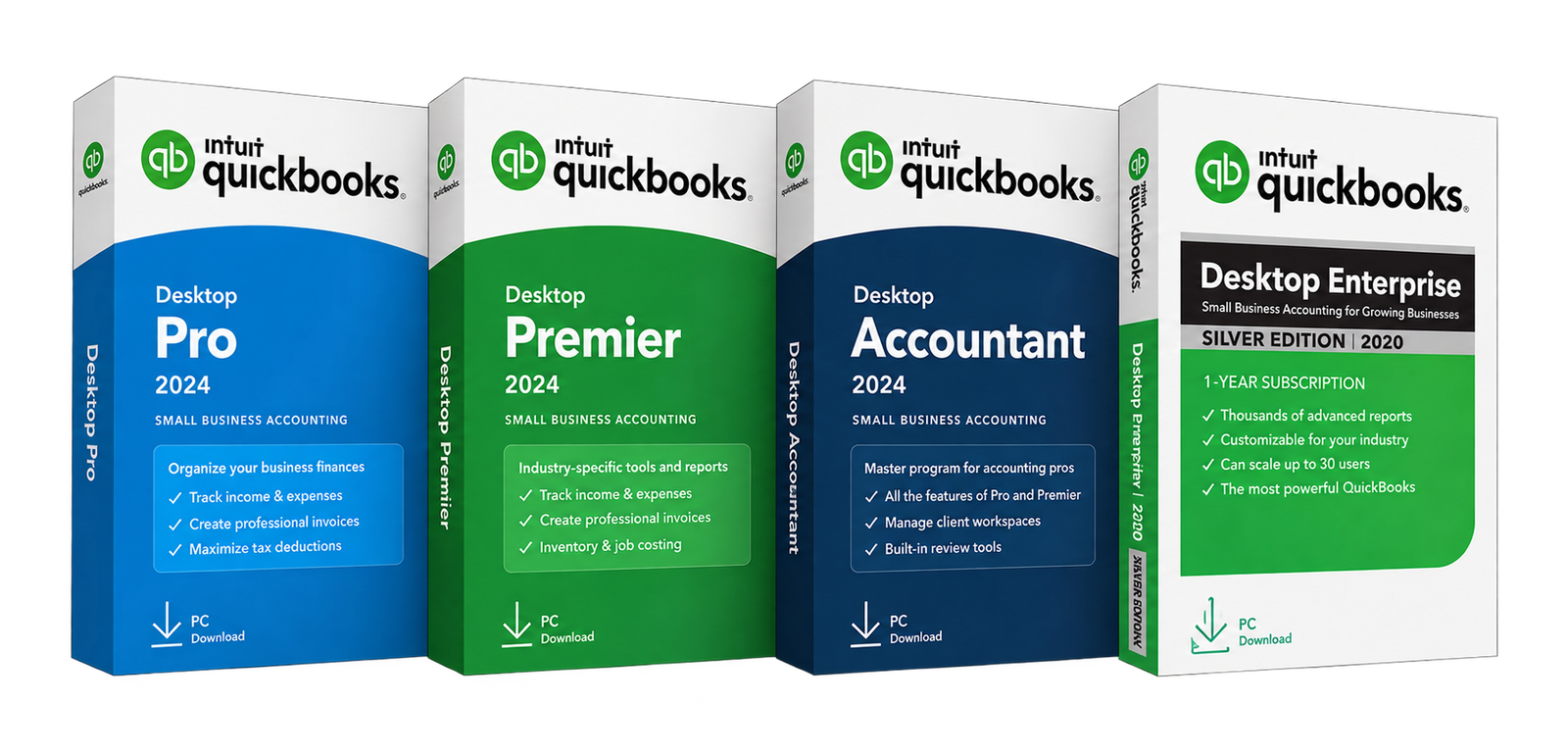
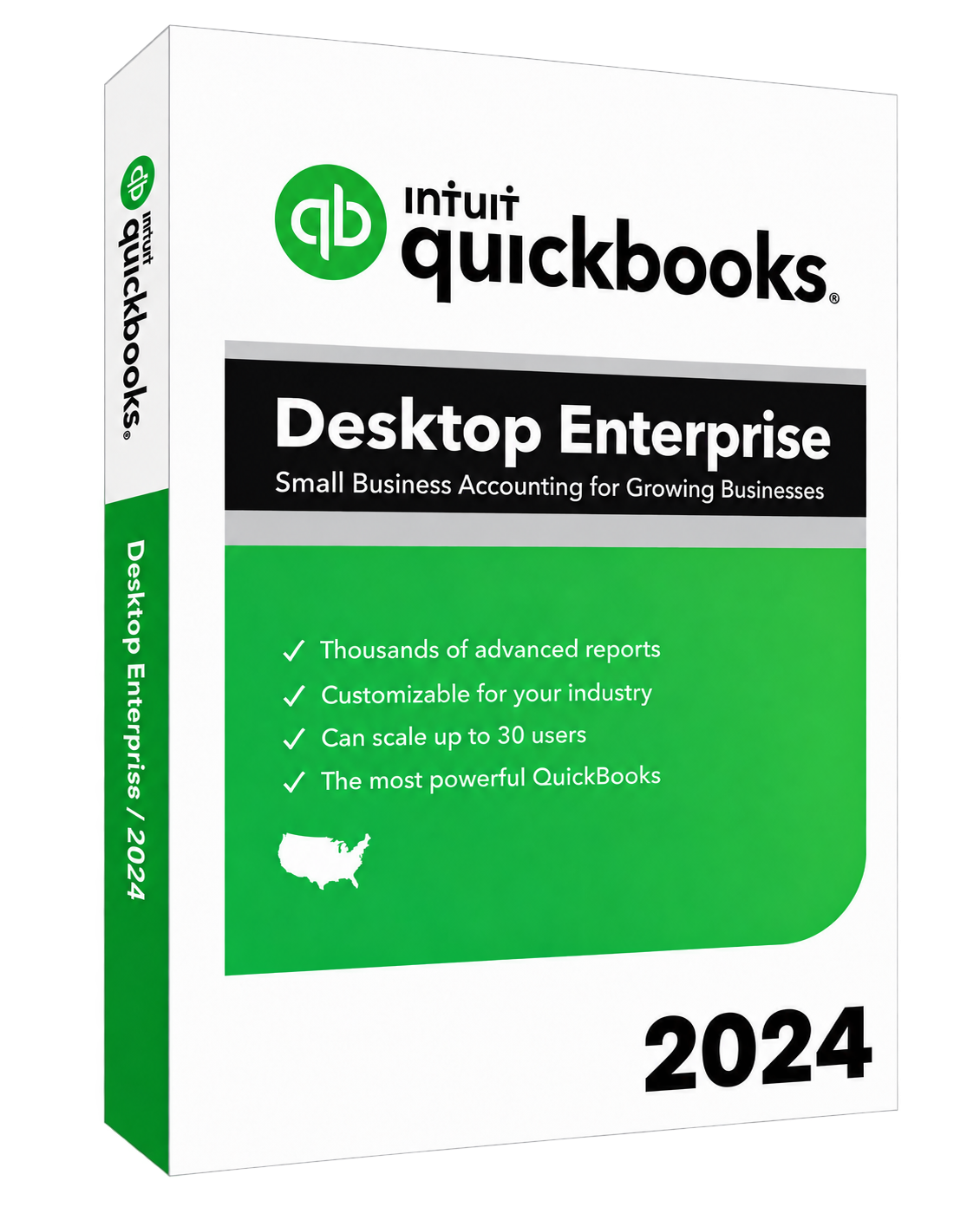
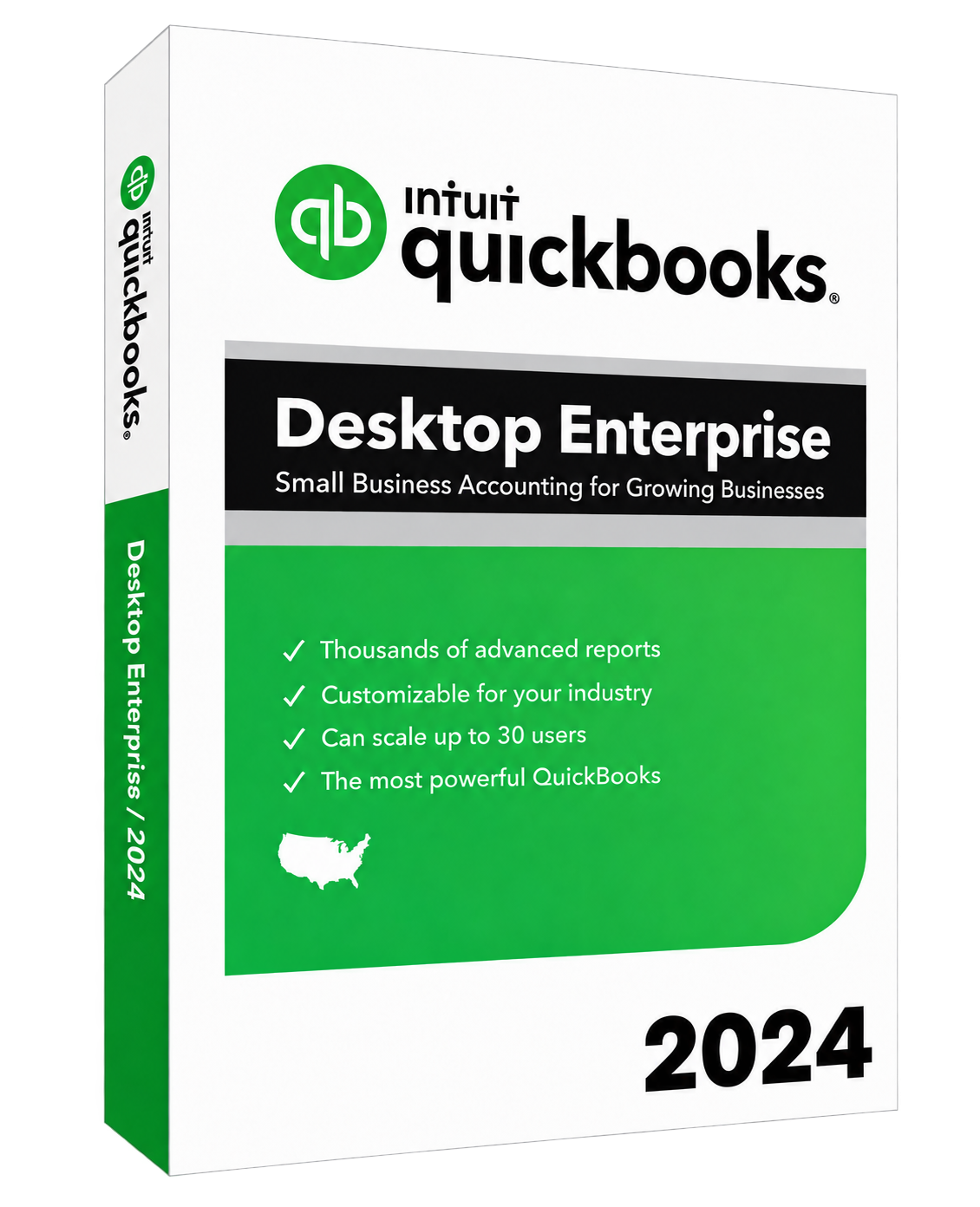
QuickBooks Desktop Enterprise 2024
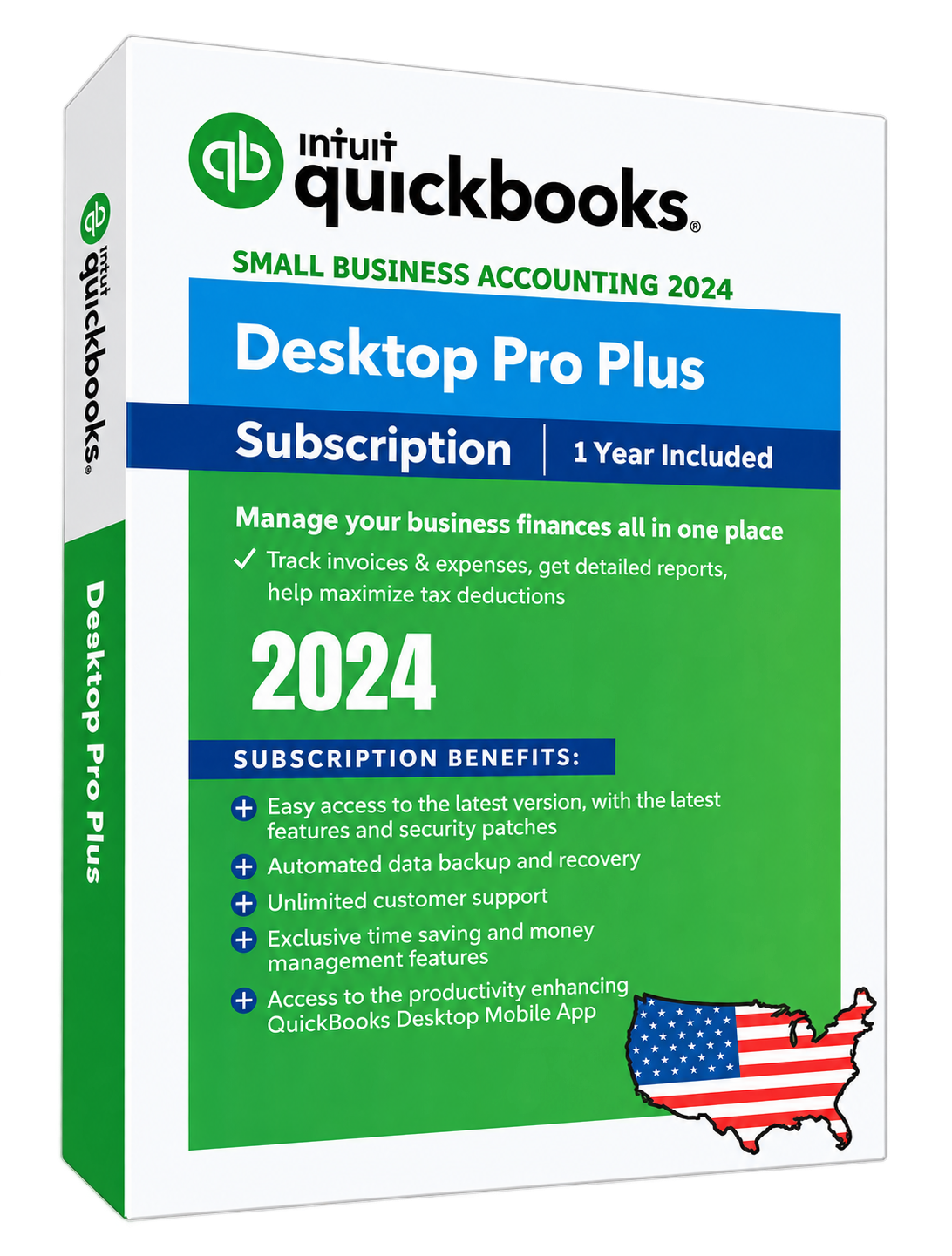
QuickBooks Desktop Pro Plus 2024
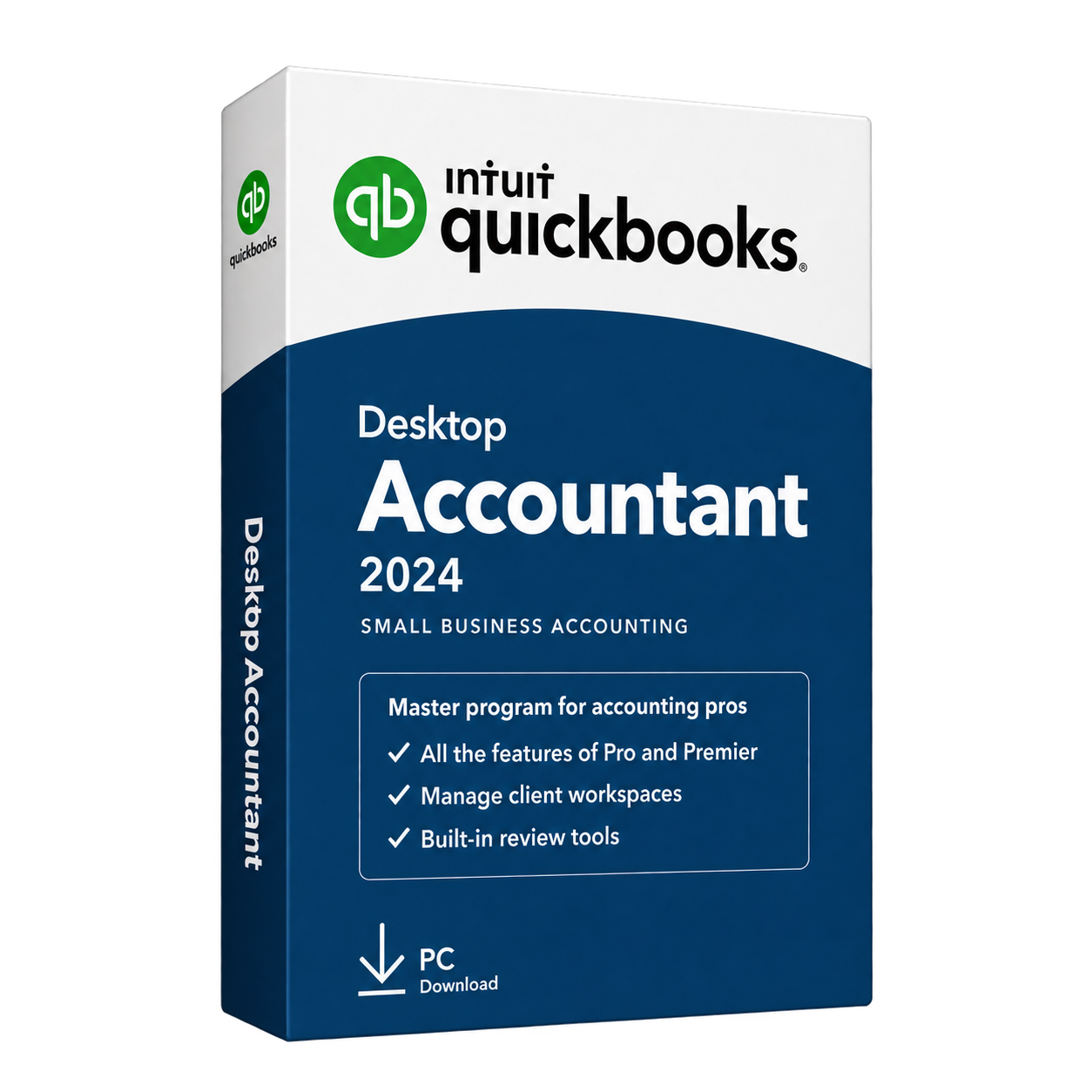
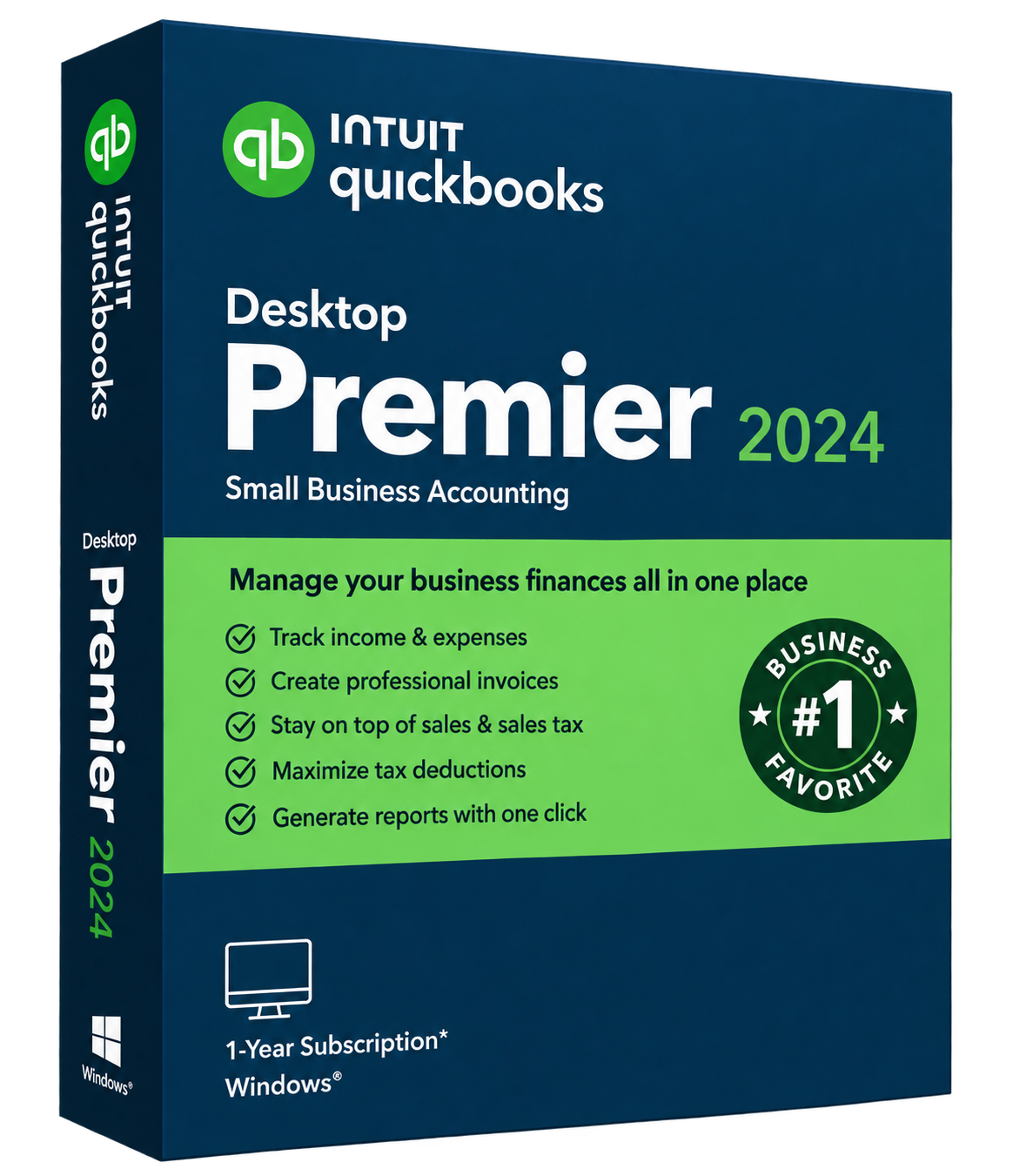
QuickBooks Desktop Premier 2024

QuickBooks Cloud Hosting: Work from Anywhere with More Flexibility

QuickBooks cloud hosting lets you run supported QuickBooks Desktop editions such as Pro, Premier, Enterprise, and Accountant on a managed cloud server. Your team can access the same accounting environment remotely while continuing to use the familiar QuickBooks Desktop interface.

It also reduces dependence on an office computer or local server by bringing remote access, backups, security, collaboration, and technical support into one hosted environment.

Access QuickBooks from Anywhere

Authorized users can access QuickBooks from the office, home, another location, or while traveling using a supported device and internet connection.

Read moreRead less about remote access

This gives accountants, bookkeepers, business owners, and remote employees more flexibility in where they work.
Work Together on the Same Company Files

When your QuickBooks license and edition support multi-user access, approved users can work with company files stored in the same hosted environment.

Read moreRead less about working together

This reduces the need to transfer files between computers or maintain separate copies.

Reduce Server and IT Management

You do not need to rely on an office server for everyday QuickBooks access.

Read moreRead less about server management

Server maintenance, hosting-related updates, monitoring, and infrastructure management are handled as part of the hosting service.

Protect Data with Automated Backups

Hosted business data is backed up automatically, with backup copies retained for up to 60 days.

Read moreRead less about automated backups

This provides additional recovery options if an important file is accidentally deleted, damaged, or needs to be restored.

Get 24/7 Technical Support

Hosting-related technical support is available 24/7, helping users resolve access or server-related issues without being limited to normal office hours.

Keep Your Hosted Environment Secure

Security measures such as encrypted connections, controlled user access, firewalls, server monitoring, and regular security maintenance help protect your QuickBooks applications and business data.

With QuickBooks Hosting, businesses can keep the Desktop workflow they already know while gaining more flexible access, easier collaboration, managed infrastructure, and reliable backup support.

Which Versions of QuickBooks Can You Host?

QBClouds supports popular QuickBooks Desktop editions, allowing businesses to move their existing accounting software to a cloud environment without changing the way they normally work.

The right setup depends on your QuickBooks version, license, number of users, company file size, and any additional applications you want to host.

QuickBooks Desktop Pro, Premier, Accountant, and Enterprise editions

QuickBooks Hosting Pricing & Plans

Flexible plans for businesses, accountants, and growing teams

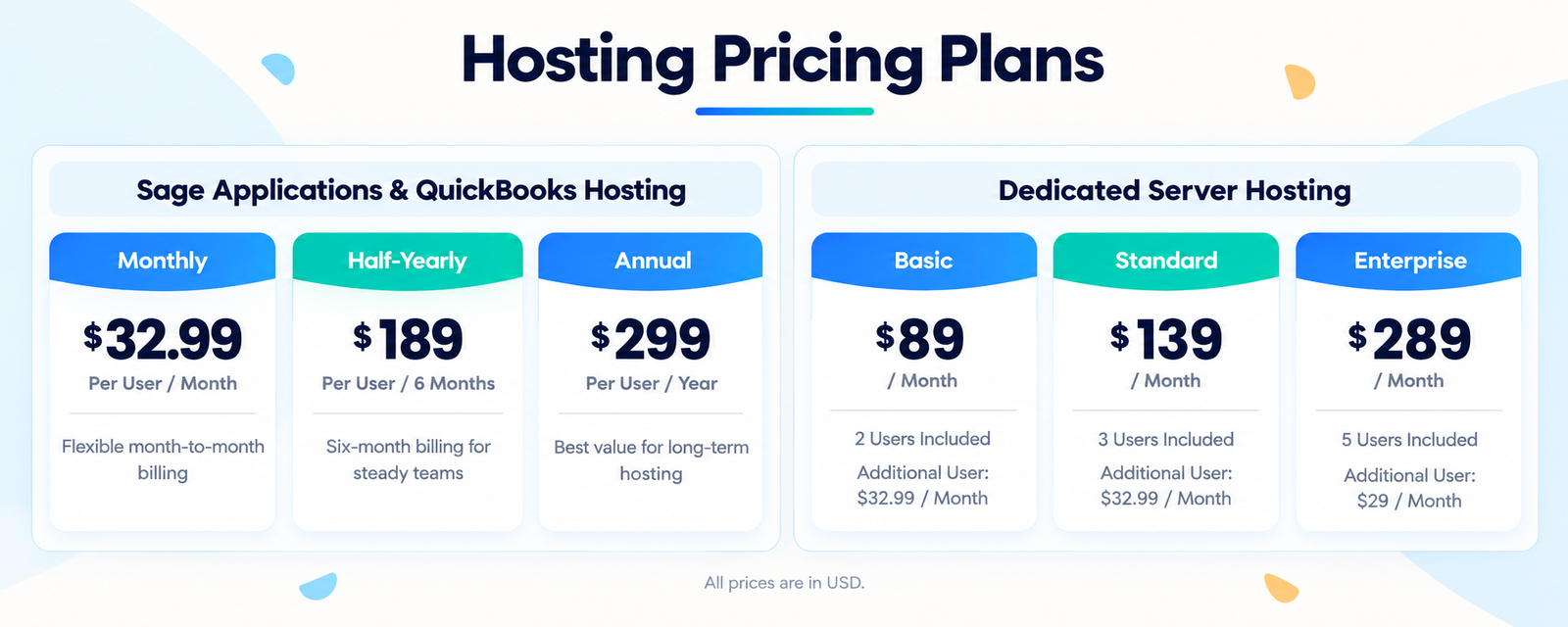
Choose a QuickBooks Hosting plan based on the number of users, applications, storage, and cloud resources your business needs. QBClouds offers monthly, half-yearly, and annual billing options, so you can select a plan that fits your budget and working requirements.

Read moreRead less

Your hosting plan can include secure remote access, managed server infrastructure, automated backups, 24/7 technical support, and setup and migration assistance.

Hosting pricing comparison: monthly, half-yearly, and annual application hosting, plus Basic, Standard, and Enterprise dedicated server plans. Prices in USD.

Get Started with QuickBooks Hosting

Planning your move to the cloud starts with understanding how your team uses QuickBooks. Use these steps to prepare your applications, company files, and users for a hosted environment.

  1. Review Your Requirements

    Start with your QuickBooks edition and version, number of users, and company file size. Include any additional applications your team uses so you can discuss the right hosting setup.

  2. Choose Your Hosting Setup

    Compare plans based on the users, storage, and resources you need. Confirm application compatibility, license requirements, and the setup assistance included with your selected plan.

  3. Prepare Your Team & Files

    Keep a current backup of your company files and identify who needs access. Coordinate the move with your hosting team, then check user access and everyday tasks before your team starts working.

How to Choose the Right QuickBooks Hosting Provider

Choosing the right QuickBooks hosting provider is important because the provider manages the cloud environment where your QuickBooks Desktop application and company files are hosted.

Read moreRead less about choosing a hosting provider

Price matters, but security, support, backups, performance, and migration assistance are equally important.

Woman using a laptop to review QuickBooks hosting options

Check Security and Compliance

Look for security measures such as encrypted connections, multi-factor authentication, firewalls, user access controls, and continuous monitoring.

Read moreRead less about security and compliance

Infrastructure built around standards such as SOC 2 Type II can provide additional confidence when hosting sensitive accounting data.

Review Backup and Recovery Options

Ask how often data is backed up, how long backups are retained, and how the recovery process works.

Read moreRead less about backup and recovery

A good provider should clearly explain the available restore options instead of simply saying that backups are included.

Confirm QuickBooks and Add-On Compatibility

Make sure the provider supports your QuickBooks Desktop edition, version, number of users, and any important add-ons or business applications you use.

Read moreRead less about QuickBooks and add-on compatibility

Compatibility should be checked before migration, not after your environment is moved.

Look for Reliable Technical Support

QuickBooks access problems can interrupt accounting work. Choose a provider that offers knowledgeable technical support and clearly explains when help is available.
Read moreRead less about technical support

For businesses working across different schedules, 24/7 support can be especially useful.

Check Migration and Setup Assistance

Moving QuickBooks to the cloud may involve company files, applications, users, permissions, and server configuration.

Read moreRead less about migration and setup assistance

A reliable provider should assist with setup, migration, testing, and onboarding so your team can start using the hosted environment with less disruption.

Compare Pricing and What Is Included

Do not compare providers by the advertised monthly price alone. Check what the plan includes, such as backups, support, migration, storage, security, and server resources.

Read moreRead less about pricing and included services

Also confirm whether QuickBooks, Microsoft Office, and third-party software licenses are included or need to be purchased separately.

The best QuickBooks hosting provider should offer a secure, reliable, and easy-to-manage environment that matches the way your business actually uses QuickBooks.

Why QuickBooks Hosting?

QuickBooks Hosting lets you keep using QuickBooks Desktop while removing many of the limits of an office-based setup.

Read moreRead less: Why QuickBooks Hosting?

Your application and company files run in a managed cloud environment, giving authorized users remote access, easier collaboration, managed infrastructure, and backup support.

Why QuickBooks Hosting

Stronger Security for Accounting Data

Hosted QuickBooks can be protected with multiple security layers, including encrypted connections, firewalls, controlled user access, server monitoring, and regular security maintenance.

Read moreRead less: Stronger Security for Accounting Data

This helps keep sensitive accounting and business data in a more controlled environment instead of relying only on an office computer or local server.

Work from Anywhere

Authorized users can access QuickBooks from home, the office, another branch, a client location, or while traveling using a supported device and reliable internet connection.

Read moreRead less: Work from Anywhere

Your team can continue using the familiar QuickBooks Desktop interface without being tied to one physical workplace.

Easier Multi-User Collaboration

When supported by your QuickBooks edition and license, multiple authorized users can work with company files stored in the same hosted environment.

Read moreRead less: Easier Multi-User Collaboration

Accountants, bookkeepers, managers, and business owners can work with current data from different locations without repeatedly sending company files back and forth.

Reduce Local Server and IT Work

Running QuickBooks on an office server can require hardware maintenance, storage management, backups, security updates, and ongoing troubleshooting.

Read moreRead less: Reduce Local Server and IT Work

With cloud hosting, much of the server infrastructure is managed for you. This reduces dependence on local hardware and the amount of day-to-day server work your team needs to handle.

Scale as Your Business Grows

Your hosting requirements can change as you add employees, applications, storage, or larger company files. Server resources can be reviewed and adjusted according to your plan and business needs without requiring you to purchase a new office server.

Read moreRead less: Scale as Your Business Grows

This flexibility is especially useful for growing businesses and accounting firms with seasonal workloads.

Hosted data is also backed up automatically, with available backup copies retained for up to 60 days. The 60-day period refers to the backup retention window; available restore points depend on the backup schedule and the specific data that needs to be recovered.

Why Choose QBClouds for QuickBooks Hosting?

QuickBooks Hosting should make your accounting setup easier to manage while giving your team secure and reliable access to QuickBooks Desktop.

Read moreRead less: Why Choose QBClouds for QuickBooks Hosting?

QBClouds provides a managed cloud environment for businesses, accountants, bookkeepers, and remote teams.

Why Choose QBClouds for QuickBooks Hosting

SOC 2 Type II Cloud Infrastructure

Your QuickBooks environment is hosted on infrastructure that follows SOC 2 Type II security controls. These controls focus on areas such as system security, availability, access management, monitoring, and operational processes.

Read moreRead less: SOC 2 Type II Cloud Infrastructure

This gives businesses a more professionally managed environment for hosting accounting applications and business data.

Flexible Hosting for Different Business Needs

Whether you have one user or a growing team, hosting resources can be configured around your users, applications, storage, and workload.

Read moreRead less: Flexible Hosting for Different Business Needs

As your requirements change, resources can be reviewed and adjusted without replacing your office server.

Reduce Local IT Infrastructure

Running QuickBooks locally can require server hardware, maintenance, storage, backups, security updates, and IT support.

Read moreRead less: Reduce Local IT Infrastructure

Cloud hosting reduces the need to maintain this infrastructure in your office while allowing your team to continue using the familiar QuickBooks Desktop environment.

Automated Backup Support

Hosted data is backed up automatically, with available backup copies retained for up to 60 days.

Read moreRead less: Automated Backup Support

The 60-day period refers to the backup retention window. Available restore points depend on the backup schedule and the data that needs to be recovered.

Free Setup and Migration Assistance

Setup and migration assistance is available to help move your QuickBooks company files, users, and compatible applications into the hosted environment.

Read moreRead less: Free Setup and Migration Assistance

This helps reduce the technical work your team needs to manage during the move.

24/7 Technical Support

Hosting-related technical support is available 24/7 for access problems, server-related issues, and other concerns involving your hosted environment.

Read moreRead less: 24/7 Technical Support

This can be especially useful for accounting firms and businesses that work outside normal office hours.

Get More from Your Hosted QuickBooks

Integrate 200+ QuickBooks Add-Ons

QuickBooks works with many third-party tools for payroll, payments, reporting, inventory, document management, CRM, and other business tasks.

With QuickBooks Hosting, you can integrate 200+ QuickBooks add-ons in the same cloud environment, helping your team keep important accounting and business tools in one workspace.

Read moreRead less

This makes it easier for accountants, bookkeepers, and businesses to use the applications they already depend on without switching between different computers or disconnected systems.

Before setup, we check the application version, licensing requirements, server needs, and QuickBooks compatibility to help ensure the add-on works properly in the hosted environment.

One cloud workspace Hosted
QuickBooks
200+ add-ons
  • Bill & Pay
  • Autofy
  • Fishbowl
  • Qvinci
  • SmartVault
  • TSheets by QuickBooks
  • Bill.com

QuickBooks Online vs. Hosted QuickBooks Desktop: Which Is Right for You?

QuickBooks Online and Hosted QuickBooks Desktop both provide remote access to accounting tools, but they work differently.

Learn moreShow less about QuickBooks Online and Hosted QuickBooks Desktop

QuickBooks Online is a cloud-based accounting platform that works through a supported web browser and mobile app. Hosted QuickBooks Desktop runs your supported Desktop edition on a cloud server, allowing you to keep the familiar software, company files, reports, and compatible add-ons you already use.

The right choice depends on whether you want a cloud-native accounting platform or prefer to keep your existing QuickBooks Desktop environment.

QuickBooks Online and Hosted QuickBooks Desktop feature comparison
Feature QuickBooks Online Hosted QuickBooks Desktop
Access Browser and mobile app Remote access to your hosted Desktop environment
Software Cloud-native QuickBooks platform Supported QuickBooks Desktop edition
Desktop Workflow Different interface and workflow Keeps the familiar Desktop experience
Reporting Reporting features vary by plan Keeps reporting tools available in your Desktop edition
Industry Tools Features depend on the Online plan Can retain supported Desktop industry-specific tools
Add-Ons Uses apps built to integrate with QuickBooks Online Supports compatible QuickBooks Desktop add-ons
Data Environment Managed within Intuit's cloud platform Hosted on your provider's cloud infrastructure
Best For Businesses wanting a cloud-native accounting system Businesses that want Desktop features with cloud access

Which One Should You Choose?

QuickBooks Online can be a good choice if you prefer browser-based accounting, mobile access, and a cloud-native workflow.

QuickBooks Hosting may be a better fit if your business already depends on QuickBooks Desktop, specialized reports, established workflows, or compatible Desktop add-ons and you do not want to change the accounting environment your team already knows.

Hosted QuickBooks Desktop combines the familiar Desktop experience with the flexibility to access it remotely.

Protect Your QuickBooks Data with Multiple Security Layers

Enterprise-Grade Security for Hosted QuickBooks

QuickBooks files can contain sensitive financial and business information, so security needs to cover more than just login credentials.

Read moreRead less about hosted QuickBooks security

Our hosted environment uses multiple layers of protection, including encrypted connections, access controls, firewalls, server monitoring, security updates, automated backups, and SOC 2 Type II infrastructure.

Enterprise-grade security for hosted QuickBooks

Encrypted Connections

Read moreRead less about encrypted connections

Data transmitted between your device and the hosted environment is protected through secure, encrypted connections to help reduce the risk of unauthorized access.

Multi-Factor Authentication

Read moreRead less about multi-factor authentication

Multi-factor authentication can add an extra verification step when users sign in, helping protect accounts even if a password is compromised.

Antivirus and Anti-Malware Protection

Read moreRead less about antivirus and anti-malware protection

Security tools help detect and block malicious software that could affect hosted applications, files, or server performance.

Network Firewalls

Read moreRead less about network firewalls

Firewalls help control network traffic and block unauthorized connections from reaching the hosted environment.

24/7 Server and Network Monitoring

Read moreRead less about 24/7 server and network monitoring

The hosting infrastructure is monitored around the clock to help identify unusual activity, performance issues, or other technical problems.

Automated Data Backups

Read moreRead less about automated data backups

Hosted data is backed up automatically, with available backup copies retained for up to 60 days based on the backup schedule and available restore points.

Regular Security Updates

Read moreRead less about regular security updates

Hosting-related security patches and system updates are applied regularly to help protect the environment against known vulnerabilities.

Together, these controls create a managed and secure environment for accessing QuickBooks Desktop and business data in the cloud.

Steps to Host QuickBooks Desktop on the Cloud

A Simple and Guided QuickBooks Cloud Migration Process

Read moreRead less about the QuickBooks cloud migration process

Moving QuickBooks Desktop to the cloud is easier when the setup, migration, testing, and onboarding are handled by an experienced technical team. Our engineers help configure the hosted environment and move your QuickBooks setup with minimal disruption to your daily work.
QuickBooks cloud migration process
  1. Step 1: Choose the Right Hosting Setup

    Read moreRead less about choosing the right hosting setup

    We first review your QuickBooks version, number of users, company files, storage needs, add-ons, and other applications.

    This helps our team recommend the right hosting resources and configuration for your business.

  2. Step 2: Migration and Cloud Configuration

    Read moreRead less about migration and cloud configuration

    Our technical engineers configure your cloud workspace and help migrate your QuickBooks Desktop application, company files, and compatible business applications.

    We also set up user access and required server resources based on your hosting needs.

  3. Step 3: Test Access and Onboard Your Team

    Read moreRead less about testing access and onboarding your team

    Before going live, we test QuickBooks access, company files, user permissions, and supported applications.

    Our team also helps users understand how to connect to their hosted desktop so they can start working with confidence.

  4. Step 4: Go Live with 24/7 Technical Support

    Read moreRead less about going live with technical support

    Once testing is complete, your team can start using QuickBooks from the cloud.

    Our engineers and support team remain available 24/7 to assist with hosting-related access, server issues, configuration, and technical support when needed.

Move QuickBooks with confidence

Ready to Run QuickBooks Desktop from Anywhere?

Choose a hosting plan that fits your team or start with a free trial to experience secure remote access, reliable performance, and a fully managed QuickBooks cloud environment.

  • 7-day free trial
  • No credit card required
  • Free setup and migration assistance
  • 24/7 technical support

TRUSTED BY 500+

Trusted Partners. Reliable Hosting.

The expertise behind a smooth cloud experience.

Qbclouds brings together technology, infrastructure, and support partners to deliver secure, stable hosting and consistent performance for your business.

  • IDrive
  • Quickbase Authorized Partner
  • Sage 50 Solution Provider
  • Veeam
  • Duo
  • Avalara
  • QuickBooks Executive Solution Provider
  • Oracle NetSuite
  • Wasabi
  • Comm100

QuickBooks Hosting FAQ’s

Get 7 days free trial
What is QuickBooks Hosting?

QuickBooks Hosting runs your licensed QuickBooks Desktop software on a cloud server. It allows authorized users to access QuickBooks, company files, reports, and compatible add-ons remotely.

What is the downside to QuickBooks Online?

QuickBooks Online may not include the same workflows, advanced features, reports, or industry tools available in some Desktop editions. Businesses may also need higher plans or additional apps for certain functions.

Can I switch from QuickBooks Online to QuickBooks Desktop?

Yes. QuickBooks Online data can be moved to QuickBooks Desktop. However, some information may transfer differently, so the converted company file should be reviewed before switching.

Is QuickBooks cloud hosting secure?

Yes. A secure QuickBooks hosting environment can use encrypted connections, MFA, firewalls, malware protection, monitoring, and access controls. QBClouds also uses SOC 2 Type II infrastructure.

Can I use my existing QuickBooks license?

In many cases, yes. We check your QuickBooks edition, version, subscription, and licensed users before configuring it on the cloud server.

How does QuickBooks Hosting pricing compare with QuickBooks Online?

QuickBooks Online pricing depends on the subscription plan. QuickBooks Hosting costs can vary based on users, storage, server resources, and additional hosted applications.

How much does QuickBooks Hosting cost?

QuickBooks Hosting pricing depends on users, storage, applications, and server requirements. QBClouds offers monthly, half-yearly, and annual billing options.

How do I choose the best QuickBooks hosting provider?

Look for a provider offering reliable security, backups, 24/7 technical support, migration assistance, application compatibility, and transparent pricing.

Can I try QuickBooks Hosting before choosing a plan?

Yes. QBClouds offers a 7-day free trial so you can test remote access, performance, and application compatibility before selecting a paid plan.

What do I need to host QuickBooks in the cloud?

You generally need a supported QuickBooks Desktop license, a stable internet connection, and a compatible device. Your users, storage, company files, and add-ons are also reviewed before setup.

How is QuickBooks Hosting different from QuickBooks Online?

QuickBooks Hosting runs QuickBooks Desktop on a remote cloud server while keeping its familiar Desktop environment. QuickBooks Online is a separate web-based accounting platform with its own features and workflows.

Why should I move QuickBooks Desktop to the cloud?

Cloud hosting provides remote access, easier collaboration, managed servers, automated backups, and greater flexibility while allowing you to keep using QuickBooks Desktop.

Is QuickBooks Desktop available without a monthly subscription?

New QuickBooks Desktop Pro Plus and Premier Plus subscriptions are no longer available to new U.S. customers. QuickBooks Desktop Enterprise remains available through subscription plans, while eligible existing Desktop Plus users can continue renewing.

Copyright © 2026 QBclouds|