





Sage Cloud Hosting with QBClouds

Secure Sage Cloud Hosting Solutions | $15/month - First three month

Access your existing Sage desktop software safely from any web browser or device. Our Sage cloud solutions deliver smooth multi-user collaboration, automated backups, and 24/7 technical support without changing your daily Sage hosting workflows

  • Free Migration Assistance
  • Enterprise-Grade Security
  • 99.99% Uptime Guarantee
  • Multi-User Collaboration
  • Automated Daily Backups
  • 24/7 Expert Support
Woman holding a laptop and a QBClouds mug
Sage 500 application
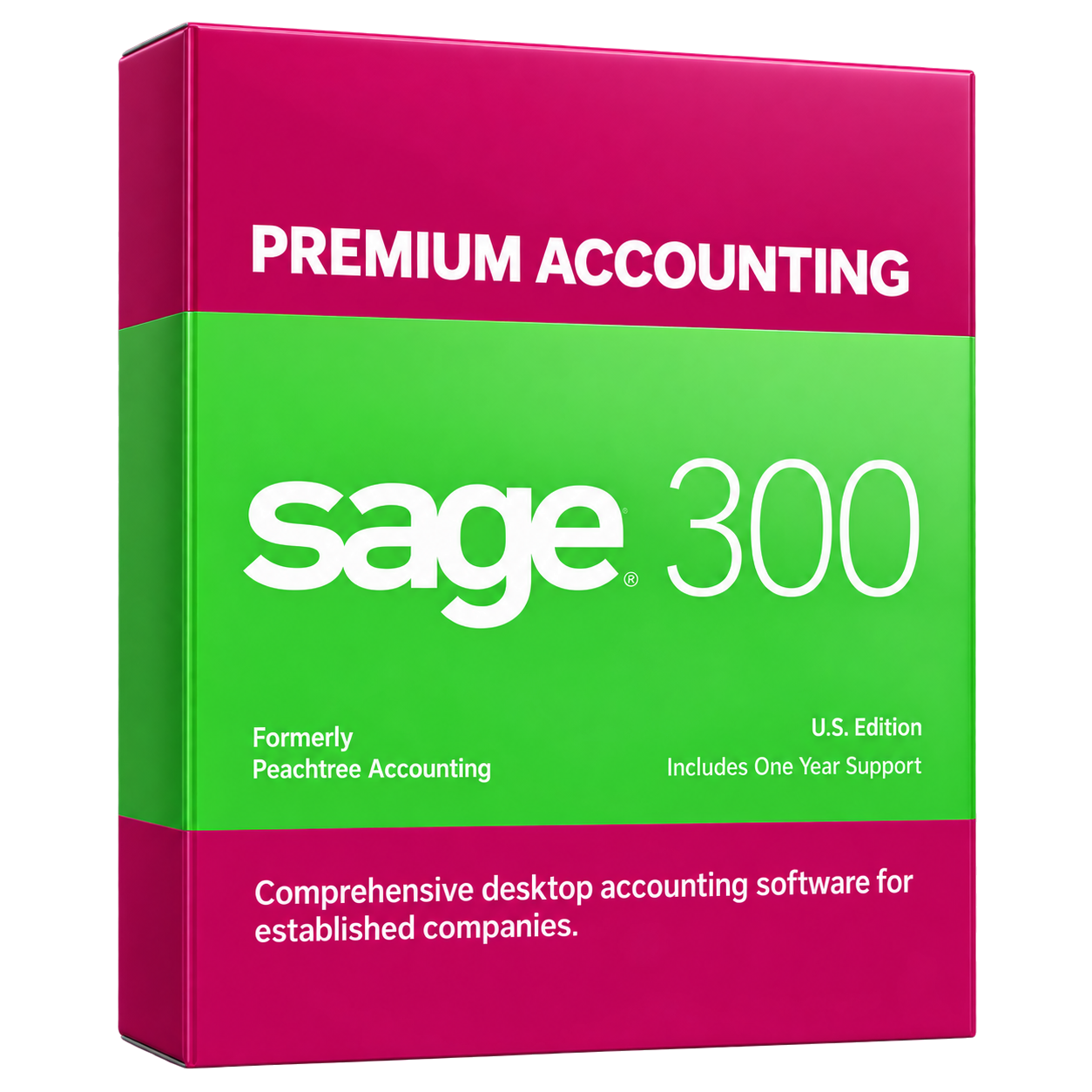
Sage 300 Premium Accounting
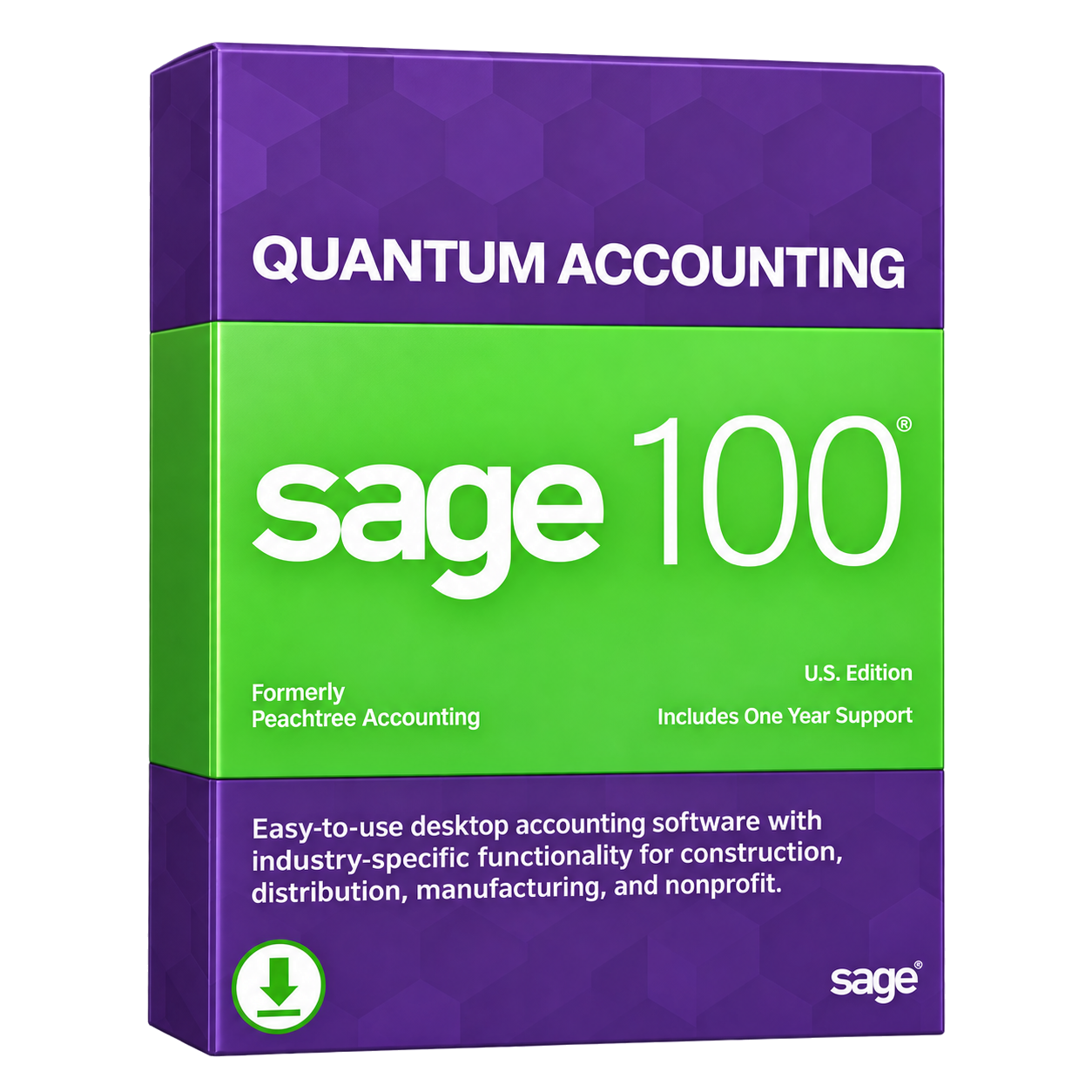
Sage 100 Quantum Accounting
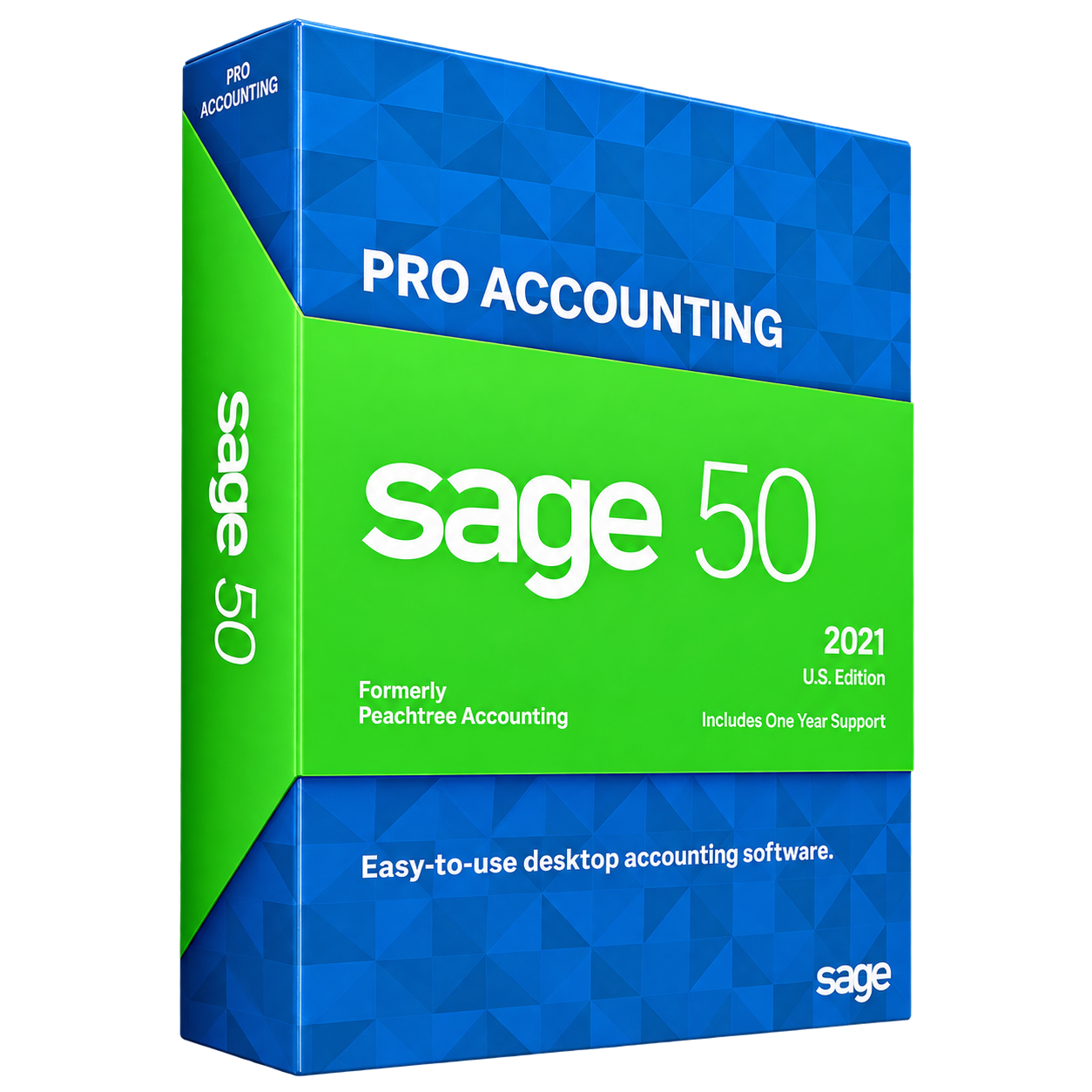
Sage 50 Pro Accounting
Professional using a laptop for Sage cloud hosting

What Is Sage Cloud Hosting?

Sage Cloud Hosting allows businesses to run their licensed Sage desktop applications on a secure cloud server instead of an office computer or local server. It keeps Sage software, company files, and business data in one centralized environment that authorized employees can access from different locations.

Read moreRead less about Sage Cloud Hosting

With hosted Sage software, users can continue managing accounts, creating invoices, tracking inventory, and preparing financial reports while enjoying greater flexibility and easier team collaboration.

How Does Hosted Sage Software Work?

With QBClouds, your compatible Sage application is installed on a cloud server along with your company files. Authorized users connect through a secure login using a Windows PC, Mac, or other supported device with an internet connection.

Read moreRead less about how hosted Sage software works

Once connected, employees can use their familiar Sage desktop features without installing the application on every computer. Hosting does not convert your existing Sage desktop software into a separate cloud-native product. Software compatibility and multi-user access depend on your Sage edition and licensing.

Key Benefits of Moving Sage Applications to the Cloud

Moving your Sage applications to clouds makes everyday accounting tasks easier to manage. With Sage Cloud Hosting, businesses can improve accessibility, support team collaboration, reduce IT maintenance, and protect important financial data without depending entirely on local office servers.

Woman using a laptop to access cloud-hosted Sage applications

Work Securely From Anywhere

Access your Sage applications and company files from the office, home, or another location using an internet-connected device.

Read moreRead less about work securely from anywhere

Accountants, remote employees, and branch office teams can manage financial records, generate reports, and complete daily tasks without being physically present at the office. Access requires a stable internet connection and a supported device.

Improve Team Collaboration

Keep your Sage applications and business data in one centralized cloud environment.

Read moreRead less about improve team collaboration

Authorized employees can work with shared company files, review financial information, and coordinate accounting activities without repeatedly transferring files between computers. This helps reduce version confusion and improves teamwork across different locations. Simultaneous access depends on your Sage software license and server configuration.

Reduce Local Server Maintenance

Running Sage on local servers requires hardware maintenance, software troubleshooting, backups, and occasional equipment upgrades.

Read moreRead less about reduce local server maintenance

With Sage Hosting, QBClouds manages the underlying cloud infrastructure, reducing the need for businesses to maintain physical servers. This allows employees to focus more on accounting and business operations instead of routine server management.

Protect Data and Keep Business Moving

Protect important Sage files with automated daily backups, secure access controls, and cloud infrastructure designed for business continuity.

Read moreRead less about protect data and keep business moving

If an office computer fails or a local workplace experiences disruptions, authorized employees can continue accessing their hosted Sage applications from another suitable location. Backup and recovery options also help businesses restore data when needed, reducing the impact of unexpected technical problems.

Sage Applications You Can Host With QBClouds

Different businesses use Sage software for accounting, inventory, construction, customer management, and financial reporting. QBClouds provides Sage Cloud Hosting services that help businesses access compatible desktop applications and company files from secure cloud servers.

Explore the following Sage applications and discover how cloud hosting can support your daily operations. Hosting availability depends on the application, version, licensing, and technical requirements.

Sage 50, Sage 100, Sage 300, and Sage 500 applications
Sage 50 accounting software

Sage 50 Cloud Hosting

Make everyday accounting easier with Sage 50 Cloud Hosting.

Designed for small businesses, accountants, and bookkeepers, it provides remote access to invoices, financial reports, payroll-related tools, and company files. Authorized employees can manage accounting tasks from different locations while using familiar Sage 50 features.

Explore Sage 50 Cloud Hosting
Sage 100 accounting software

Sage 100 ERP Hosting

Simplify business operations with Sage 100 ERP Hosting.

Suitable for growing businesses, manufacturers, and distributors, it supports accounting, inventory, order management, and financial reporting. Cloud hosting helps authorized teams access shared business information without depending on a single office server.

Explore Sage 100 ERP Hosting
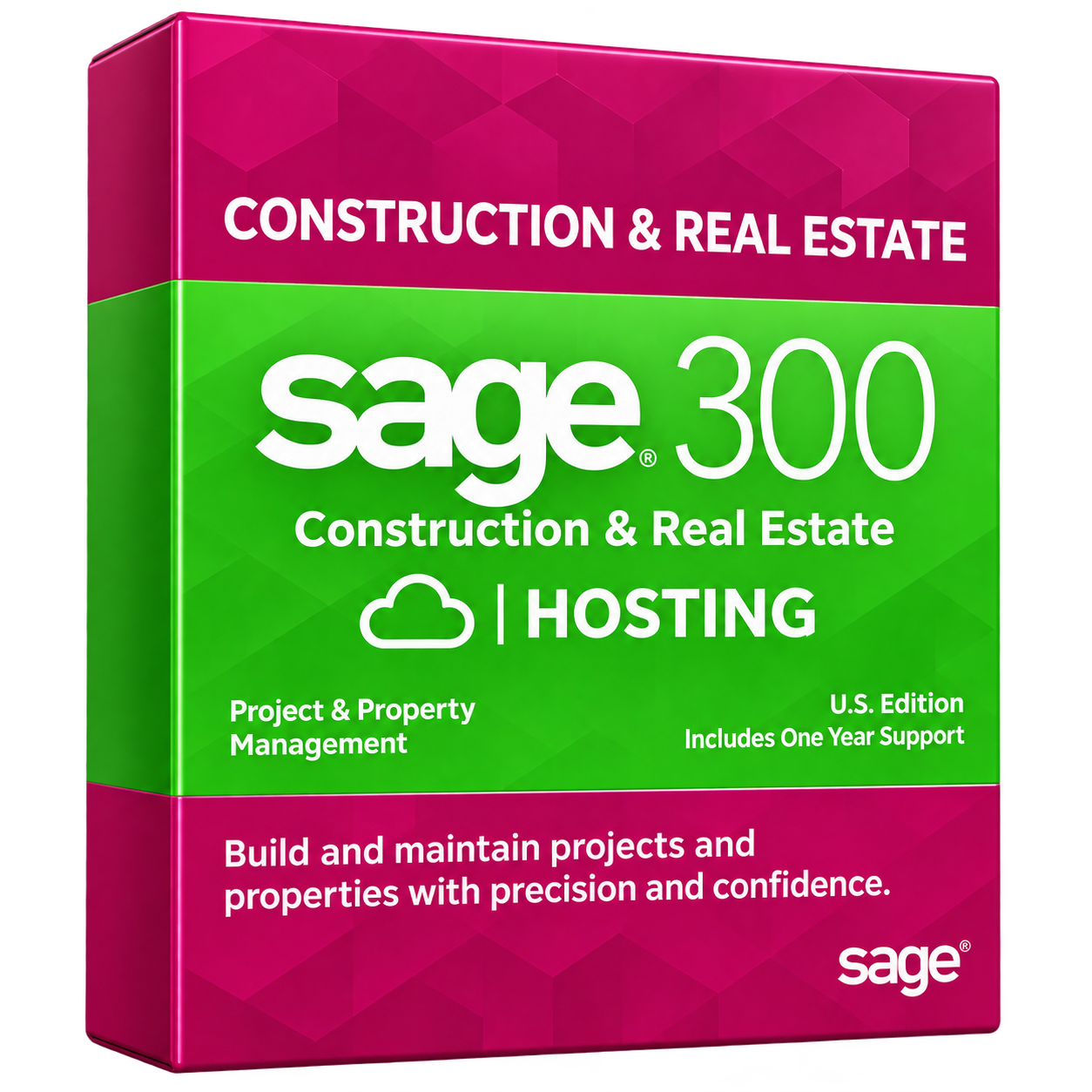
Sage 300 accounting software

Sage 300 ERP Hosting

Manage complex financial operations with Sage 300 ERP Hosting.

Ideal for businesses with multiple locations, departments, or entities, it supports financial reporting, inventory, and operational management. Hosting Sage 300 on the cloud makes it easier for authorized employees to access business information across locations.

Explore Sage 300 ERP Hosting
Sage 500 ERP software

Sage 500 ERP Cloud Hosting

Support enterprise accounting and business management with Sage 500 ERP Cloud Hosting.

Designed for larger organizations, it brings financial management, manufacturing, inventory, and distribution tools into a centralized environment. Cloud access helps teams across departments work with important business data more efficiently.

Explore Sage 500 ERP Cloud Hosting
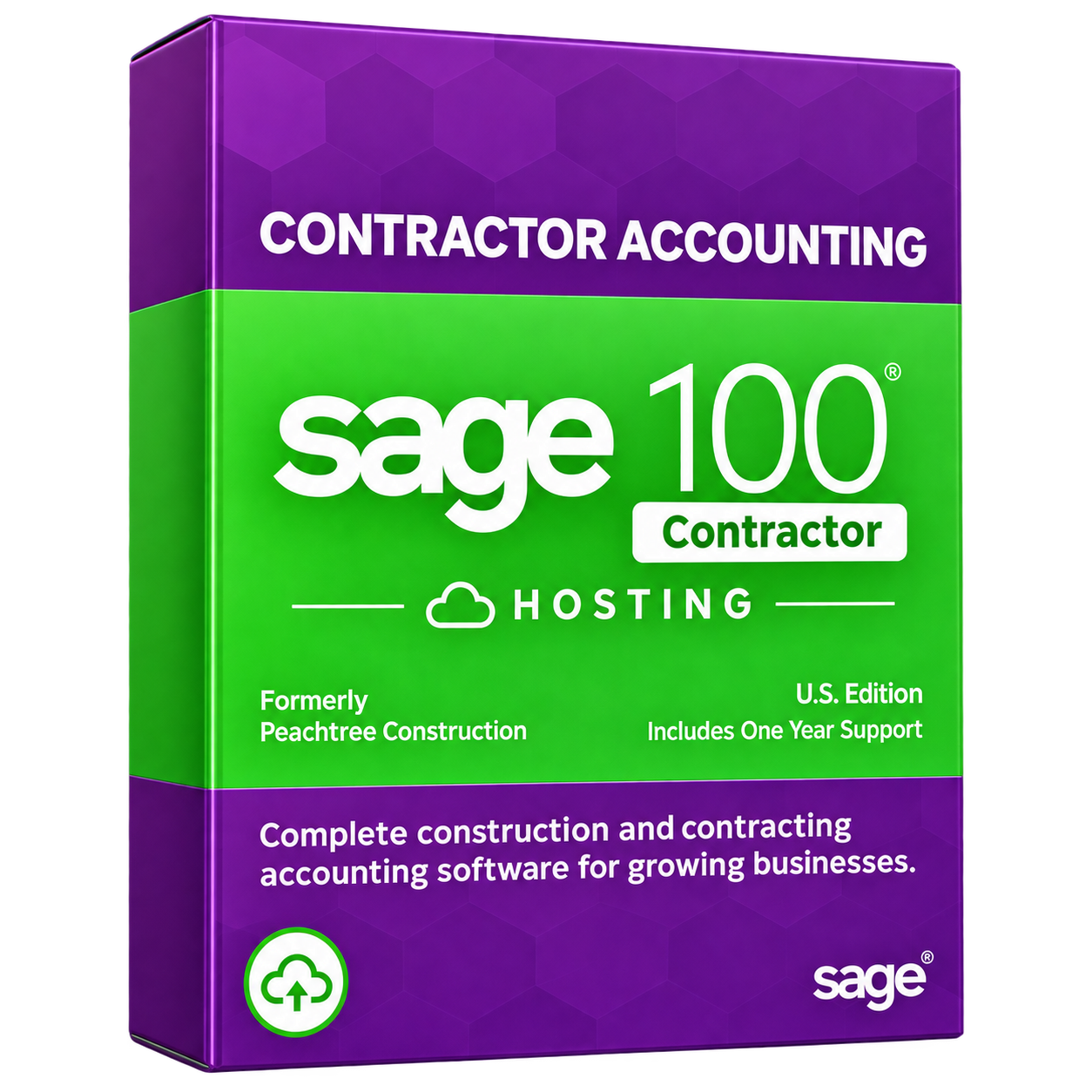
Sage 100 Contractor software

Sage 100 Contractor Hosting

Sage 100 Contractor helps construction businesses manage job costs, project budgets, subcontractors, and financial records.

Hosting a compatible version on a cloud server can provide office employees and project managers with remote access to essential construction accounting tools and shared project information.

Explore Sage 100 Contractor Hosting
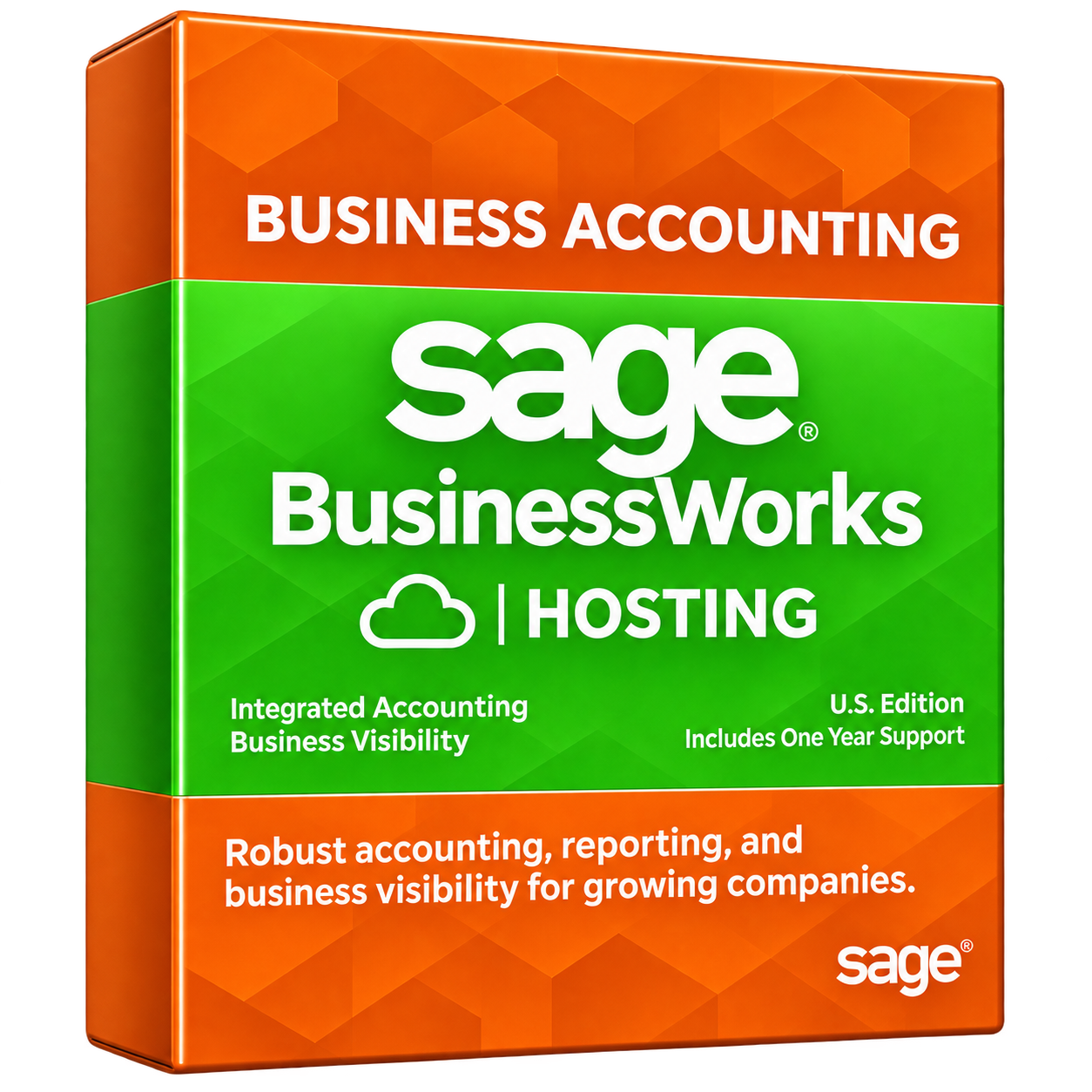
Sage BusinessWorks software

Sage BusinessWorks Hosting

Sage BusinessWorks helps small and midsize businesses manage accounting, inventory, sales, and payroll-related activities.

Cloud hosting can provide remote access to supported BusinessWorks applications, allowing authorized employees to review financial information, process transactions, and complete routine accounting tasks from different locations.

Explore Sage BusinessWorks Hosting
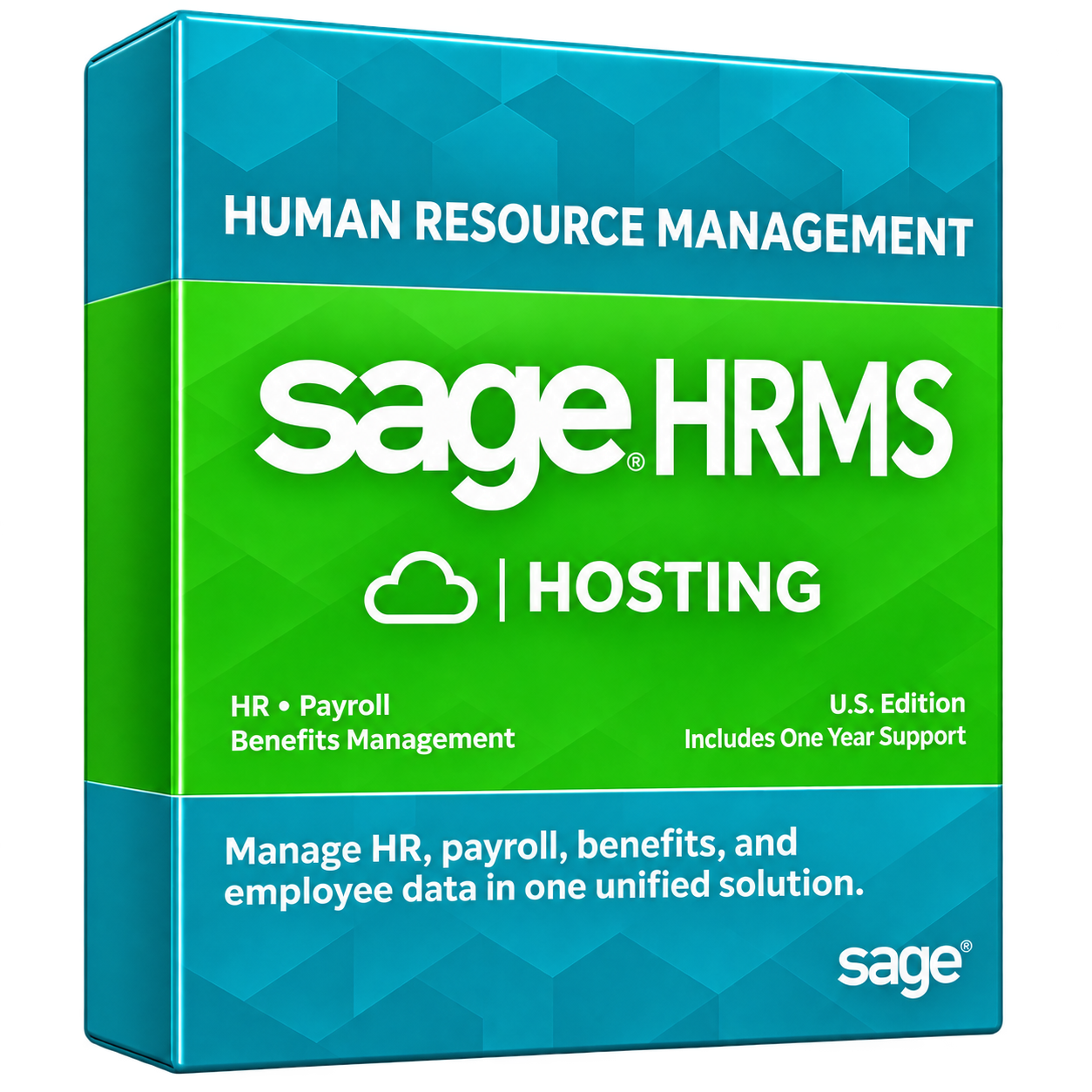
Sage HRMS software

Sage HRMS Hosting

Sage HRMS helps businesses manage employee information, human resources, payroll-related processes, and workforce administration.

Hosting a compatible Sage HRMS environment can give authorized HR professionals secure access to employee records and administrative tools while supporting collaboration between HR teams in different offices.

Explore Sage HRMS Hosting
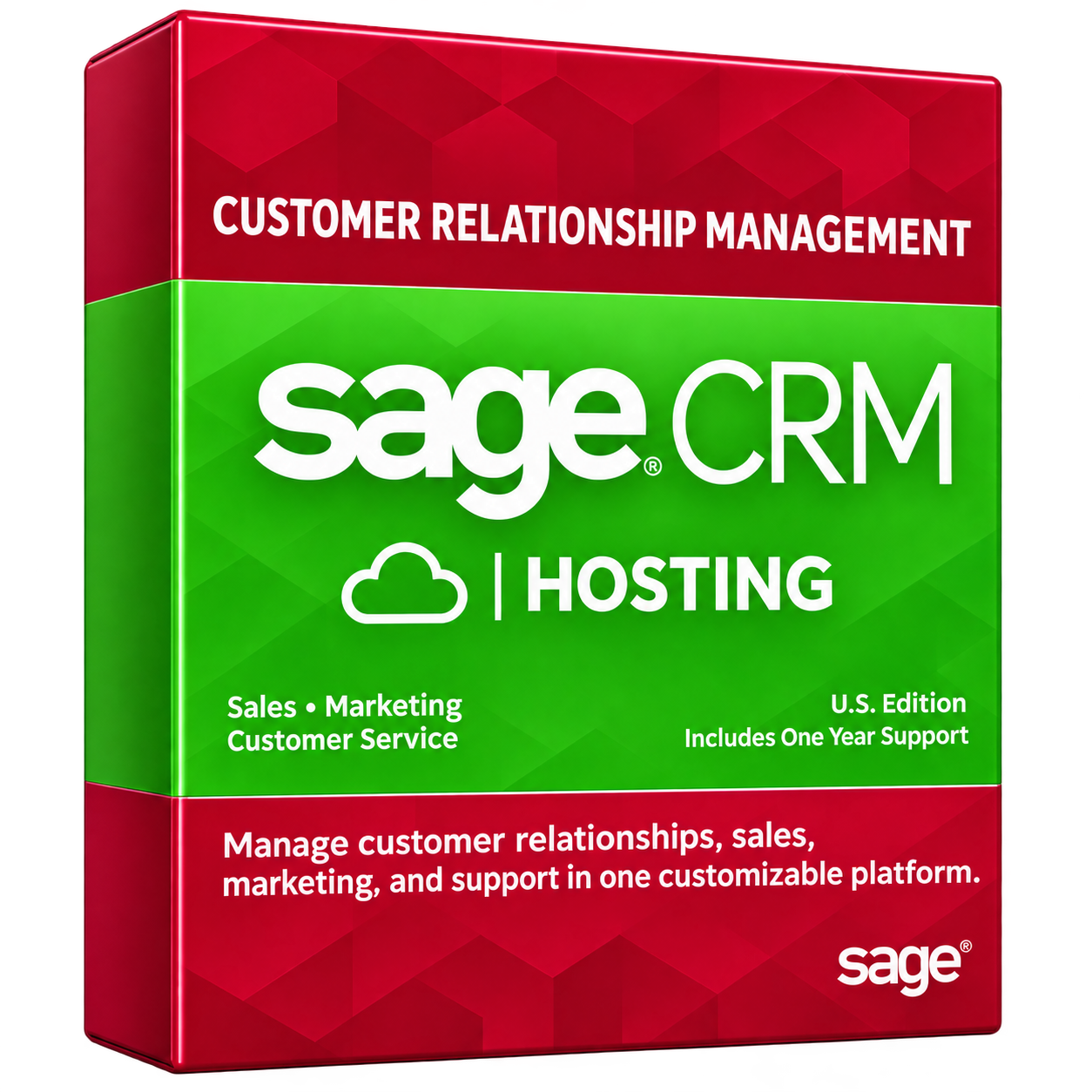
Sage CRM software

Sage CRM Hosting

Sage CRM helps businesses organize customer information, sales activities, marketing processes, and customer service records.

Cloud hosting can allow authorized sales and management teams to access supported CRM tools remotely, helping employees track customer interactions and manage business relationships across multiple locations.

Explore Sage CRM Hosting
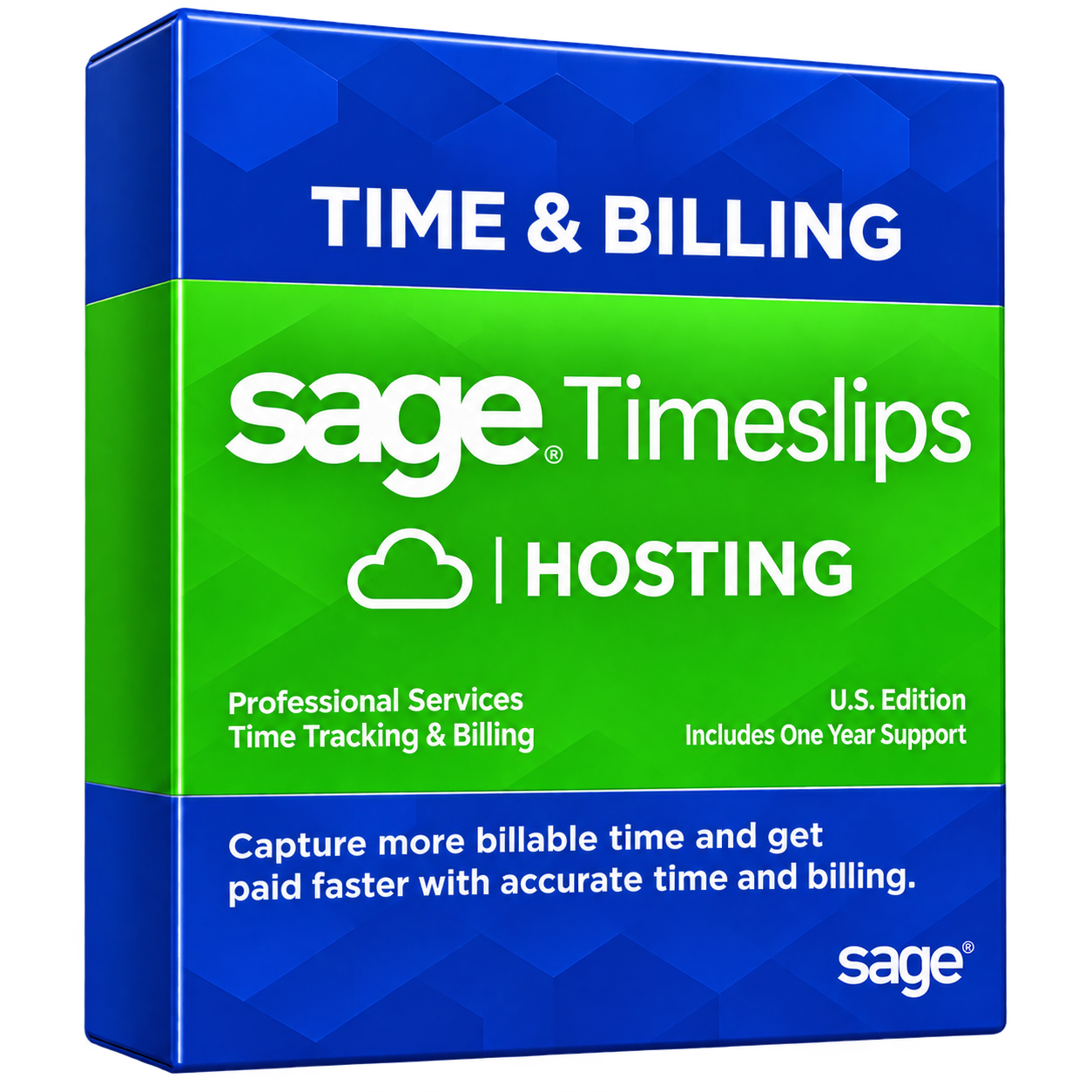
Sage Timeslips software

Sage Timeslips Hosting

Sage Timeslips is designed for law firms, consultants, accountants, and other service professionals who need accurate time tracking and client billing.

Hosting a compatible desktop edition can help authorized employees record billable hours, prepare invoices, and access client billing information remotely.

Explore Sage Timeslips Hosting
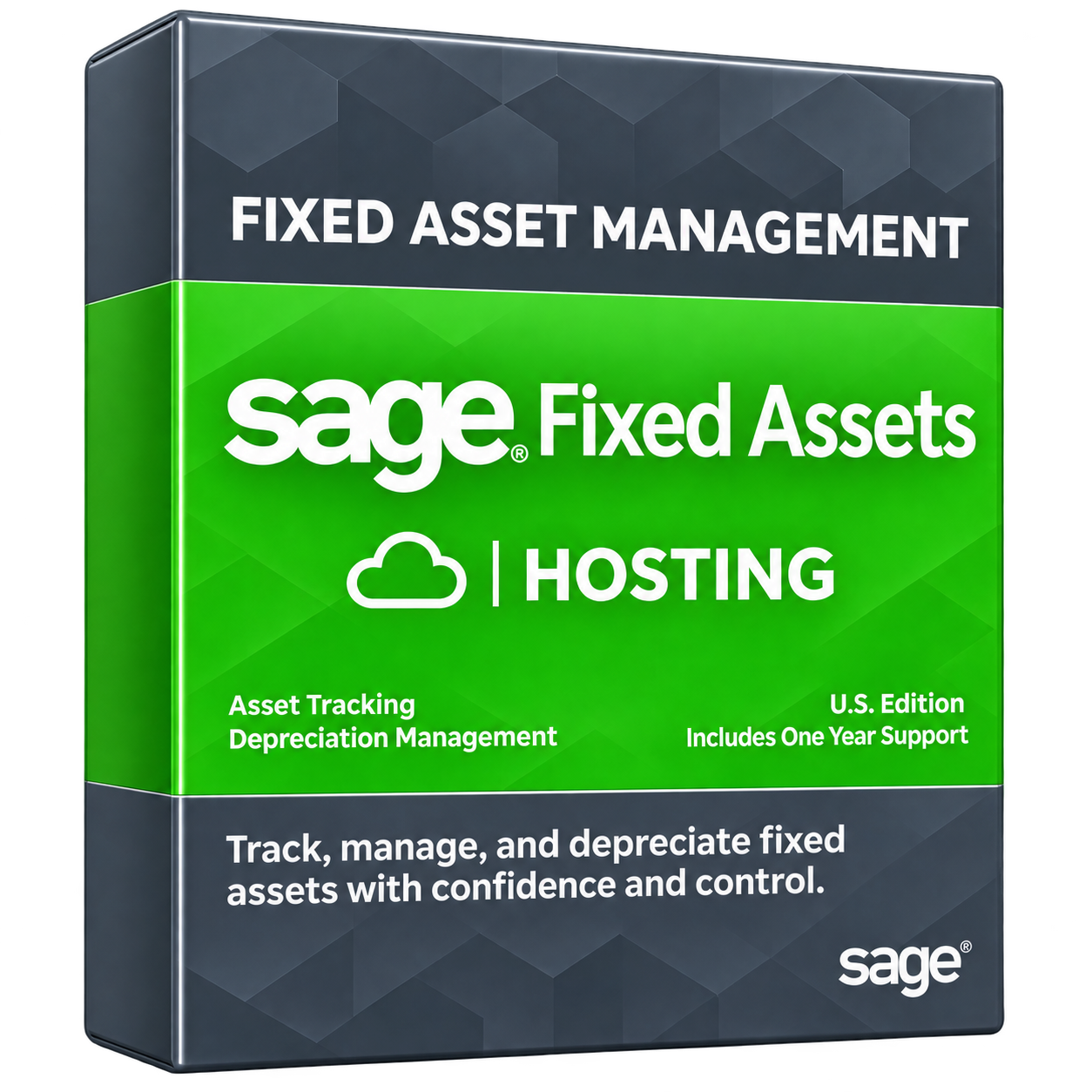
Sage Fixed Assets software

Sage Fixed Assets Hosting

Sage Fixed Assets help accounting teams manage asset records, calculate depreciation, and prepare financial reports.

Cloud hosting can provide authorized employees with centralized access to supported fixed asset applications, making it easier to review asset information and maintain consistent financial records.

Explore Sage Fixed Assets Hosting
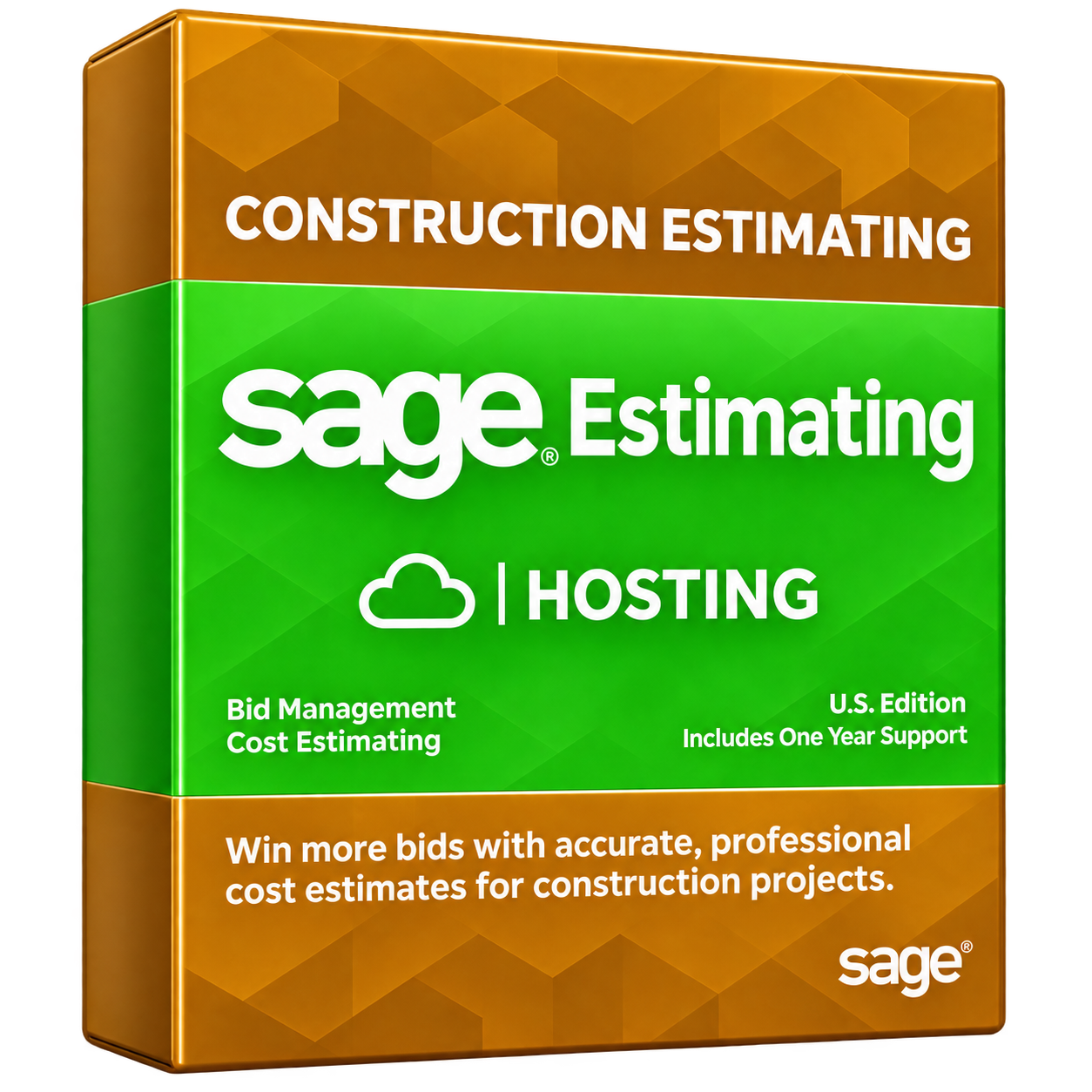
Sage Estimating software

Sage Estimating Hosting

Sage Estimating helps construction professionals prepare project estimates, manage costs, and create detailed bids.

Hosting a supported desktop deployment can help estimating teams access project information and work together across locations while reducing their dependence on individual office computers.

Explore Sage Estimating Hosting

For additional Sage applications, contact QBClouds to confirm hosting availability, software compatibility, and licensing requirements before migration.

Ready to Move Your Sage Applications to the Cloud?

Make your Sage software more accessible with secure cloud hosting from QBClouds. Get help with server setup, application migration, and ongoing technical support while keeping your familiar Sage desktop experience.

to discuss your business requirements and find the right Sage hosting solution.

Secure, Flexible, and Reliable Sage Hosting

Why Choose QBClouds for Sage Cloud Hosting Services?

QBClouds provides secure, flexible, and reliable Sage Cloud Hosting services designed to meet different business needs.

Read moreRead less about why to choose QBClouds for Sage Cloud Hosting

From customized server configurations to round-the-clock technical assistance, we help businesses run their Sage applications efficiently without the complexity of managing their own hosting infrastructure.

Man using a laptop to access cloud-hosted Sage applications

Customized Cloud Hosting Environments

Get a cloud environment configured around your business requirements.

Read moreRead less about customized cloud hosting environments

QBClouds offers flexible CPU, RAM, storage, and user configurations to support different Sage applications and workloads. You can also host compatible business tools and add-ons within the same cloud workspace.

Familiar Sage Desktop Experience

Continue working with the Sage desktop interface you already know.

Read moreRead less about familiar sage desktop experience

Access familiar accounting features, company files, and compatible modules without switching to a completely different platform. Your team can maintain existing workflows while gaining the flexibility of cloud access.

Reliable Cloud Performance

Run your Sage applications on cloud servers equipped with high-speed NVMe storage and resources matched to your workload.

Read moreRead less about reliable cloud performance

QBClouds focuses on responsive application performance, efficient data access, and stable operations, even as your business requirements grow.

24/7 Technical Support

Get assistance whenever hosting-related issues arise.

Read moreRead less about 24/7 technical support

Our technical support team is available 24/7 through phone, live chat, and email. We aim to acknowledge support requests within two minutes and can provide permission-based remote assistance when troubleshooting requires a closer look.

Flexible Hosting Plans

Choose Sage Hosting plans that match your team size, business requirements, and budget.

Read moreRead less about flexible hosting plans

QBClouds offers monthly, half-yearly, and annual billing options, allowing businesses to select suitable resources and adjust their hosting environment as operational needs change.

Free Setup and Migration Assistance

Move your Sage applications to the cloud with guidance from our hosting specialists.

Read moreRead less about free setup and migration assistance

QBClouds assists with server configuration, compatible software installation, company file migration, and user onboarding. We also help test the hosted environment before your team begins regular operations.

Sage Cloud Hosting vs. Local Server Hosting

Choosing between Sage Cloud Hosting and a local server depends on your business size, IT resources, and accessibility needs. Local hosting can work well for businesses with reliable in-house IT support and limited remote access requirements. However, cloud hosting offers greater flexibility for growing teams, remote employees, and businesses operating across multiple locations.

Here's how both hosting options compare:

Comparison of local server hosting and Sage Cloud Hosting across eight features
Features Local Server Hosting Sage Cloud Hosting
Remote Access Usually requires additional remote access setup. Access Sage securely from supported devices anywhere with internet access.
Hardware Requires purchasing and maintaining physical servers. Uses cloud infrastructure without purchasing office servers.
Security Managed by internal IT teams or service providers. Hosting provider manages infrastructure security; customers retain access responsibilities.
Collaboration Remote teamwork may require additional configuration. Centralized access supports authorized multi-user collaboration.
Data Backups Requires locally managed backup solutions. Automated backups and recovery options are available.
Scalability Expansion may require hardware upgrades. Server resources can be adjusted as requirements change.
Maintenance Requires ongoing server updates and troubleshooting. Hosting provider handles underlying server maintenance.
Costs Higher initial hardware expenses and ongoing maintenance. Recurring hosting fees with reduced upfront hardware costs.

Which Hosting Option Is Right for Your Business?

Local hosting remains practical for businesses with stable office-based operations and dedicated IT resources. However, Sage Cloud Hosting may be a better choice if your team needs secure remote access, easier infrastructure management, flexible resources, and collaboration across locations.

Sage Cloud Hosting Security and Data Protection

Protecting sensitive financial information is essential for every business. QBClouds uses SOC 2 Type II–audited infrastructure, advanced security measures, and automated backups to help protect your hosted Sage applications, company files, and business data.

Data Encryption and Secure Access

QBClouds uses 256-bit encryption and secure connections to help protect sensitive information during remote Sage sessions.

Read moreRead less about data encryption and secure access

Encrypted connections reduce the risk of unauthorized access to data transmitted between users and cloud servers, helping businesses manage financial information securely.

Multi-Factor Authentication and User Permissions

Multi-factor authentication (MFA) adds another verification step when users sign in to their cloud environment.

Read moreRead less about multi-factor authentication and user permissions

Individual user accounts and access permissions help businesses control who can access Sage applications and company files. Additional security options may depend on your selected hosting plan.

Automated Backups and Disaster Recovery

Daily automated backups help protect important Sage company files against accidental deletion, corruption, and unexpected technical problems.

Read moreRead less about automated backups and disaster recovery

QBClouds provides backup and recovery options to support business continuity. Regular restore testing is important to confirm that saved data can be recovered when needed.

Firewalls and Continuous Monitoring

Advanced firewalls help block unauthorized network connections, while antivirus and anti-malware protection reduce exposure to harmful software.

Read moreRead less about firewalls and continuous monitoring

QBClouds also uses 24/7 server monitoring to identify suspicious activity and potential performance issues, helping maintain a protected and reliable Sage Cloud Hosting environment.

How Does Sage Cloud Hosting Work With Your Existing Setup?

Moving Sage to QBClouds doesn't require changing your familiar accounting workflows. You can continue using eligible Sage desktop applications and existing company files in a secure cloud environment.

Keep Your Sage License and Business Data

You may continue using your existing Sage license if its edition, version, and licensing terms support cloud hosting. QBClouds helps migrate your company files while preserving your accounting data. Sage software licensing and cloud hosting charges are separate, so any required Sage subscription remains your responsibility.

Access Sage and Compatible Applications Together

Access Sage, Microsoft Excel, Word, financial reports, and supported business add-ons from one centralized cloud workspace. QBClouds helps configure compatible applications to simplify daily operations. Software compatibility and integration requirements are checked before migration.

Move Sage to the Cloud in 4 Simple Steps

Moving your Sage software to the cloud doesn't have to be complicated. With QBClouds, you can migrate your Sage applications and company files in as little as 45 minutes for eligible setups. Our hosting specialists handle the process while helping minimize disruptions to your business operations.

  1. Review Your Sage Software and Requirements

    Read moreRead less about Step 1 — Review Your Sage Software and Requirements

    Our hosting specialists review your Sage edition, software version, number of users, company file sizes, database requirements, and existing integrations. We also check license eligibility and compatibility to determine the right cloud server configuration for your business.

  2. Set Up Your Cloud Environment

    Read moreRead less about Step 2 — Set Up Your Cloud Environment

    QBClouds configures your cloud server with suitable CPU, RAM, and high-speed NVMe storage. We create authorized user accounts, configure access permissions, and establish secure remote connections with appropriate security settings, including multi-factor authentication.

  3. Transfer Your Applications and Data

    Read moreRead less about Step 3 — Transfer Your Applications and Data

    Our team helps back up your existing Sage company files before migration. We install compatible Sage applications, securely transfer your business data, and check file accessibility. Standard migrations can take as little as 45 minutes, although larger files and complex setups may require additional time.

  4. Test, Go Live, and Get Support

    Read moreRead less about Step 4 — Test, Go Live, and Get Support

    Before going live, we help verify financial balances, test user logins, check compatible integrations, and confirm printing functionality. Once everything is ready, your employees can start using Sage in the cloud. QBClouds also provides onboarding assistance and 24/7 technical support for hosting-related issues.

Who Can Benefit From Sage Cloud Hosting?

Sage Cloud Hosting helps businesses across different industries manage financial data, improve accessibility, and support teams working from multiple locations.

Accounting and Bookkeeping Firms

Accounting firms can securely access Sage company files from the office, home, or client locations.

Read moreRead less about accounting and bookkeeping firms

Authorized employees can review transactions, prepare financial statements, and collaborate on client accounts without repeatedly transferring files. Centralized access also helps teams stay organized during tax season and reporting deadlines.

Manufacturing and Distribution Companies

Manufacturers and distributors can use hosted Sage applications to manage inventory, purchasing, production costs, and financial records.

Read moreRead less about manufacturing and distribution companies

Employees across warehouses, offices, and distribution centers can access shared business information, making it easier to coordinate operations, monitor inventory, and manage daily transactions.

Construction and Real Estate Businesses

Construction companies and real estate businesses can access project budgets, job costs, estimates, and financial reports from different locations.

Read moreRead less about construction and real estate businesses

Sage Hosting helps project managers, accountants, and office staff coordinate activities, track expenses, and manage project-related information without relying on a single office computer.

Growing Multi-Location Businesses

Businesses operating across multiple branches can benefit from centralized Sage application hosting.

Read moreRead less about growing multi-location businesses

Authorized employees can access the same cloud environment, share business information, and complete daily tasks from different offices. As the company grows, server resources and user access can be adjusted to support changing business requirements.

Professional using a laptop in a shared cloud workspace PDF reader Microsoft Word Microsoft Excel Adobe Acrobat Reader

Host Sage Add-Ons and Business Applications in One Cloud Workspace

Managing Sage software and related business applications on separate computers can make daily tasks more complicated. With QBClouds, you can access Sage and compatible business tools from one centralized cloud environment, helping your team work more efficiently.

Read moreRead less about hosting Sage add-ons and business applications together

Our Sage Cloud Hosting services support Microsoft Excel, Word, PDF readers, reporting tools, and compatible Sage add-ons. Employees can prepare financial reports, manage spreadsheets, review documents, and work with accounting data without constantly switching between different computers.

Keeping these applications together can simplify workflows, improve file accessibility, and reduce the need for separate software installations across office devices.

Before migration, our hosting specialists help review your application versions, integration requirements, and licensing needs. Some add-ons may require additional configuration or separate licenses to function properly in the hosted environment

Sage Cloud Hosting Pricing and 7-Day Free Trial

QBClouds offers flexible Sage Cloud Hosting plans designed for businesses of different sizes. Hosting costs depend on the number of users, storage requirements, server resources, hosted applications, and billing frequency.

Our standard Sage hosting plans include:

Monthly Plan

$32.99 per user/month.

Half-Yearly Plan

$189 per user/six months.

Annual Plan

$299 per user/year.

Each plan includes secure cloud hosting, daily automated backups, free setup assistance, Microsoft Excel and Word hosting, multi-user access, and 24/7 technical support.

Businesses requiring additional storage, dedicated server resources, or specialized application configurations can request a customized hosting plan. Sage software licenses, certain security options, and other optional services may involve additional charges.

Try Sage Cloud Hosting Free for 7 Days

Not sure which hosting plan is right for your business? Start with our 7-day free trial to explore remote Sage access, cloud performance, and essential hosting features before choosing a paid plan.

Helpful Sage Cloud Hosting Guides and Resources

Explore our helpful guides to learn more about Sage Cloud Hosting, secure remote access, and choosing the right hosting solution for your business.

Frequently Asked Questions About Sage Cloud Hosting

Get 7 days free trial

What Is the Difference Between Sage Cloud Hosting and Sage Cloud Software?

Sage Cloud Hosting runs your existing Sage desktop application on a remote cloud server while keeping its familiar features. Cloud-native products, such as Sage Intacct, are designed specifically for online use and operate differently from traditional Sage desktop software.

Can I Host My Existing Sage Software License?

Yes, you may use your existing Sage license if its edition, version, and licensing terms allow third-party cloud hosting. You must maintain any required Sage subscription. QBClouds can help verify software compatibility and hosting requirements before migration.

Can Multiple Users Access Hosted Sage at the Same Time?

Yes, Sage Cloud Hosting supports multiple authorized users working within the same cloud environment. However, simultaneous access depends on your Sage edition, available user licenses, and server configuration. QBClouds can help configure access according to your business requirements.

Can I Access Sage Cloud Hosting From a Mac or Mobile Device?

Yes, you can access hosted Sage applications from Windows computers, Macs, and compatible mobile devices using a supported remote access client and internet connection. Some features may be easier to use on desktops because Sage applications retain their original interface.

Is Sage Cloud Hosting Secure for Financial Data?

Yes, QBClouds uses SOC 2 Type II–audited infrastructure, 256-bit encryption, multi-factor authentication, firewalls, and automated backups to help protect financial data. Businesses should also maintain strong passwords, manage user permissions, and follow appropriate internal security practices.

Will My Sage Features and Add-Ons Still Work After Hosting?

Most supported Sage desktop features remain available in a properly configured cloud environment. However, third-party add-ons, custom integrations, and connected devices may require additional setup. QBClouds recommends checking compatibility and testing essential functions before completing migration.

How Long Does It Take to Migrate Sage to the Cloud?

QBClouds can complete straightforward Sage cloud migrations in as little as 45 minutes. Actual migration time depends on your software version, company file size, number of users, integrations, and testing requirements. Complex setups may require additional time.

Who Handles Sage Software Updates and Maintenance?

QBClouds manages the underlying cloud server infrastructure, security maintenance, and hosting-related support. Sage application updates may require coordination with your team or Sage software provider, depending on your version, license, and configuration. Responsibilities should be confirmed during onboarding.

How Much Does Sage Cloud Hosting Cost?

QBClouds Sage Cloud Hosting plans start at $32.99 per user per month, with half-yearly and annual billing options available. Pricing may vary based on server resources, storage, and additional services. Sage software licensing costs are separate from hosting fees.

Ready to Get Started With Sage Cloud Hosting?

Move your Sage applications to the cloud with QBClouds and enjoy secure remote access, familiar Sage desktop features, and reliable performance. Our hosting specialists help with server setup, data migration, and onboarding, while 24/7 technical support keeps assistance within reach.

Get started with a hosting solution designed around your business needs.

today and experience the flexibility of Sage Cloud Hosting.

TRUSTED BY 500+

Trusted Partners. Reliable Hosting.

The expertise behind a smooth cloud experience.

Qbclouds brings together technology, infrastructure, and support partners to deliver secure, stable hosting and consistent performance for your business.

  • IDrive
  • Quickbase Authorized Partner
  • Sage 50 Solution Provider
  • Veeam
  • Duo
  • Avalara
  • Oracle NetSuite
  • Wasabi
  • Comm100

Copyright © 2026 QBclouds|