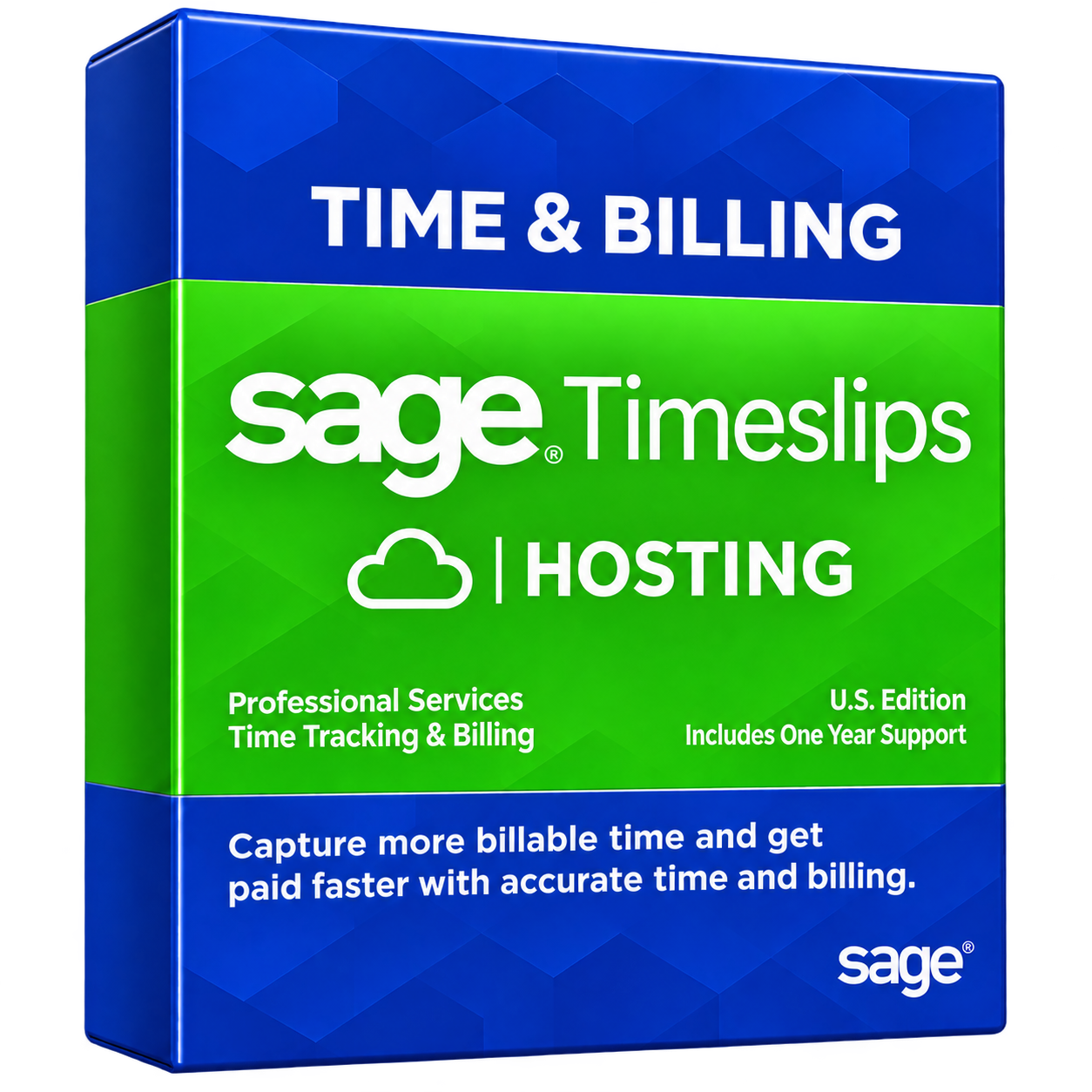
Sage Timeslips Cloud Hosting – Secure Access, Accurate Billing, Anywhere
Simplify time tracking and client billing with QBClouds’ Sage Timeslips Cloud Hosting. Access your software securely from anywhere, manage billable hours, and create accurate invoices. Our Sage Timeslips Hosting solution helps your team stay productive and bill clients faster.

Available
- 99.99% Uptime
- 24/7 Support
- Security
- Backups
- Migration

What Is Sage Timeslips Cloud Hosting?
Sage Timeslips is time tracking and billing software designed for law firms, accountants, consultants, and service businesses. It helps teams record billable hours, track expenses, create customized invoices, and manage client billing in one place.
Read moreRead less
With Sage Cloud Hosting, your desktop software runs on a remote server instead of relying on an office computer. You can access Hosted Sage Timeslips through a secure remote desktop connection and continue working from different locations.
Unlike Sage's native cloud products, Sage Timeslips Premium Hosting keeps the familiar desktop application in a hosted environment. QBClouds provides the hosting infrastructure to help your team work remotely while keeping billing data centrally accessible.
Key Benefits of Hosting Sage Timeslips in the Cloud

 Security
 Backup
 Technical
Support
 Migration
Support
Access Sage Timeslips From Anywhere
With Sage Timeslips Remote Access, your team can manage billing tasks from the office, home, or while traveling.
Read moreRead less
Access your hosted software from compatible laptops, desktops, or tablets with an internet connection, making remote work easier without being tied to one location.
Track Billable Hours and Expenses Accurately
Record time spent on client projects, track expenses, and organize billing details in Sage Timeslips.
Read moreRead less
Accurate time entries help reduce missed billable hours and billing errors. Your team can create detailed invoices based on recorded work, helping clients understand their charges.
Improve Team Collaboration and Productivity
Sage Timeslips Multi-User Access allows authorized team members to work within a shared hosting environment.
Read moreRead less
Employees can update time entries, manage client records, and access billing information based on their permissions. This helps teams stay organized and complete billing tasks without unnecessary delays.
Reduce IT Costs and Scale With Ease
Hosting Sage Timeslips reduces the need to maintain expensive office servers and handle frequent hardware upgrades.
Read moreRead less
QBClouds manages the hosting infrastructure while your team focuses on daily work. You can adjust server resources as your business grows without investing in additional physical hardware.
Powerful Features of Sage Timeslips on QBClouds
Combine Sage Timeslips billing tools with reliable QBClouds hosting infrastructure.
Flexible Time Tracking and Custom Invoices
Sage Timeslips lets you record billable hours, create time slips, and set billing rates for different clients or tasks.
Read moreRead less
Customize invoice layouts to match your business needs and simplify billing workflows. Keep time records organized and prepare accurate invoices without unnecessary manual work.
Client Reporting and Billing Management
Manage client information, review billable activities, and generate detailed reports using Sage Timeslips.
Read moreRead less
Track outstanding balances, review payment records, and monitor billing progress from one place. These tools help you understand client activity, identify unpaid invoices, and make better financial decisions for your business.
Dedicated Cloud Resources and Multi-User Access
QBClouds provides a Sage Timeslips Cloud Server environment designed for remote access and business workloads.
Read moreRead less
Authorized users can access Hosted Sage Timeslips based on their permissions. Flexible server resources help support growing teams and changing workloads while reducing dependence on local office hardware.
Who Can Benefit From Sage Timeslips Cloud Hosting?
Sage Timeslips Cloud Hosting supports businesses with time-based billing needs.
-
Law Firms and Legal Professionals
Track billable hours by case or matter, manage client records, and prepare detailed legal invoices.
Read moreRead less
Access billing information remotely to keep legal work organized and improve billing accuracy.
-
Accountants and CPA Firms
Record staff hours across client engagements, track billable tasks, and create professional invoices.
Read moreRead less
Manage time records efficiently while keeping client billing information accessible to authorized team members from anywhere.
-
Consultants and Service Businesses
Track project hours, record client expenses, and generate invoices based on services provided.
Read moreRead less
Monitor billable work across multiple projects and keep client billing organized as your business grows.




Connect Sage Timeslips With Your Accounting and Payment Apps
Sage Timeslips supports accounting and payment integrations that simplify billing and reduce manual data entry.
Sage 50 and QuickBooks Integration
Connect Sage Timeslips with compatible Sage 50 and QuickBooks Desktop versions to exchange accounting data, manage client balances, and maintain accurate financial records.
Read moreRead less
Compatibility depends on your software version.
LawPay, ClientPay, and AffiniPay Integration
Accept online client payments through supported AffiniPay services, including LawPay and ClientPay.
Read moreRead less
Add payment links to invoices, simplify payment collection, and make it easier for clients to pay.
Run Compatible Business Apps Together
QBClouds lets you host compatible business applications alongside Sage Timeslips.
Read moreRead less
Check software requirements before setup to maintain smooth performance, simplify daily tasks, and support connected workflows across your team.
How QBClouds Helps Protect Your Sage Timeslips Data
QBClouds combines secure cloud infrastructure, advanced access controls, and regular backups to protect sensitive client information.


Data Encryption and Multi-Factor Authentication
QBClouds uses encrypted connections to protect data during remote access.
Read moreRead less
Multi-Factor Authentication (MFA) adds an extra login security layer, helping prevent unauthorized users from accessing your Sage Timeslips software and sensitive billing records.
Automated Backups and Disaster Recovery
Daily automated backups help protect Sage Timeslips data from accidental deletion, corruption, and unexpected failures.
Read moreRead less
Disaster recovery support helps restore important files and business operations, reducing the impact of potential data loss.
SOC 2 Type II Audited Servers and Access Controls
QBClouds uses SOC 2 Type II audited hosting infrastructure with firewalls, server monitoring, and user-based permissions.
Read moreRead less
These security measures help protect client records, control access, and reduce risks from potential cyber threats.
How to Move Sage Timeslips to QBClouds
QBClouds simplifies Sage Timeslips Data Migration with a planned setup process to support a smooth transition.
-
Step 1: Review Your Software and Hosting Needs
Read moreRead less
Our team reviews your Sage Timeslips version, number of users, existing integrations, and storage requirements. We assess software compatibility and recommend suitable cloud resources for your business needs.
-
Step 2: Set Up Your Cloud Environment
Read moreRead less
QBClouds configures a compatible hosting environment based on your requirements. Our team assists with Sage Timeslips Premium Hosting setup and transfers your existing billing records and business data securely.
-
Step 3: Test Access and Start Working
Read moreRead less
We help verify your migrated data, test remote access, and check essential software functions. Once the setup is ready, your team can start using Sage Timeslips in the cloud.
How Much Does Sage Timeslips Cloud Hosting Cost?
Sage Timeslips Cloud Hosting Pricing depends on your business needs, including the number of users, server resources, storage space, support requirements, and additional applications.
At QBClouds, we offer flexible hosting plans based on your setup and workload. Your Sage Timeslips Hosting Cost may vary depending on the resources your team needs.
Keep in mind that Sage Timeslips software licensing and cloud hosting are separate costs. Our team can help you understand your hosting options and choose a suitable plan without paying for unnecessary resources.
Why Choose QBClouds for Sage Timeslips Hosting?
QBClouds provides reliable cloud infrastructure, expert assistance, and flexible hosting solutions to support your business operations.

99.99% Uptime Guarantee
QBClouds offers a 99.99% uptime commitment backed by reliable cloud infrastructure.
Read moreRead less
This helps your team access Sage Timeslips consistently and manage daily billing tasks with fewer service interruptions.
24/7 Technical Support
Get round-the-clock technical assistance from the QBClouds support team.
Read moreRead less
Whether you need help with remote access, server performance, or hosting issues, our experts are available to assist you.
Flexible Hosting Plans and Free Trial
Choose hosting resources based on your users, applications, and business needs.
Read moreRead less
QBClouds offers flexible plans and a 7-day free trial to help you evaluate the hosting experience before committing.
Frequently Asked Questions About Sage Timeslips Cloud Hosting
Can Sage Timeslips Premium Be Hosted in the Cloud?
Yes, Sage Timeslips Premium can run in third-party hosted environments. However, Sage does not officially support these setups. QBClouds can help assess compatibility and provide hosting infrastructure for remote access.
What Is the Difference Between Hosted Timeslips Premium and Timeslips Anywhere?
Hosted Timeslips Premium runs the desktop application on a remote server, while Timeslips Anywhere is a cloud-native product accessed through a browser. Their features, setup requirements, and support options differ.
Can Multiple Users Access Sage Timeslips Remotely?
Yes, multiple authorized users can access hosted Sage Timeslips remotely with the required licenses and server configuration. QBClouds helps configure individual user accounts and permissions for secure access.
Can I Move My Existing Sage Timeslips Data to QBClouds?
Yes, QBClouds can assist with migrating your existing Sage Timeslips data to a compatible hosting environment. The process includes reviewing your setup, transferring files, and checking data accessibility before use.
Does Hosted Sage Timeslips Work With QuickBooks?
Yes, supported Sage Timeslips versions can integrate with compatible QuickBooks Desktop editions. Integration availability depends on software versions and configuration. QBClouds can help review compatibility before setting up your hosting environment.
Get Started With Sage Timeslips Cloud Hosting at QBClouds
Make time tracking and client billing easier with QBClouds. Our hosting experts can review your software compatibility, understand your business requirements, and recommend a suitable cloud hosting plan. Explore secure remote access, flexible resources, and a 7-day free trial to find the right solution for your team.